
Commercial Security Risk Assessment Before You Buy
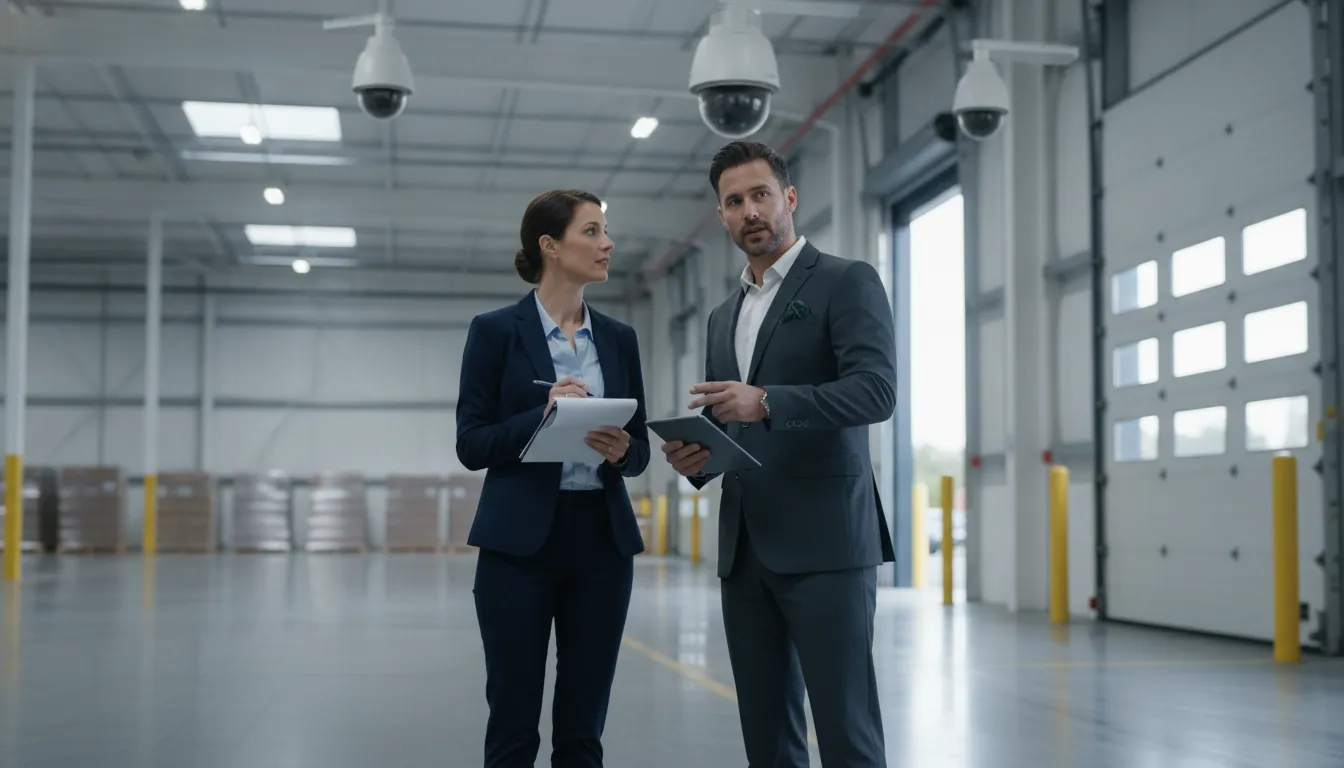
Buying cameras, alarms, access control, or monitoring before understanding a facility’s exposure can leave important gaps in coverage. A commercial security risk assessment gives facility managers a structured way to review the property, people, assets, operating hours, and response plan. That groundwork helps the final system address real conditions instead of a generic equipment list.
Request a custom commercial security assessment
What Is a Commercial Security Risk Assessment?
A commercial security risk assessment is a structured review of a property’s layout, entry points, lighting, people, assets, threats, vulnerabilities, existing controls, and response procedures. InVision Systems uses this site-specific view to connect observed conditions to prioritized improvements. It is a decision tool for planning security, not simply a list of devices or a pass-fail inspection.
For a facility manager, the assessment creates a common picture for operations, security, ownership, and the eventual integrator. It can reveal how an unlocked service door, a shadowed loading area, an unmonitored visitor route, or an unclear after-hours escalation plan may combine into greater exposure.
The process should be specific to the property. An office, dealership, warehouse, hotel, restaurant, manufacturing plant, and multi-tenant building will have different traffic patterns, valuable assets, staff routines, and acceptable operating constraints. The assessment should document those differences before anyone recommends a camera count or alarm package.
NIST’s SP 800-30 risk assessment guidance describes assessment as part of a broader risk-management process that gives decision-makers information for selecting appropriate actions. For physical security, the same principle applies: identify the exposure, understand the consequence, select a proportionate control, and review whether it works.
What Should a Commercial Security Risk Assessment Include?
A practical commercial security risk assessment should include five connected reviews. These are the site layout and boundaries, entry and exit points, lighting and visibility, people and high-value assets, and after-hours exposure with response procedures. InVision Systems uses site-specific conditions such as layout, lighting, ceiling height, and coverage needs as design inputs rather than assuming every property needs the same controls.
- Site layout and boundaries: Map buildings, parking, loading areas, fences, gates, outdoor storage, and restricted zones.
- Entry and exit points: Review doors, windows, vehicle gates, reception areas, delivery routes, emergency exits, and credential requirements.
- Lighting and visibility: Identify glare, shadows, outages, dark approaches, and camera views that may not support useful observation.
- People, assets, and movement: Trace employees, visitors, contractors, deliveries, vehicles, inventory, equipment, records, and other critical assets.
- After-hours exposure and response: Compare occupied and closed conditions, then document who receives an event and what happens next.
These five areas are connected. For example, a valuable inventory area beside a poorly lit loading entrance may need access control, video coverage, lighting, alarm detection, and response. A staff entrance used during business hours may need a different combination.
1. Map the facility layout and perimeter
Start with a current site plan or a physical walkthrough. Mark each building, floor, parking area, loading dock, exterior storage area, fence line, gate, roof access point, and neighboring condition that affects visibility. Note where a person can approach the property, where vehicles can enter, and where staff may not have a clear view.
Do not limit the review to the main lobby. A side door near a parking area, a shared hallway, a rear stairwell, or a delivery entrance may carry more practical exposure than the front door. Record how each route is used, who controls it, and whether the route changes by shift or day of the week.
2. Review entry points and access decisions
List every way people and vehicles enter or leave the property. For each point, ask whether access is public, employee-only, vendor-controlled, tenant-controlled, or reserved for emergencies. Then check how permissions are issued, changed, removed, and reviewed when a person changes roles or no longer needs access.
- Are exterior doors, interior restricted areas, and gates identified separately?
- Can employees, visitors, contractors, and delivery drivers be distinguished in the process?
- Are emergency exits monitored without creating unsafe egress conditions?
- Is tailgating or propped-door activity visible and addressed?
- Can access events be reviewed alongside nearby video when an incident occurs?
Access control is not only about locking a door. It is also about assigning the right permission, creating an activity record, and giving authorized staff enough context to investigate an exception. Where appropriate, a commercial access control system can be evaluated alongside video and alarm requirements.
3. Check lighting, visibility, and camera conditions
Lighting should be reviewed at the times when security matters, not only during a bright daytime visit. Walk parking lots, sidewalks, entrances, loading areas, fence lines, and remote corners after dark if the property operates or faces exposure overnight. Look for glare, strong backlighting, deep shadows, outages, and lighting that does not support useful identification.
Then relate each finding to the intended observation task. A camera view for counting vehicles has different needs from a view intended to verify a person at a door. Ceiling height, mounting position, distance, weather exposure, network infrastructure, and existing coax all affect the practical design. InVision Systems documents these conditions before selecting among IP, HD-TVI, hybrid, wireless, or other commercial security camera options.
4. Identify high-value assets and movement patterns
Make the asset list broader than cash or merchandise. People, vehicles, tools, production equipment, inventory, records, medications, data-handling areas, utilities, and operational infrastructure can all have security importance. Classify each asset by the consequence of loss, damage, unauthorized access, or operational interruption.
Next, trace normal and abnormal movement. Follow an employee from parking to a work area, a vendor from arrival to a receiving point, a visitor from reception to an approved destination, and a delivery from the gate to storage. Note where supervision ends, where credentials are checked, where a person can change direction, and where video or access records would help clarify an event.
This approach also keeps the assessment useful for staff safety. A system should support the facility’s real procedures without creating avoidable bottlenecks, privacy concerns, or unsafe workarounds. Document who needs visibility, who needs control, and who needs an alert for each sensitive area.
How Does After-Hours Exposure Change the Assessment?
After-hours exposure changes a commercial security risk assessment because staffing, visibility, access behavior, and response time may differ sharply when a property is closed. InVision Systems recommends evaluating the facility’s actual operating pattern, including cleaning, maintenance, deliveries, lone workers, vacant areas, overnight lighting, and remote locations, rather than treating a daytime walkthrough as the full picture.
- Reduced staffing: Identify who is present, where they work, and whether a lone worker may need a different escalation path.
- Service and vendor access: Document scheduled and unscheduled maintenance, cleaning, deliveries, and temporary credentials.
- Vacant areas: Review closed offices, storage rooms, production areas, parking, and exterior zones that receive less attention overnight.
- Arming and access routines: Confirm who arms alarms, secures doors, checks exceptions, and handles a missed step.
- Overnight visibility: Recheck lighting, camera views, environmental conditions, and network or power dependencies.
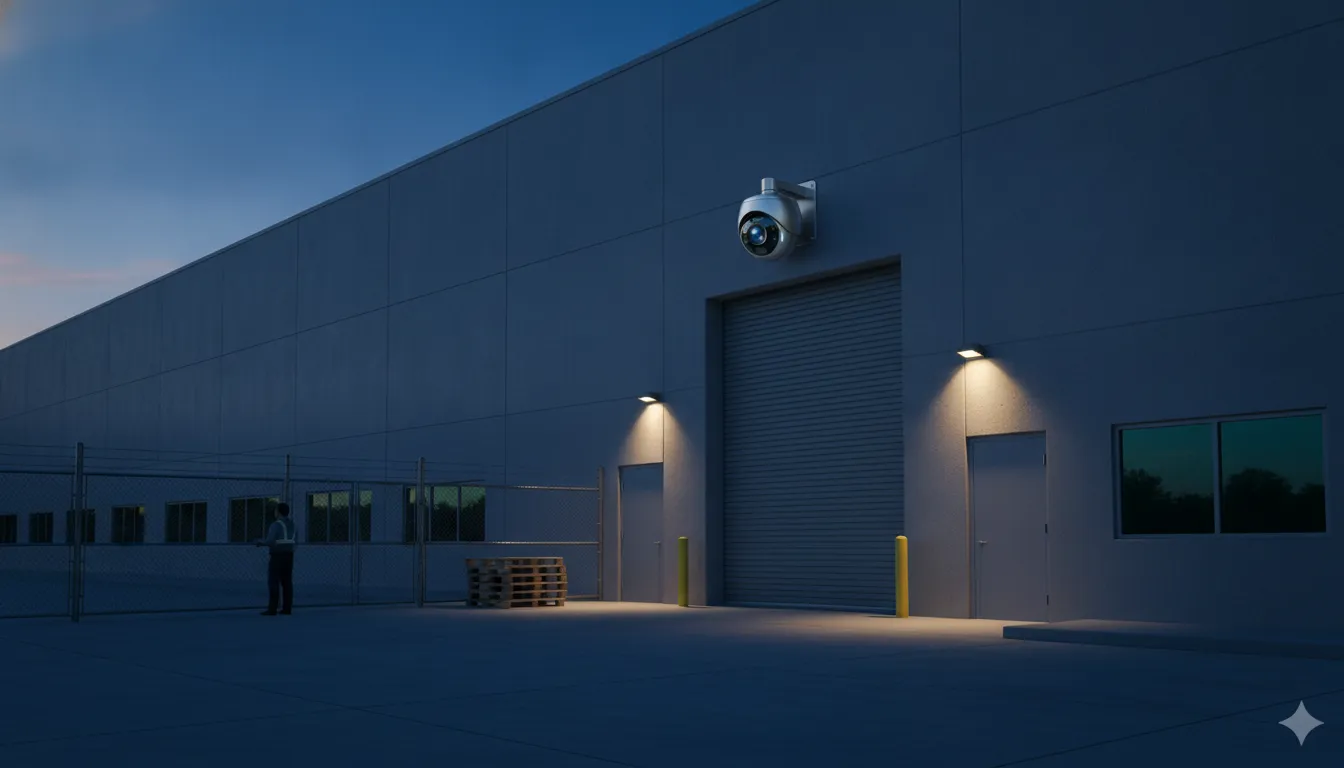
Ask what happens when the expected routine changes. A late shipment, an employee working overtime, a storm, a power interruption, or an open gate can create an exception that the security plan must recognize. The goal is not to eliminate every operational variation. It is to make important variations visible and assign an appropriate response.
How Should a Business Prioritize Assessment Findings?
A business should prioritize assessment findings by considering consequence, likelihood, exposure, existing controls, and the feasibility of a response. InVision Systems’ custom design process is intended to translate site observations into a proposal and implementation sequence. A clear risk register helps managers address the highest-impact gaps first without treating every observation as an emergency.
| Area or asset | Observed vulnerability | Exposure | Priority question | Possible control category |
|---|---|---|---|---|
| Rear loading entrance | Limited visibility and inconsistent door control | Unauthorized entry during deliveries or after hours | Could an event go unobserved or unverified? | Lighting, video, access control, alarm, response procedure |
| High-value inventory | Storage area shares a route with routine traffic | Unnecessary access or unclear accountability | Who should enter, and can the event be reviewed? | Restricted access, audit records, camera coverage |
| Remote parking area | Few staff nearby after closing | Delayed awareness of trespass or safety concern | Who receives an alert and verifies it? | Video analytics, lighting, alarm, remote oversight |
| Visitor route | Guests can move beyond reception without a clear handoff | Uncontrolled movement through occupied areas | Can staff distinguish an approved visitor from an exception? | Visitor process, intercom, access control, video |
This table is an example, not a universal scoring standard. A useful report should name the observation, explain the likely consequence, identify the current control, assign an owner, and recommend a next step. CISA’s Interagency Security Committee Risk Management Process similarly emphasizes identifying and analyzing threats, vulnerabilities, and consequences before selecting countermeasures. Its federal-facility scope does not make its requirements universal for private businesses, but its site-specific logic is a useful reference.
Which Security Controls Should Follow the Assessment?
The assessment should determine which controls fit the documented exposure, operating model, and response capability. A commercial facility may need one control or several coordinated layers. InVision Systems provides commercial services that can combine video, alarms, access control, phone entry, cloud or on-premise management, and remote oversight when those options fit the site and proposal.
- Detection: Cameras, analytics, intrusion sensors, and other devices identify activity or an exception.
- Verification: Video, access records, audio, or an operator review can add context before a response decision.
- Deterrence and intervention: Lighting, controlled entry, speaker systems, or remote human intervention may address specific exposures.
- Response: Alarm escalation, emergency contacts, documented procedures, and coordination with the responsible parties make an event actionable.
- Continuity: Storage, power, network, maintenance, training, and support requirements should be part of the plan.
For properties that need coordinated systems, InVision Systems’ commercial security services can be evaluated after the assessment clarifies the facility’s requirements. A camera by itself does not define who acts on an event, and an alarm without an understood response may not solve the underlying operational gap.
Virtual Guarding may be relevant for selected outdoor or after-hours exposures. The company describes capabilities including analytic detection, remote monitoring, live video verification, and audio intervention. Confirm the exact scope, availability, escalation path, and response terms in the proposal. Do not assume that a particular monitoring arrangement or result applies to every facility. Learn more about Virtual Guarding as one possible layer to discuss with a qualified integrator.
What Should You Ask Before Buying a Security System?
Before buying, ask the integrator to show how its recommendation maps to your assessment findings. InVision Systems describes a four-stage process of on-site consultation, custom design and planning, professional installation, and training and support. Those stages provide a useful model for evaluating whether a proposal covers the full operating life of the system, not just the initial equipment list.
- Which observations led to each recommended camera, sensor, reader, alarm, or monitoring function?
- Which areas are intentionally outside the proposed coverage, and why?
- How will existing cameras, coax, network cabling, power, or other infrastructure be handled?
- Who receives alerts, verifies events, and owns the next action during and after business hours?
- How are employee, visitor, contractor, and emergency access requirements represented?
- What training, documentation, maintenance, and technical support are included?
- How can the system scale if the facility changes, adds a location, or changes its operating hours?
- Which assumptions, integrations, response terms, and ongoing costs should be confirmed in writing?
A proposal should be specific enough for a manager to compare the recommended controls with the risk register. It should also be honest about limitations, dependencies, and items that require customer or third-party action. InVision Systems reports that its products are tested through an R&D process before deployment and that technicians double-check requirements during installation. Treat those as company-described practices to verify in the engagement, not as a substitute for reviewing the proposal.
For a new business, expansion, or major renovation, ask how structured wiring and network pathways will support cameras, access devices, alarms, and future additions. The right infrastructure plan can be part of the assessment discussion even when the immediate purchase focuses on another control.
For businesses in Chicagoland, Northern Illinois, Southeast Wisconsin, and Northwest Indiana, local operating knowledge can also matter when planning access, installation timing, support, and future changes. Availability varies by site, so confirm service coverage and scheduling directly with the provider.
Discuss your facility’s security assessment with InVision Systems
Frequently Asked Questions
What are the five steps of a commercial security risk assessment?
A practical five-step model is to define the scope, map the property and entry points, identify assets and threats, inspect vulnerabilities and existing controls, then prioritize recommendations with owners and follow-up dates. The exact process can vary by facility, industry, jurisdiction, and the provider conducting the assessment.
What is an example of a commercial security risk assessment?
For example, a facility may find that a rear loading entrance is poorly lit, used by vendors, and outside the normal receptionist view. The report would document the condition, explain the after-hours exposure, review existing controls, assign a priority, and recommend a combination of lighting, access, video, alarm, and response changes for the manager to evaluate.
How often should a business conduct a security risk assessment?
Review the assessment when the facility, staffing, hours, tenants, inventory, layout, or security system changes. Many organizations also schedule periodic reviews based on their risk profile. There is no single interval that applies to every private business, so confirm expectations with the responsible security, operations, insurance, and compliance stakeholders.
What is the difference between a security assessment and a security system quote?
A security assessment documents the property’s risks, vulnerabilities, people, assets, operating patterns, and response needs. A system quote translates selected findings into equipment, installation, configuration, monitoring, support, and other proposal details. The assessment should come first so the quote can be evaluated against an explicit business need.
Should a business hire a professional to conduct the assessment?
A facility team can document many observations internally, but a qualified security integrator can add experience with coverage, access, alarm, infrastructure, integration, installation, and support decisions. Whether outside help is appropriate depends on the property’s complexity, risk, internal expertise, and the type of system being considered.