
Home Security System Chicago: A Homeowner’s Buying Guide
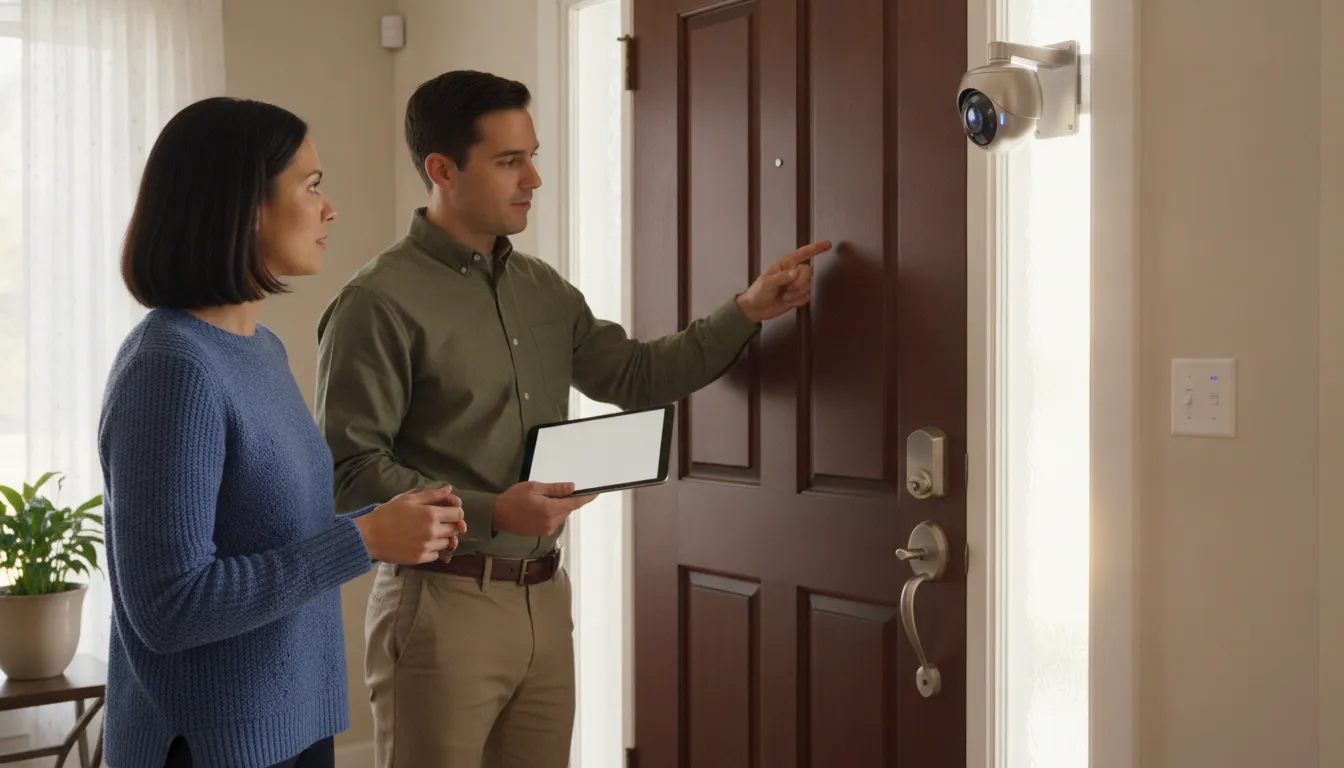
Choosing a home security system in Chicago starts with the property, not a device count. A downtown condo, a Chicago bungalow, and a suburban home with a detached garage can have very different entry points, sightlines, lighting, and daily routines. The strongest plan combines the right layers and keeps them practical for the people who use them.
Discuss a residential security assessment for your home
The best home security system Chicago homeowners can choose is a customized combination of alarms, strategically placed cameras, controlled entry, monitoring, and professional installation. A property assessment identifies vulnerable doors, windows, outdoor areas, lighting conditions, and household priorities before equipment is selected.
This guide explains what each layer does, when professional design adds value, and which questions to ask before choosing a residential security provider. The goal is a coordinated system that helps detect activity, provide useful visibility, control entry, and support an appropriate response.
What Should a Home Security System in Chicago Include?
A complete residential security system should match how a home is occupied, accessed, and exposed. The design may include several technologies, but each component should have a defined job. Cameras can provide visual context, alarms can identify an intrusion attempt, access controls can manage entry, and monitoring can add oversight after an alert.
Burglar alarms for immediate detection
Door and window contacts, motion sensors, glass-break detection, and a central alarm panel can identify an intrusion attempt even when a camera does not have a useful view. A professional design can account for primary entrances, basement windows, patio doors, and detached garages. Review burglar alarm systems as one layer of a broader residential plan.
Cameras for visibility and verification
Cameras can provide context around front and rear doors, driveways, walkways, garages, and other exterior areas. Depending on the property, a system may use IP, HD-TVI, analog, wireless, or hybrid equipment. Night vision, people detection, line crossing, and intrusion detection may be useful when selected for a specific coverage goal. InVision’s security camera systems can be evaluated around the home’s layout and lighting.
Access control for safer entry
Residential access control may include smart locks, controlled gates, video doorbells, phone entry, or a managed entrance to a detached structure. These options can help households with multiple residents, frequent deliveries, caregivers, or shared entrances. Consider access control systems alongside cameras and alarms so convenience does not create an unmonitored gap.
Monitoring and remote access
Cloud-connected systems can let authorized homeowners review activity and manage selected functions remotely. Monitoring choices should clarify who receives alarm signals, what events are covered, and what happens after an alert. Some properties may also benefit from virtual guarding, which can use existing cameras, AI-assisted human detection, and remote human voice intervention through speaker systems. Suitability depends on the property and service design.
InVision Systems designs and supports residential security systems across Chicago, nearby suburbs, Northern Illinois, Northwest Indiana, and Southeast Wisconsin. A site assessment can identify the right balance of alarms, cameras, entry controls, and remote access.
How Do You Choose the Right Security Cameras and Alarms?
Cameras and alarms answer different questions. Cameras help you see what is happening, while alarm devices identify a suspected intrusion and create an alert. Using both can provide a fuller view of activity around a Chicago-area home. The correct mix depends on the property and household priorities, not on reaching a particular camera count.
Map the areas that matter most
Start with front and rear doors, a driveway, detached garages, side yards, basement entries, and other areas that are difficult to observe from inside. Note where lighting changes, where landscaping blocks a view, and where an alert would matter most. Camera placement should cover meaningful approach routes without creating unnecessary overlap.
Viewing distance, mounting height, glare, shadows, and nighttime conditions affect whether footage is useful. A camera selected only by resolution may perform poorly if it is aimed at headlights or placed too far from the subject. Coverage and positioning should come before equipment quantity.
Use alarms to protect entry points
Alarms protect doors, windows, and monitored zones that may be outside a camera’s view. Contacts and motion detection can provide an alert in low-light areas or inside rooms where a camera is not appropriate. When comparing alarm options, consider how residents move through the home and how the system should behave when the home is occupied.
Define the response to each alert
A useful plan considers what happens after detection. A camera alert may prompt a homeowner to review footage. An alarm may trigger a monitoring workflow. A controlled entry event may require a user to verify a visitor. Write down who receives notifications, who can access footage, and what the household should do when an alert is genuine or unexpected.
Why Does Professional Security System Design Matter?
Standard equipment packages can be useful, but they do not account for every entry, sightline, lighting condition, ceiling height, or family priority. Professional design begins with the property and translates those conditions into a system in which each component has a clear purpose.
The property determines the coverage plan
An assessment should consider primary entrances, side and rear doors, garage access, basement windows, stairways, driveways, and exterior approaches. The installer also needs to evaluate mounting surfaces, obstructions, power, network performance, and the difference between daytime and nighttime visibility. This reduces the risk of installing devices where they are convenient instead of where they are useful.
The design should reflect household priorities
One homeowner may focus on package deliveries and the front entry. Another may prioritize a detached garage, a large yard, a basement, or controlled access for service providers. Discussing these priorities helps create a system that residents can operate consistently. InVision’s residential security services approach considers the wider property rather than treating one device as the entire solution.
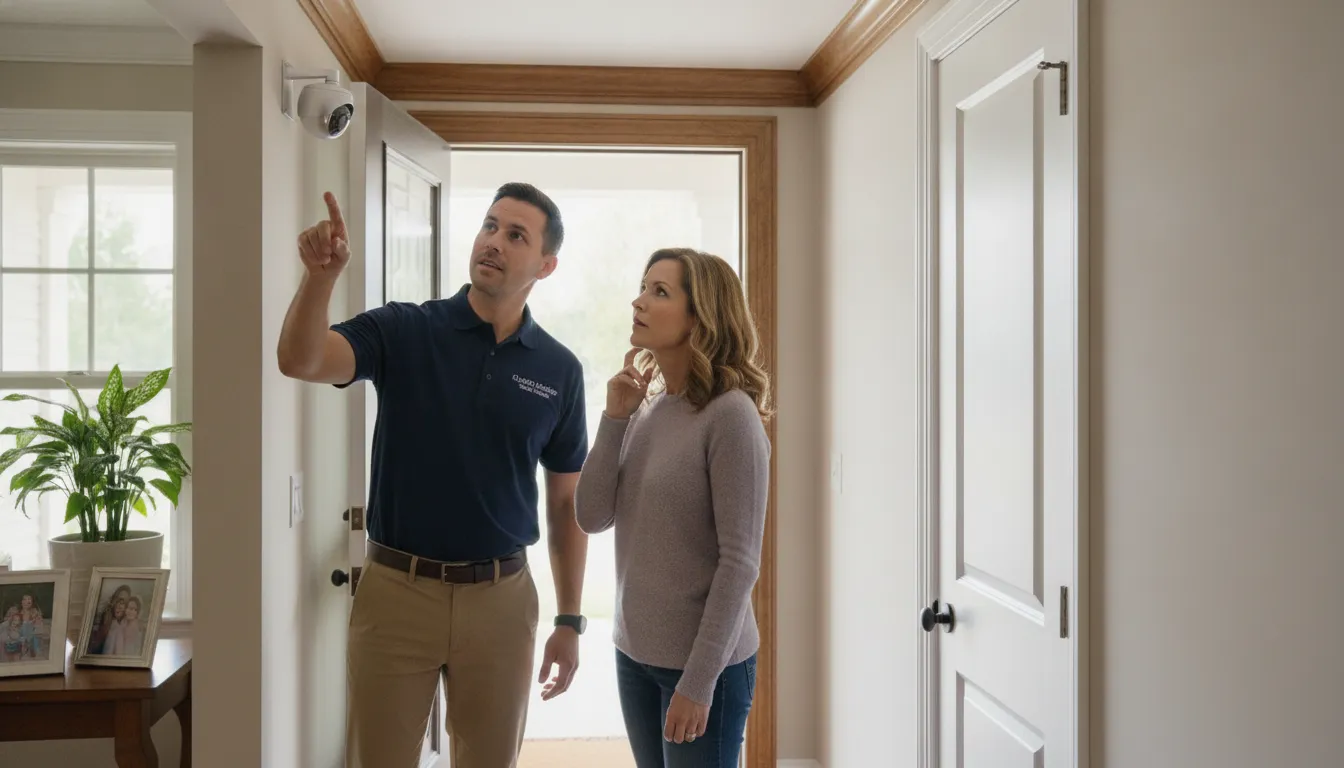
Professional planning also creates a clearer basis for discussing equipment, placement, configuration, and future needs. Rather than guessing which package will work, homeowners can identify the areas that need attention and request a recommendation built around the home.
Is Professional Installation Better Than DIY for Chicago Homes?
DIY security equipment can be practical for a smaller home with straightforward entry points, reliable Wi-Fi, and a homeowner who is comfortable mounting devices and managing an app. It can also make it easy to start with a limited number of sensors or cameras.
Professional installation becomes more valuable when a home has several entrances, detached structures, multiple floors, difficult exterior surfaces, or a mix of cameras, alarms, locks, and other controls. The difference is not simply who mounts the device. It is whether the system is planned, configured, tested, and explained as one working solution.
A typical professional installation process
- Assessment: Review the home’s layout, entry points, exterior areas, lighting, existing equipment, and household priorities.
- Design: Turn the assessment into a plan showing equipment, locations, connectivity, integration points, and future expansion options.
- Installation: Mount equipment, connect power and wiring, position cameras, and install sensors and control devices correctly.
- Configuration and testing: Configure alerts, recordings, sensors, user permissions, and remote access. Test coverage and unwanted triggers.
- Homeowner training: Show residents how to arm and disarm the system, review footage, manage notifications, and handle common issues.
- Ongoing support: Adjust the system when remodeling, landscaping, household routines, or security priorities change.
DIY is not automatically inadequate, and professional installation is not a substitute for choosing suitable equipment. The right choice depends on property complexity, technical comfort, and the level of support desired after setup.
What About Monitoring, Access Control, and Remote Management?
A security system should remain useful when residents are away, not only when someone is standing in front of a camera or keypad. Monitoring, access control, and remote management solve different problems. Together, they can help homeowners understand what is happening, control who can enter, and respond more consistently when an event needs attention.
Monitoring beyond a notification
An app notification can tell a homeowner that a door opened, motion was detected, or an alarm was triggered. The homeowner still needs to review the alert and decide what to do. Before selecting a monitoring plan, ask who receives alarm signals, which events are covered, how notifications are handled, and what happens if internet or household power fails.
Remote access for everyday control
Cloud-connected systems may allow homeowners to view cameras, receive alerts, and manage selected functions while away. Ask whether remote access applies to every device or only certain components. Also clarify how user permissions, temporary access, passwords, and software updates are managed. Remote control is most useful when the household has a clear response plan.
Access control and virtual guarding
Residential access control may help manage a driveway gate, exterior door, detached garage, or shared entrance. Virtual guarding may fit some properties that need remote human voice intervention through speakers and camera-based detection. InVision describes virtual guarding as a proactive option that should be evaluated against the property’s layout, equipment, and monitoring objectives. It is not an automatic substitute for every residential security need.
How Much Should a Home Security System Cost?
A responsible estimate for a home security system in Chicago should reflect the home’s coverage needs and the work required to install and support it. Instead of comparing a package price or device count, compare proposals across these four categories:
- Coverage: Doors, windows, driveways, garages, yards, basements, and other priority areas.
- Equipment: Cameras, alarm sensors, control panels, communication devices, and any access controls needed.
- Installation: Mounting, wiring, network or power requirements, configuration, testing, and homeowner training.
- Ongoing service: Monitoring, remote access, maintenance, support, and future changes.
What changes the price of a residential security system?
System scope changes with the home’s size and layout, the number and type of entry points, detached structures, mounting surfaces, lighting, existing wiring or network conditions, and whether cameras, alarms, access controls, and monitoring need to work together. More devices do not automatically mean better protection. The goal is purposeful coverage and a system residents can use consistently.
How should Chicago homeowners compare security quotes?
Ask each provider to show the recommended coverage, device locations, installation tasks, configuration, training, monitoring, support, and future expansion in writing. Confirm which items are one-time costs and which are recurring. If budget flexibility matters, ask which payment options, if any, apply to your residential project rather than comparing only a device count or introductory price.
InVision Systems can evaluate the property and recommend a residential plan built around its layout and the household’s priorities. Learn more about residential security services or request a residential security assessment.
Discuss your Chicago home security needs with InVision Systems
Frequently Asked Questions
What is the best home security system for a Chicago homeowner?
The best system is the one designed around the home’s entry points, lighting, layout, occupancy, and priorities. Many homes benefit from coordinated alarms, cameras, controlled entry, remote access, and an appropriate monitoring plan.
Do I need both cameras and an alarm system?
Cameras and alarms provide different types of protection. Cameras offer visual context, while alarms can detect activity at doors, windows, and monitored zones that may not be visible on camera. A professional assessment can show where both layers add value.
Is professional installation worth it for a residential system?
It can be valuable when a property has multiple entrances, detached structures, difficult sightlines, or several technologies that need to work together. Professional design also includes configuration, testing, and homeowner training.
Can a home security system be monitored remotely?
Many cloud-connected systems allow authorized users to view cameras, receive alerts, and manage selected functions remotely. Ask which devices support remote access and how user permissions, outages, and alert response are handled.
How should I compare security system proposals?
Compare the proposed coverage, device locations, integration, installation scope, training, monitoring, support, and expansion options. A lower device count or lower initial price does not necessarily provide better protection for the property.