
Security Camera Cybersecurity: A Business Guide
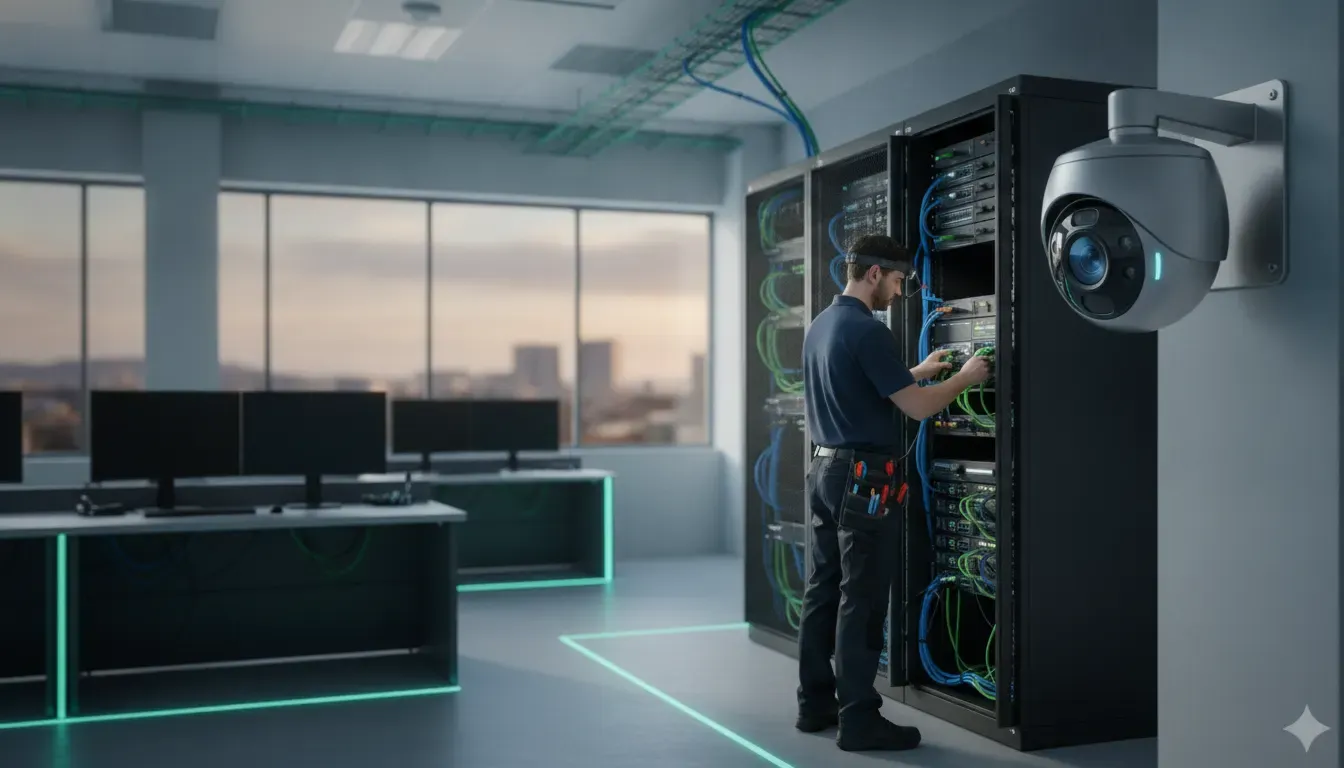
A business video system can protect a facility while also creating another connected environment to manage. IP cameras, NVRs, cloud video platforms, remote viewing accounts, and access-control devices all depend on software, networks, credentials, and vendors. Security camera cybersecurity is the practice of reducing those exposures without losing the visibility your team needs.
Request a custom security assessment for your business
The goal is not to promise that any camera system is impossible to compromise. A better goal is to make unauthorized access harder, limit the damage if one device or account is affected, and give your team a clear way to detect and respond to unusual activity.
Why does security camera cybersecurity matter to a business?
Security camera cybersecurity matters because a video system is more than a collection of lenses. It may connect to a business network, store sensitive footage, expose remote-management accounts, and exchange data with access control or cloud services. Weak settings can affect confidentiality, system availability, and confidence in recorded evidence.
Businesses also have different risk profiles. A retail store may prioritize customer privacy and point-of-sale areas. A manufacturer may need to protect production floors, loading areas, and intellectual property. A multi-location company may need consistent permissions and reporting across sites. The safeguards should follow the facility, the people who use the system, and the way the system is connected.
- Confidentiality: limit who can watch live video, review recordings, export clips, or change system settings.
- Integrity: protect camera configuration, timestamps, user permissions, and recorded evidence against unauthorized changes.
- Availability: keep cameras, recording, alerts, and remote access usable when the business needs them.
The peer-reviewed review of IP-based video surveillance security describes these systems as connected environments with distinct assets, deployment models, attack paths, and consequences. That is why a cybersecurity review should include the camera, recorder, client applications, network, cloud account, and related devices rather than focusing on only one component.
What should a business inventory before hardening its video system?
A useful security camera cybersecurity program begins with an accurate inventory. Record every camera, NVR or DVR, VMS server, cloud tenant, mobile application, remote-access method, switch, wireless bridge, access-control connection, and administrator account. Include the model, firmware version, location, owner, support status, and whether the device is reachable from outside the site.
Use the inventory to answer practical questions:
- Which devices record locally, and which send footage to a cloud platform?
- Which accounts can view video, export evidence, change settings, or create users?
- Does any camera, recorder, or management interface have direct internet exposure?
- Which devices share a network with employee computers, point-of-sale systems, building controls, or production equipment?
- Where are backups stored, how long are they retained, and who can restore them?
- Which vendor or integrator receives support access, and how is that access approved and removed?
An inventory also exposes abandoned equipment. A former recorder, unused remote-viewing account, or unsupported camera can remain connected after the original project has been forgotten. If a device has no clear owner or business purpose, document it for isolation, replacement, or removal.
How should businesses control accounts and permissions?
Account controls are often the fastest security improvement because they reduce the chance that an old, shared, or overpowered credential opens the entire video environment. Give each person an individual account, assign the least privilege needed for the job, and review access when roles change. Avoid treating the installer, manager, operator, and auditor as the same user.
Use individual accounts and strong authentication
- Replace default usernames and passwords before a camera or recorder is placed in service.
- Use long, unique passwords for local administrator accounts and cloud tenants.
- Enable multifactor authentication for cloud accounts, remote-access portals, and administrator identities when the product supports it.
- Do not share administrator credentials through email, text messages, or informal notes.
- Use a documented break-glass account only when necessary, and protect its use with approval and logging.
Match permissions to responsibilities
An operator may need live view and limited playback. A manager may need evidence export. A technician may need configuration access during an approved service window. An employee who only needs a door credential should not automatically receive access to every camera feed. When video and access control are connected, review permissions in both systems so one broad role does not bypass the intended separation.
The Federal Trade Commission’s camera security guidance also recommends strong unique passwords, software updates, built-in security features, and careful management of remote viewing and livestream sharing. Its audience is consumers, but the account principles apply to business systems as well.
Should cameras and NVRs be isolated on the network?
In most business environments, cameras and recording equipment should be placed on a carefully controlled network segment instead of sharing unrestricted access with ordinary user devices. Segmentation can limit how far an attacker moves if one device, account, or workstation is compromised. It is a risk-reduction measure, not a guarantee that a system is secure.
Work with the business’s IT or network provider to evaluate a dedicated VLAN or equivalent segment for cameras, recorders, and related devices. Define only the traffic that is required, such as camera-to-recorder communication, approved management access, time synchronization, DNS, vendor services, and authorized remote viewing. Block unnecessary inbound connections and avoid exposing camera or NVR administration pages directly to the public internet.
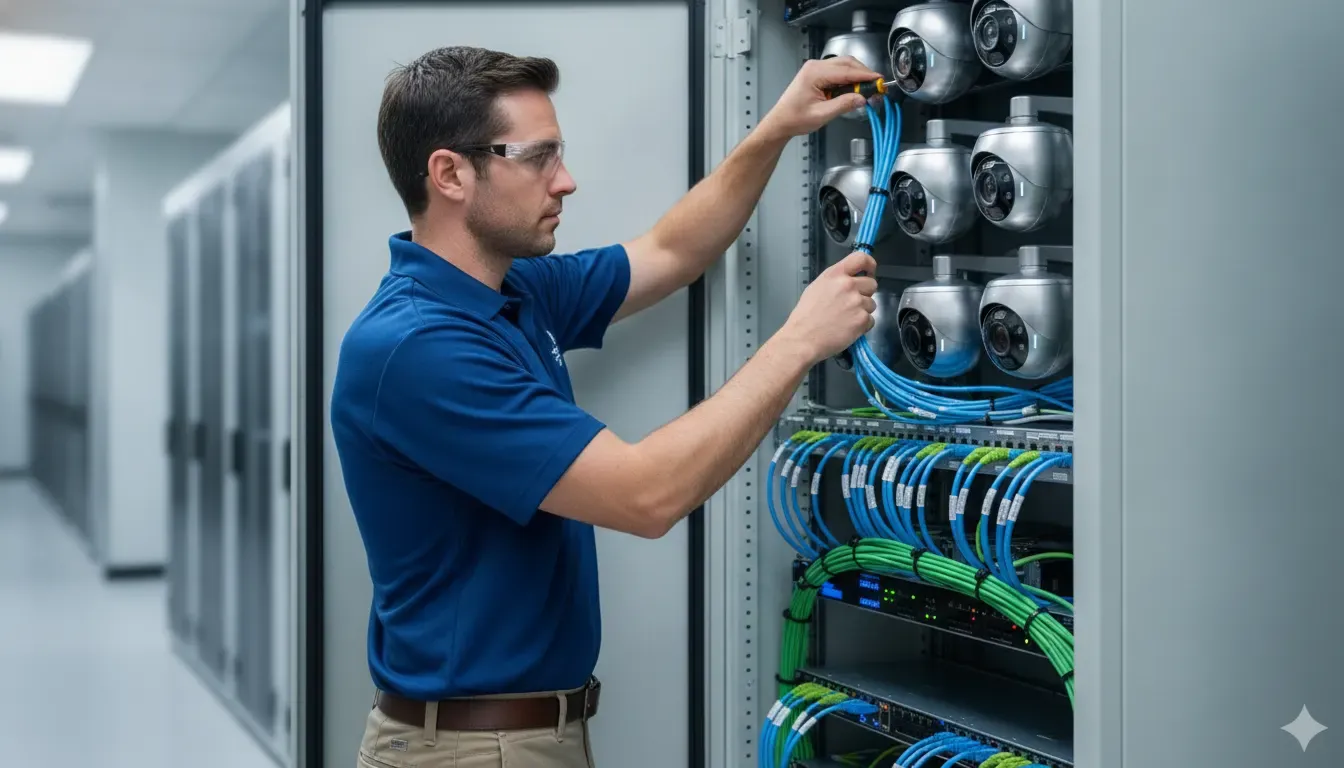
The Cybersecurity and Infrastructure Security Agency’s segmentation guidance explains how separate network segments create boundaries that can reduce the impact of threats moving between environments. For a business camera deployment, the exact design should account for the existing firewall, switches, wireless links, recorder architecture, and operational requirements.
Review remote access carefully
Remote viewing can be valuable for managers and security teams, but convenience should not mean universal exposure. Prefer vendor-supported secure access methods, VPN connections, or a managed remote-access design that does not publish an administration port directly to the internet. Remove unused port forwards, review remote-access logs, and require approval for third-party support sessions.
How do firmware and vendor practices affect camera security?
Firmware and vendor planning are part of security camera cybersecurity because a device can be correctly installed yet become exposed after a vulnerability is discovered. Maintain a record of current firmware, supported versions, update procedures, release notes, and the person responsible for reviewing vendor advisories. Updates should be tested and scheduled so the business does not lose needed recording or coverage unexpectedly.
Ask vendors and integrators practical questions before choosing or expanding a system:
- How are security advisories communicated?
- How long does the manufacturer support each model and firmware branch?
- Can updates be staged, rolled back, or scheduled during a maintenance window?
- Are administrator actions, login events, configuration changes, and remote support sessions logged?
- What happens to accounts, footage, and configurations if a cloud service or vendor relationship ends?
- Which functions require internet access, and which can operate locally?
Do not assume that automatic updates are always available or appropriate for every camera, NVR, VMS, or access-control controller. At the same time, do not leave unsupported devices connected indefinitely because replacement planning was never assigned. A lifecycle plan should identify equipment that needs an update, compensating controls, isolation, or replacement.
What should businesses know about encryption and stored video?
Encryption helps protect video and management traffic while it moves across networks, and it can help protect stored data when supported by the platform. Confirm what the specific camera, recorder, cloud service, mobile app, and remote-access method actually encrypt. Avoid assuming that a product’s general security label means every connection, recording, export, or integration has the same protection.
During a system review, document:
- Whether browser and mobile connections use HTTPS or another vendor-supported protected channel.
- Whether remote connections use a VPN or an approved secure gateway.
- Whether local storage, cloud recordings, exported clips, and backups are encrypted at rest.
- Who controls encryption keys or recovery credentials, where applicable.
- How exported evidence is transferred, stored, shared, and eventually deleted.
| Control area | Primary purpose | Business review question |
|---|---|---|
| Access control | Limits who can view, export, or change video | Are users individual, current, and limited to the access they need? |
| Network segmentation | Reduces unnecessary paths between devices | Can cameras and recorders communicate only with approved systems? |
| Encryption | Protects supported traffic and stored data | Which connections, recordings, exports, and backups are actually encrypted? |
Encryption does not replace access control, segmentation, patching, or monitoring. It is one layer in a larger design. InVision Systems’ cloud video surveillance service information describes options such as local and off-site recording, encrypted transmission and storage, and centralized management. Confirm the selected configuration and its responsibilities in the final system plan.
How should a business log, monitor, and back up video systems?
Logging turns a security control into something a team can review. Collect available records for successful and failed logins, new users, permission changes, configuration edits, firmware changes, remote support, camera disconnections, recording failures, and unusual exports. Send important events to a monitored location when the system supports it, and define who reviews them and how often.
A backup plan should cover more than recorded footage. Protect configuration exports, camera maps, recorder settings, access-control data, recovery codes, and documented network rules. Test restoration on a schedule. A backup that has never been restored is an assumption, not verified resilience.
Set retention based on business needs, legal advice, customer privacy requirements, storage capacity, and the system’s purpose. Keep evidence access narrow, document exports, and remove old copies according to the approved retention policy. Do not retain sensitive video indefinitely simply because storage is available.
For broader governance, the NIST Cybersecurity Framework 2.0 offers a flexible way to organize cybersecurity outcomes across governance, identification, protection, detection, response, and recovery. It does not prescribe one camera configuration, which makes it useful for aligning video-system controls with the business’s wider risk program.
What should a business do if a camera system may be compromised?
If a camera, NVR, cloud account, or connected access-control system may be compromised, first protect people and operations, then preserve useful evidence. Do not immediately wipe every device or make unrecorded changes that destroy the timeline. Use the organization’s incident-response process and involve the IT, security, legal, privacy, vendor, or law-enforcement contacts appropriate to the situation.
- Confirm the signal: record the alert, suspicious login, unexpected user, camera behavior, configuration change, or outage with timestamps and screenshots where appropriate.
- Contain safely: disable a suspected account, isolate a device, restrict remote access, or block a connection in coordination with the people responsible for the network and physical security.
- Protect evidence: preserve relevant logs, exported clips, cloud audit records, configuration snapshots, and vendor communications with chain-of-custody notes.
- Change exposed credentials: reset affected passwords and tokens, review multifactor authentication, remove unknown users, and invalidate active sessions when the platform supports it.
- Check connected systems: review the network, NVR, VMS, cloud tenant, access-control platform, and administrator workstations for related activity.
- Recover deliberately: patch or replace affected equipment, restore known-good configurations, test recording and remote access, and verify permissions before returning the system to normal use.
- Learn and document: identify the entry point, update the inventory and response plan, and assign preventive actions with owners and due dates.
This checklist is a starting point, not a substitute for an incident-response plan or professional investigation. If a suspected event involves employee, customer, patient, payment, or other sensitive information, obtain appropriate legal and privacy guidance before notifying affected parties.
How can an integrator support a safer security camera design?
A safer security camera deployment starts before equipment is mounted. A qualified integrator can map coverage goals, lighting, building layout, recording needs, access-control relationships, network boundaries, remote-management requirements, and support responsibilities. The result should be a documented design that shows what connects to the video system, who administers it, how access is reviewed, how firmware is maintained, and what happens if a device, account, or network path is compromised.
For a business, ask the integrator to address these items during design and handoff:
- Inventory: document each camera, recorder, cloud tenant, connection, firmware version, owner, and support status.
- Access: use individual accounts, least-privilege roles, multifactor authentication where supported, and a process for removing access when responsibilities change.
- Network and remote access: define the traffic the system needs, segment cameras and recorders where appropriate, and avoid exposing administration ports directly to the public internet.
- Visibility and recovery: decide which logins, exports, configuration changes, and device failures should be recorded, then document backup and incident contacts.
- Maintenance: assign ownership for firmware updates, vendor support sessions, configuration reviews, and replacement planning for unsupported equipment.
InVision Systems designs and supports customized security camera, cloud video, access-control, and virtual guarding solutions for industrial, commercial, and residential clients across the Chicago area, Northwest Indiana, and Southeast Wisconsin. Its security camera services include consultation, custom design, installation, and support. Ask for a review that considers cyber exposure and operational recovery together, so the system is easier to manage after installation.
Schedule a business security assessment with InVision Systems
Frequently Asked Questions About Security Camera Cybersecurity
Can business security cameras be hacked?
Any connected device can have security risk, especially when it uses default credentials, outdated software, unnecessary internet exposure, or broad permissions. Businesses can reduce risk with unique accounts, multifactor authentication where available, segmentation, updates, secure remote access, logging, and a response plan.
Are wired security cameras safer than wireless cameras?
A wired connection can reduce some wireless risks, but it does not make a camera automatically secure. The camera, switch, recorder, accounts, remote access, firmware, and network design still matter. A well-designed wireless deployment may be appropriate when it uses strong authentication, protected traffic, controlled network access, and ongoing maintenance.
Should an NVR be connected directly to the internet?
Direct public exposure of an NVR administration interface should generally be avoided. Use a vendor-supported secure remote-access method, VPN, or managed gateway, and limit access to authorized users. Have the network owner review firewall rules, port forwards, monitoring, and vendor support requirements.
How often should a business review camera cybersecurity?
Review security when a system is installed, when the network or vendor changes, after a major firmware advisory, and when staff or access roles change. A recurring review should check accounts, permissions, remote access, firmware, logs, backups, device inventory, and incident-response contacts.
Does cloud video eliminate cybersecurity responsibility?
No. Cloud video can shift some infrastructure responsibilities to a provider, but the business still needs to manage accounts, permissions, authentication, devices, network access, data retention, exports, vendor agreements, and incident response. Confirm which controls the provider supplies and which controls remain with the customer.