
Commercial Intercom System: Choosing the Right Setup
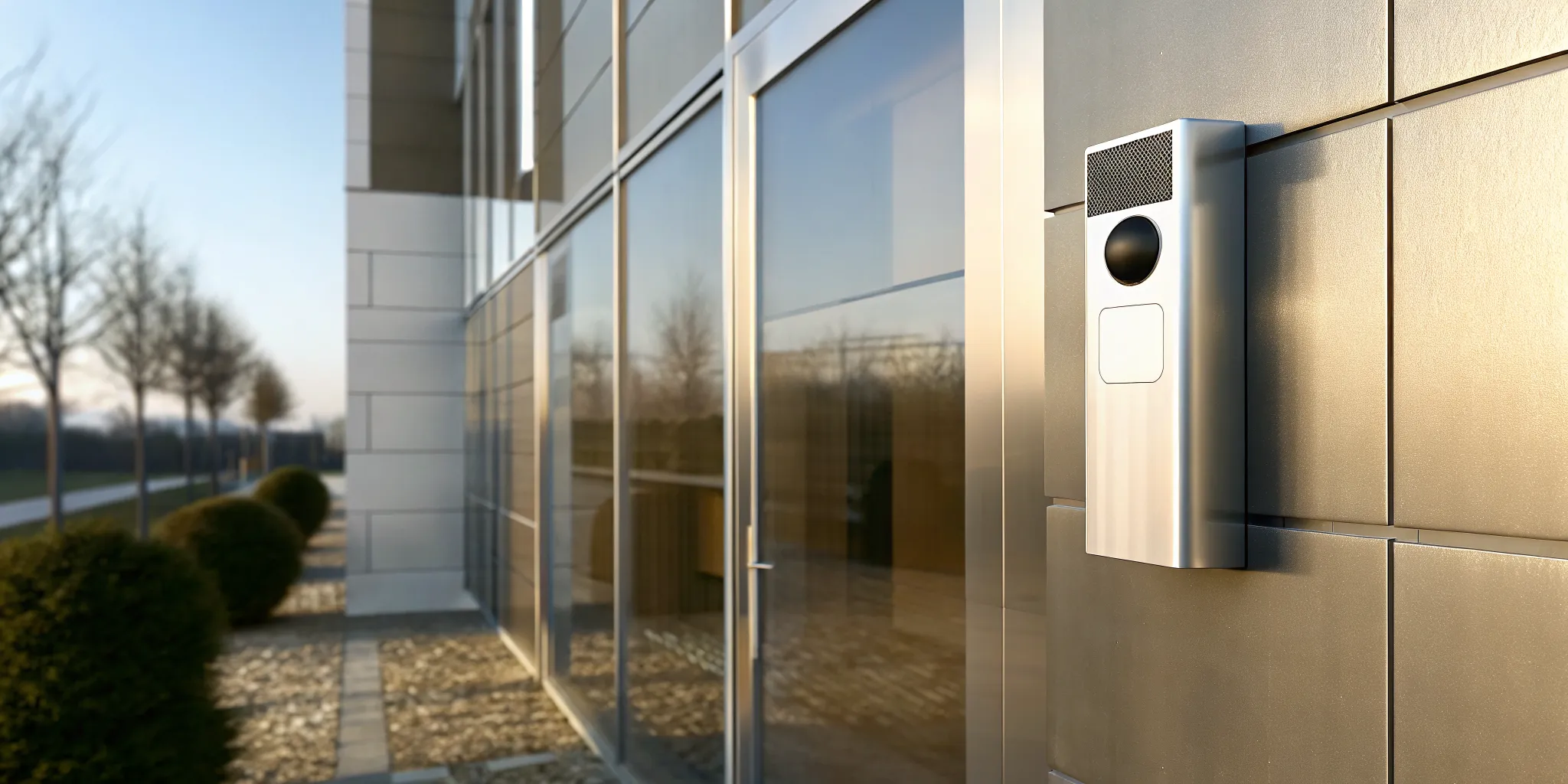
Commercial Intercom System: Choosing the Right Setup
Security gaps at a building entry point can lead to costly theft and safety risks. A professional commercial intercom system helps you verify visitors, control doors, and manage access without slowing down daily operations.
Request a customized commercial intercom consultation from InVision Systems.
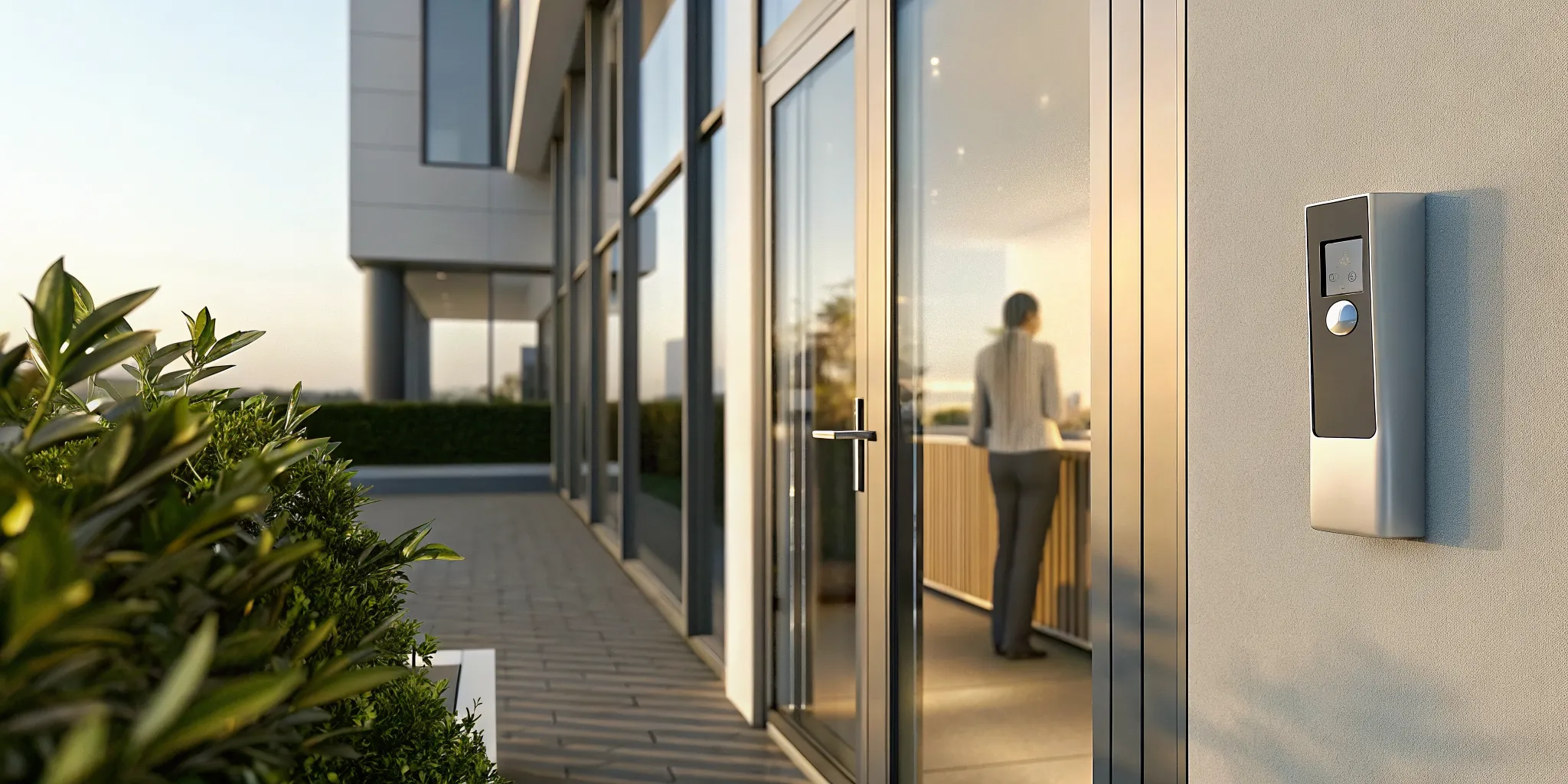
A commercial intercom system serves as the main way for your team to control who enters and to check who people are at your facility. These tools let your staff speak with guests before they let them in, which stops unwanted people from entering your private office or warehouse area. Based on the General Services Administration, controlling who gets in is a key part of stopping unapproved entry at business sites and other large buildings. New setups use web tools and clear video to give you remote control that protects your staff, your stock, and all your most valuable assets. This smart technology meets your safety needs by providing a way to talk and check people at every single entry point of your local site.
Selecting the right hardware depends on your specific building layout and user needs. You must look for features that balance ease of use with strong protection for your staff. The first step is to ask what should a commercial intercom system do? This guide explains.
What should a commercial intercom system do?
A commercial intercom system is a key part of modern building security. It does more than just let people talk to each other. These tools act as the first line of defense for your site. They help your team manage guests, check IDs, and keep doors locked until you know it is safe to open them. A good system makes it easy for staff to do their jobs while keeping the building secure.
Talk and see clearly
The first job of any intercom is to give you clear sound and video. You need to know exactly who is at your door before you let them in. Modern units use IP camera technology to show high-definition video of your entry points. This helps your team see faces and IDs with great detail. High-quality sound is also needed so your staff can talk to guests without static or noise. Clear tools help prevent mistakes and keep unauthorized people out of your workspace.
Grant entry with one click
Once you verify a guest, you need a quick way to let them in. Most systems link directly to your door locks. This allows staff to release a door from a desk or a mobile app. This feature is a core part of physical access control systems used in many secure sites today. It saves time for your team because they do not have to walk to the door for every guest. It also ensures that the door stays locked and secure the rest of the time.
Manage access from anywhere
Modern intercoms do not tie you to one spot. You can manage your doors from your phone or a remote computer. This is very helpful for large sites with many entry points. You can see who is at the front gate even if you are in a different building. Cloud-based tools also allow you to change settings and check logs from anywhere. This level of control helps you maintain consistent security practices across all your locations. It ensures that your security plan stays strong no matter where your team is working.
Compare commercial intercom system types
Choosing the right commercial intercom system depends on your building layout and security needs. Modern setups do more than just let people talk. They help you control who enters your site and when. By matching the system type to your daily work flow, you can keep your staff safe and your site secure. This choice is a key part of how you run your firm.
Wired and wireless network options
Wired systems are very stable because they use real cables. These are best for new buildings where you can run wires behind walls. They offer the best signal quality for talking and video. But if you have an old office, the cost to add wires can be high. In those cases, a hybrid system might be better. These mix new tech with old parts to save you money on your commercial intercom system setup. A pro team can check your building to see if your old wires still work.
Wireless systems work well for sites where you cannot run cables. They use Wi-Fi or radio waves to send signals. These are fast to set up and work for both indoor and outdoor use. They are helpful for large factory sites that need long-range tools. But you must make sure your network is strong enough to handle the data. If the signal is weak, your video might be blurry or the sound might cut out.
Video and audio communication features
Audio-only intercoms are the simplest choice. They let you talk to guests at the door. These work well for small offices that only need basic tools. But many firms now want video for better security. Video intercoms let you see who is at the gate. This helps you check a person’s face before you let them in. Clear cameras can even spot small details or read ID badges.
Adding video to your entry point can help your team stay aware of their area. This is key for firms that stay open all night or have high risk. You can even use cameras with a wide view to see everything near the door. This type of tool helps you follow facility access control standards for risk control. Seeing your guests adds a layer of safety that sound alone cannot give.
Telephone entry and IP technology
Phone entry systems use phone lines to connect guests to your desk or mobile phone. These are common in big multi-tenant buildings. They allow you to grant access even when you are not at your desk. Many modern versions now use the web. These IP-based systems offer more tools like remote setup. You can change settings for brightness or clear views from a distant PC. This makes it easy to control many doors from one spot.
IP systems are becoming the top choice for many firms. They offer high-quality sound and clear video. They also allow for cloud-based control. This means you can check your entry logs from anywhere using a phone or tablet. These systems often connect to your other tools through one app. This helps you track who comes and goes without switching between other screens.
| System Type | Best Use Case | Video Support | Installation | Relative Cost |
|---|---|---|---|---|
| Analog Wired | New construction | Optional | Hardwired | Medium |
| Wireless | Large outdoor sites | Yes | Plug-and-play | High |
| IP-Based | Modern offices | Full HD | Network cable | High |
| Telephone Entry | Multi-tenant sites | No | Phone line | Low |
How do you choose the right setup?
Selecting the best commercial intercom system features for your building needs a clear plan. A good setup helps you manage guests and keep your property safe. You should look for systems that match your daily work and safety needs. The right choice will help you block entry and manage risk across all your sites.
Check your entry points
First, look at where people enter your building. Note how many doors or gates need a tool. Busy areas may need video to see who is there. For low-traffic spots, sound may be enough. You should also check for spots where wiring might be hard. Modern commercial intercom system setups often use wireless or IP tech to fix these issues.
Find your user needs
Think about who will use the tool. You need to know how many tenants or staff must have access. If you have many users, look for cloud-based phone entry tools. These let people answer calls from their phones. This is helpful for big buildings or offices where staff move around a lot. You want a tool that is easy for both your team and your guests to use.
-
Check your safety needs. See if you need video for better safety. High-quality IP cameras can help you see faces and cars at entry points.
-
Look at your current wiring. If you have old wires, you might pick a hybrid system. This lets you use old lines with new HD tools to save money on the setup.
-
Plan for future growth. Pick a tool that lets you add more doors or users later. Cloud systems are great for this because they grow fast without big hardware changes.
-
Check for link options. Your tool should work with your other gear. Linking it with cameras or physical access control systems makes your safety stronger.
-
Review support plans. Choose a team that gives help and care over time. InVision Systems offers custom designs and expert help to keep your tool running well for years.
Check safety standards
Make sure your setup meets top safety rules. Use guides from groups like CISA or NIST to pick your tool. These plans help you build consistent access control practices for better risk management. A tool that follows these rules is more reliable and keeps your business safer. You can also look for features like night vision to keep your doors safe day and night.
Plan integrations and infrastructure
A good commercial intercom system does more than just let people talk. It works with your other safety tools to keep your building safe. When you plan your system, think about how it will fit with your current tech.
A smart setup links your doors, cameras, and network together. This makes it easy for your team to manage who comes and goes every day. It also keeps your data in one place.
Connect with access control
The most important link is between your intercom and your door locks. This is often called a physical access control system. These tools are needed to stop people from entering areas they should not be in.
When a guest calls from the door, you can check who they are and then buzz them in. You do not have to leave your desk to open the door. Modern setups use cloud-based tools to track every entry.
This helps you keep a clean record of who was in the building and when. You can learn more about how we set up these access control systems for local firms. We make sure the tech fits your specific building and needs.
Add video for better views
Talking to a guest is helpful, but seeing them is better. Most commercial intercom system units now come with built-in cameras. You can see the person’s face and check their ID before you let them in.
This adds a strong layer of safety to your front door or gate. It also stops people from using a fake name to get inside your shop or office. You can also link these cameras to your main video system.
This lets you save clips of everyone who uses the intercom. If there is ever a problem, you will have a clear video to look at. This works well for our commercial security clients who need to watch large sites.
Mobile control and wiring
New systems let you answer the door from your phone or tablet. This is great for managers who move around the building a lot. You can see a video call and open the door even if you are not at your desk.
It gives you full control of your site from anywhere with a web link. This tech is a big part of modern entry systems used in Chicago today. We help you pick the best app for your needs.
To make all this work, you need the right wiring in your walls. High-speed data cables link your intercom to your net and power. Good wiring stops your system from dropping calls or losing video.
We help you plan the best paths for these wires during the design phase. This ensures your safety tools stay on and work fast when you need them most. Custom safety is about more than just buying a box.
It requires a plan that looks at your whole site. We look at things like lighting and ceiling heights to find the best spots for your gear. Our team is here to help you build a system that lasts for years.
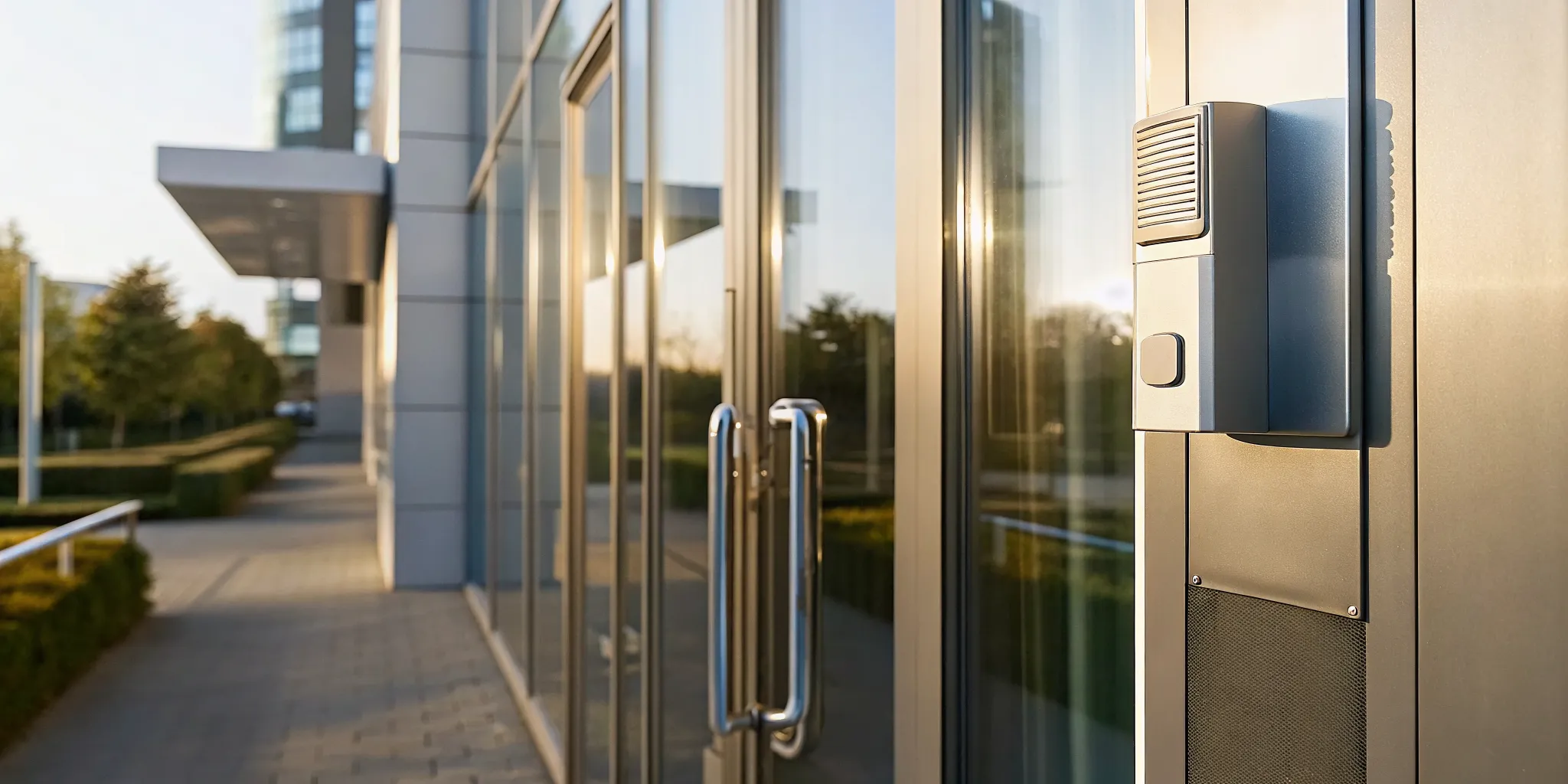
Look beyond hardware when selecting a provider
Buying a commercial intercom system is about more than picking a box from a shelf. The gear you choose must fit your building and your goals. A great partner helps you from the first site visit to the final test. They should look at your entry points and find weak spots. This careful work keeps your site safe and makes the system easy to use for your team.
Expert review and custom design
Every business has different needs for security. A retail shop might need a simple video link. A large warehouse may need a system that covers many gates. You should look for a company that offers a full commercial intercom system setup. This starts with an expert check of your site. They look at lighting, wall types, and how people move through the building. This helps them design a system that works well every day.
Proper design also helps you manage risk. New tools like physical access control systems are key for many commercial sites. They help stop people from entering areas where they do not belong. By matching the gear to your exact plan, you get a higher level of safety. You also avoid paying for features you do not need.
Local help for Chicago businesses
When you have a problem with your entry system, you cannot wait days for a fix. That is why local help is so key. Working with a company that knows the Chicago area makes a big difference. They can get to your site fast and know the local weather and building codes. InVision Systems serves clients in Chicago, the suburbs, and parts of Wisconsin and Indiana. This local focus helps them give better service than a far-off vendor.
A good sign of a strong partner is how long their clients stay with them. If a company has a 95% client retention rate, it shows they care about long-term results. They do not just sell a system and walk away. They build a bond with the business. This leads to better support and systems that grow with you. When your business gets bigger, your partner can help you add more doors or new features with ease.
Setup, training, and long term care
The best commercial intercom system only works if your team knows how to use it. A top partner will train your staff after the gear is in place. They show you how to grant access, talk to visitors, and check the logs. They also run tests to make sure every link is clear. This step makes sure that your commercial intercom system adds real value to your daily work. It stops errors and keeps things moving fast.
Upkeep is the last piece of the puzzle. Gear can break or need new software updates. A partner should offer a plan for care. This keeps your system in top shape for years. Regular checks can find small issues before they turn into big gaps in your security. By choosing a partner who offers these services, you protect the money you spent. You can focus on your business while they keep your doors safe.
Avoid common intercom planning mistakes
Setting up a new security tool is more than just picking the latest parts. Many firms rush to buy a commercial intercom system without a clear plan for how it will work. This often leads to tools that do not meet real needs or fail too soon. By spotting these common errors early, you can build a setup that keeps your team safe and works well for many years.
Designing for daily work flows
One major mistake is picking parts before you know your daily work flow. You must think about how people move through your building each day. If your system is hard for people to use, staff may prop doors open or skip checks. This breaks your security and puts your site at risk. A good plan looks at every entry point to make sure it helps, rather than hurts, your staff flow.
You should also think about who will answer the calls. Will one person at a front desk handle all visitors, or will calls go to cell phones? Without a clear plan for these paths, you may end up with missed calls and long wait times. This can lead to stress for both your staff and your guests. Using physical access control systems helps you build a stable and secure setup from the start.
Checking network and wiring needs
Many people forget that a modern intercom needs a strong and fast network. Most new systems use IP tech to send clear audio and high-quality video. If your wiring is old or your network is slow, the system will lag or drop calls. You should check if you need new wires like Cat6 to support the data flow for your tools.
Bad sound and video can also ruin a good setup. If a visitor cannot be seen or heard clearly, your staff cannot check who they are. This is often due to poor camera placement or bad lighting at the door. Make sure to test how the cameras work at night and in bright sun before you finish your plan. This ensures your commercial intercom system works well at all hours.
Planning for future growth
Your needs today will likely change as your firm grows. A common error is choosing a system that cannot add more users or doors later. You do not want to replace the whole setup just to add one more entry point. Look for tools that allow for easy growth. This saves you money and time in the long run by avoiding a full rebuild.
Finally, many owners skip staff training after the system is in place. Even the best tool is useless if no one knows how to use it correctly. Make sure your team knows how to answer calls and grant access to keep your commercial intercom system secure. Taking time to teach your staff will prevent simple errors and keep your building safe.
Frequently Asked Questions
What is the best commercial intercom system?
The best system for your firm depends on your own building needs and safety goals. There is no single brand that fits every site. You should look for a setup that offers clear video and easy remote control. According to InVision Systems, the best choice is a tailored plan built to meet your unique security risks. This method ensures that your hardware works well with your current layout and provides the safety your team needs to stay secure.
How much does a commercial intercom system cost?
The price of a system varies based on the size of your site and the features you pick. Basic setups for small offices cost less than complex units for large plants. You also need to think about the cost of labor to run wires and set up the tools. According to InVision Systems, most firms provide custom quotes because each building is different. This ensures you get a fair price for a system that fits your exact needs without paying for extra parts.
What are common problems with commercial intercom systems?
Most issues come from old wiring or bad network signals. Static in the sound or grainy video can make it hard to check guests. If a system is not installed well, it may stop working when you need it most. Weather can also damage outdoor units if they are not built to last. The CISA notes that regular checks help keep access tools working in a safe way. Proper setup and routine care help prevent these common flaws and keep your site secure.
Do offices still use intercom systems?
Yes, offices use these tools more than ever to stay safe. Modern units link to mobile phones and desk apps, which makes them very useful for busy teams. They allow staff to talk to guests and open doors without leaving their desks. According to the GSA, these systems are vital parts of keeping modern business sites secure. They provide a quick way to verify guests before they enter the building, which helps protect both staff and property.
Ready to request a customized commercial intercom consultation?
Request your customized commercial intercom system consultation.
Leaving your building entry to chance with an old system creates a major risk for your company and leaves your staff open to safety threats. When you act now to close these gaps, you stop small security issues from turning into very costly losses or a complete intercom system failure. Getting a setup for your doors today on our consultation request page saves you stress and protects your business’s bottom line for years to come.
Ready to secure your business site today? Call 773-733-0970 to request a customized commercial intercom consultation right now. Our team of local experts has served the entire Chicago area for over twenty-three years and is ready to help you today.