
Construction Site Video Monitoring: Practical Guide
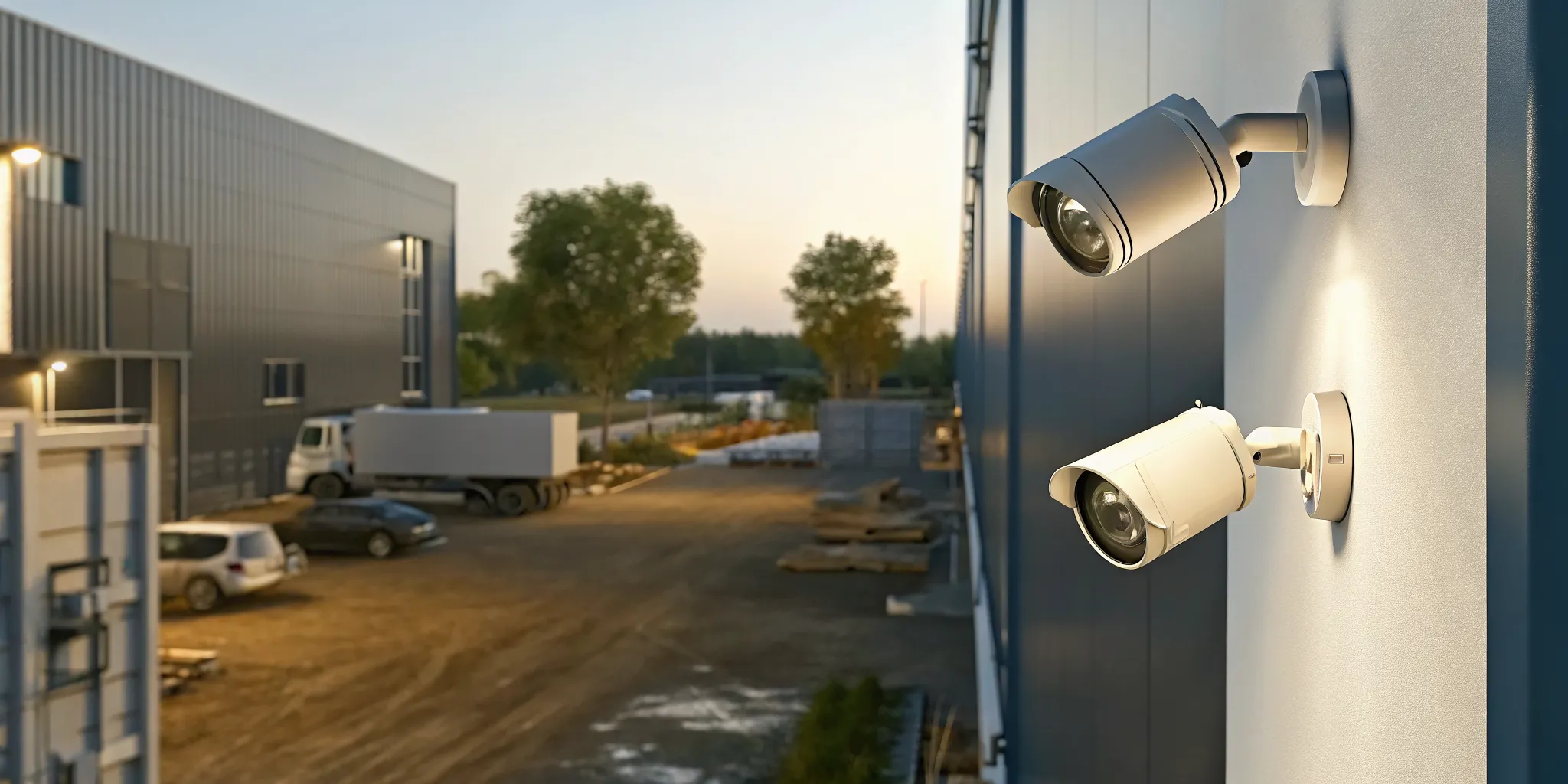
Construction site video monitoring combines purpose-placed cameras, analytics, trained remote operators, and a defined response plan to protect a changing job site. Instead of merely saving footage for review after a loss, a well-designed system helps identify suspicious activity, verify what is happening, and trigger the right response while an incident is still unfolding.
Schedule a free on-site consultation with InVision Systems.
For contractors and project owners, the best monitoring plan is not simply the one with the most cameras. It is the one that covers high-risk areas, works with available power and connectivity, distinguishes routine activity from real threats, and adapts as the site changes. This guide explains how to build that plan.
What is construction site video monitoring?
Construction site video monitoring is a coordinated security service that uses cameras, connectivity, analytics, and human verification to watch a job site. Its purpose is to detect activity, give trained personnel useful visual context, and support an immediate, documented response rather than relying only on footage reviewed after an event.
A basic camera system records what enters its field of view. A monitored system adds an active layer. Analytics can flag movement in a protected area. Remote personnel can then inspect live video to distinguish an early worker or animal from an unauthorized person approaching stored equipment.
When a credible threat is verified, the response can follow rules established with the contractor. Depending on the event, that may include notifying a designated site contact, delivering a live audio warning, or requesting police response. Clear verification gives responders better information than an unconfirmed sensor alert.
How Virtual Guarding changes the response
InVision Systems’ Virtual Guarding approach uses cameras and analytics connected to a remote command center. Trained operators perform live video verification, use live audio intervention when appropriate, and can support priority police response for verified threats. This turns cameras from passive evidence collectors into part of a proactive security process.
Camera selection still matters. Outdoor units must produce useful images in the site’s actual conditions, including darkness, dust, rain, glare, and changing sightlines. Thermal technology can also help identify activity in darkness and difficult weather, as demonstrated in construction security applications using thermal cameras. The equipment should serve the response plan, not replace it.
Why do construction sites need more than recorded footage?
Recorded footage helps document an incident, but it usually cannot interrupt one. Construction sites need proactive monitoring because tools, machinery, copper, fuel, and materials may remain exposed after crews leave. Live verification and a planned response create an opportunity to deter intruders, reduce losses, and preserve clearer evidence.
Construction projects are unusually difficult to secure. Perimeters can be temporary, access points move, lighting changes, and valuable equipment may sit in open areas. Industry reporting places annual construction-site theft losses above $1 billion, according to WCC TV’s construction security overview. That exposure calls for more than a camera mounted near the trailer.
Passive recording has an important role. Time-stamped video can support police reports, insurance claims, and internal reviews. The limitation is timing: someone must discover the loss before anyone starts looking through footage. With active monitoring, the system is designed to call attention to suspicious activity as it occurs.
Deterrence, verification, and usable evidence
A monitored solution creates three layers of value. Visible cameras, lighting, signage, and audio warnings can discourage opportunistic entry. Live video verification helps operators separate real threats from harmless motion. Recorded clips and incident logs provide a reliable sequence of events for follow-up. Local crime-prevention guidance likewise recommends controlling access, securing tools and machinery, and documenting equipment; see the City of Springfield’s construction site crime-prevention guidance.
Video can also improve situational awareness during normal operations. Authorized managers may use properly configured access to confirm deliveries, review a disputed event, or see whether a route is obstructed. Construction monitoring providers also describe benefits for productivity and site management, as outlined in Sentry Force’s construction monitoring overview. These uses should follow company privacy, safety, and labor policies.
Which monitoring setup fits your construction site?
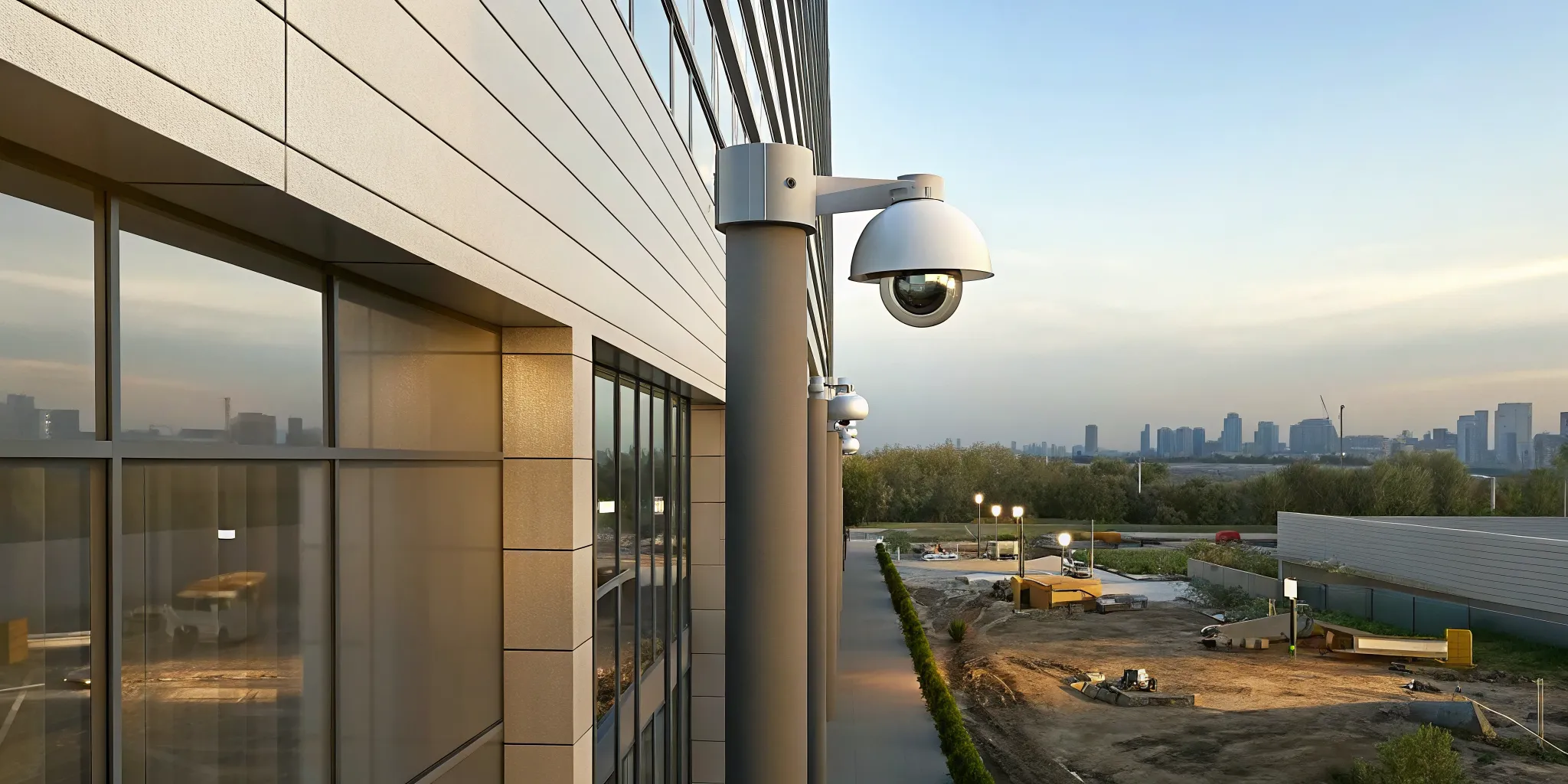
The right setup depends on project duration, site layout, available power, cellular coverage, risk level, and how often protected areas move. Fixed wired cameras suit stable locations, mobile solar or cellular units suit changing or remote areas, and hybrid systems combine both. Response service is what makes any option proactive.
Fixed wired cameras
Fixed wired cameras work well at stable locations such as a main entrance, office trailer, warehouse, or long-term material yard. Wired power and data can provide consistent service, but cable routes require planning and protection from equipment traffic. Relocating the cameras can also take more effort as construction advances.
Mobile solar and cellular units
Mobile units can be deployed before permanent utilities are available and repositioned when the site changes. Solar power and cellular data reduce dependence on local infrastructure, but performance depends on sunlight, battery capacity, signal strength, data use, and the camera’s view. A pre-installation test should confirm that each proposed location is viable.
Hybrid systems
Large or long-duration projects often benefit from a hybrid design. Fixed cameras can protect stable access points, while mobile units cover temporary laydown areas, equipment staging zones, or newly opened sections. Asset-specific controls such as construction equipment tracking devices can complement video when high-value machines move beyond a camera’s view.
| Setup | Best fit | Primary advantage | Planning concern |
|---|---|---|---|
| Fixed wired | Stable gates and trailers | Consistent power and data | Cable protection and relocation |
| Mobile solar or cellular | Remote or changing areas | Fast, flexible placement | Sunlight, battery, and signal |
| Hybrid | Large, phased projects | Coverage matched to each zone | Coordinated management |
| Actively monitored | Sites needing intervention | Live verification and response | Clear escalation rules |
How do you plan construction site video monitoring?
Effective planning starts with a site walk, a risk map, and an agreed response matrix. Identify what must be protected, map likely approaches and blind spots, confirm power and connectivity, then place cameras to capture actionable views. Reassess the design at project milestones because walls, fencing, materials, and traffic routes change.
- Define priorities. List high-value equipment, materials, access points, fuel storage, offices, and areas with repeated problems. Rank them by potential loss and operational impact.
- Walk the perimeter. Inspect gates, fence gaps, neighboring access, dark approaches, and places where an intruder could remain concealed. Include the superintendent or another person who understands daily site activity.
- Map camera views. Aim for useful identification and context, not merely broad coverage. An outdoor surveillance camera planning guide can help frame decisions about weather, lighting, resolution, and placement.
- Confirm infrastructure. Test cellular signal where mobile units will stand, calculate solar exposure, protect cables, and document backup-power expectations. Connectivity should be tested under realistic conditions before the system is accepted.
- Set monitoring hours. Define when authorized activity normally occurs, who may enter after hours, and which zones need continuous attention. This context helps remote operators evaluate alerts accurately.
- Create an escalation matrix. Specify which events call for audio intervention, a site-contact notification, emergency services, or simple documentation. Include current names, phone numbers, backups, and exceptions.
- Test the complete response. Trigger controlled events to confirm detection, video quality, operator handling, audio clarity, notifications, and incident records. A camera that streams video but does not support the agreed response is not fully commissioned.
- Schedule reassessments. Review coverage after major phase changes and whenever fencing, storage, entrances, or equipment staging moves.
Request a free on-site consultation to plan coverage with InVision Systems.
Place cameras for action, not just visibility
A wide overview can show that someone entered the site, yet still fail to provide an identifiable image or show what happened next. Use overlapping views where practical: one camera for context and another for useful detail at critical entrances or storage areas. Avoid easily blocked sightlines and account for headlights, work lights, and seasonal glare.
Use physical security with video
Video performs best as one part of a layered plan. Lock tools, immobilize machinery, control keys, mark equipment, maintain fences, and use lighting where it improves visibility. Public safety guidance for rebuilding sites recommends measures such as securing tools and using motion-activated cameras; see the City of Louisville crime-prevention recommendations.
How does monitoring support daily site operations?
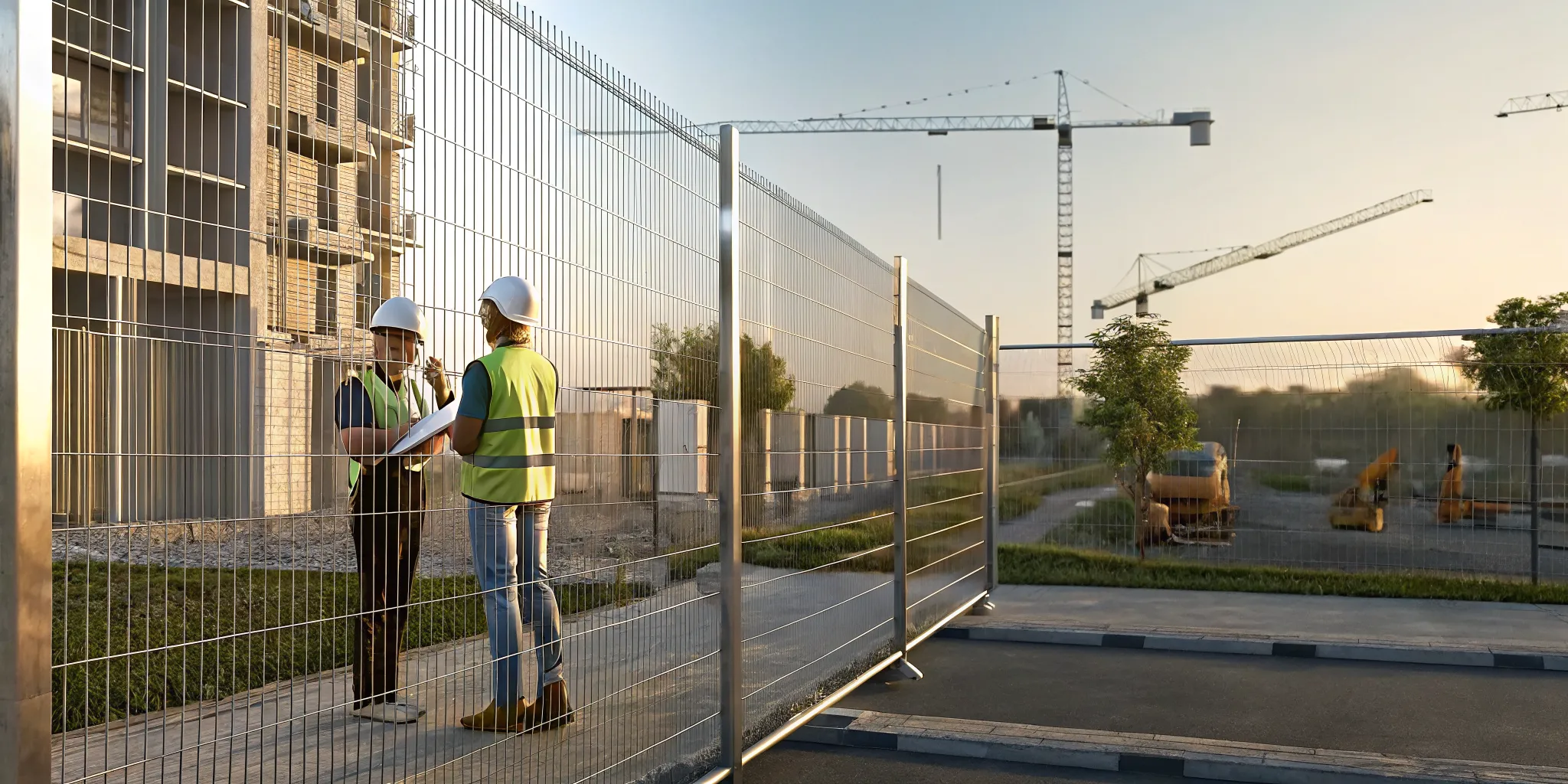
Daily operations improve when monitoring has clear rules, current contacts, searchable incident records, and maintained equipment. The system should distinguish expected work from suspicious activity, document significant events, and provide managers with useful information. Routine reviews keep alerts relevant and prevent new walls, materials, or dirt piles from creating blind spots.
Alert and escalation protocols
A response matrix removes guesswork. It should tell operators what counts as authorized activity, when to use live audio intervention, whom to notify, and when a verified threat warrants police response. InVision Systems can configure live security camera monitoring around site-specific risks rather than applying the same response to every alert.
Contact lists need backups and regular updates. If the superintendent changes or an authorized subcontractor starts overnight work, the monitoring team should know. Otherwise, valid activity may create unnecessary escalations, while outdated contacts can delay the response to a real event.
Incident logs and recurring reviews
Each significant alert should create a record showing time, location, observed activity, action taken, and outcome. Review those logs for patterns. Repeated activity near one fence line may justify stronger lighting, a repositioned camera, or a physical barrier. Logs also help teams improve procedures rather than treating every event as isolated.
Maintenance and phase changes
Construction dust, vibration, weather, and moving equipment can degrade a system. Clean lenses, inspect mounts, check power and connectivity, test audio, and confirm recording retention on a schedule. Repeat the site walk when structures rise or staging areas move. Proactive maintenance protects the investment and preserves useful footage.
Access and retention controls
Decide who may view live feeds, retrieve recordings, change settings, or export clips. Give each authorized user only the access needed for that person’s role, remove accounts when responsibilities change, and use strong authentication. The written plan should also state how long recordings and incident clips are retained, where they are stored, and who may share them. These controls help protect sensitive views of the property while keeping useful evidence available to the people who need it.
What should you ask a video monitoring provider?
Ask a prospective provider how it assesses risk, selects equipment, verifies alerts, handles live intervention, documents incidents, maintains hardware, and adapts coverage. The answers should connect technology to a clear operating plan. Look for transparent responsibilities, defined service levels, and a willingness to inspect the site before recommending a system.
- Will you conduct an on-site assessment? A proposal should reflect the project’s perimeter, access, stored assets, lighting, utilities, neighboring properties, and construction phases.
- Who watches alerts? Ask where the command center is located, how operators are trained, and how they distinguish routine activity from a credible threat.
- How is a threat verified? Understand which analytics trigger review, how live video is assessed, and what information is provided when an event escalates.
- Can operators intervene? Ask whether the service supports live audio warnings and how intervention rules are established.
- How do you support police response? Confirm how verified incidents are communicated and what records are retained.
- What happens when power or connectivity fails? Request details about battery backup, outage alerts, cellular strength, and restoration procedures.
- How often will coverage be reviewed? The provider should account for phase changes, moved materials, and newly created blind spots.
- What is included? Clarify installation, monitoring hours, maintenance, relocations, data plans, video retention, system removal, and any additional fees.
InVision Systems has delivered customized, proactive security solutions since 2002. Its process connects system design, professional installation, remote monitoring, and ongoing support, helping construction teams build a security plan around real site conditions rather than a generic equipment package.
Schedule your free on-site consultation before choosing a monitoring provider.
How do you measure whether monitoring is working?
Measure a monitoring program by its operational results, not camera count. Useful indicators include verified events, successful deterrence, response time, false or avoidable alerts, system uptime, unresolved maintenance issues, and coverage changes completed on schedule. Regular reviews should turn those findings into specific improvements for the next project phase.
Start with a baseline: recent incidents, known weak points, current security costs, and the losses or delays the team wants to reduce. Then review a concise dashboard monthly or after significant events. A decrease in nuisance alerts may show that detection zones are better tuned, while repeated activity at the same location can reveal a physical security gap.
Do not judge success only by whether a theft occurred. A quiet month may mean deterrence is working, or it may mean alerts are not reaching the command center. Test events and maintenance records confirm that the system remains ready. The strongest program combines outcome data with routine verification of cameras, connectivity, and response procedures.
Frequently asked questions about construction site video monitoring
Construction teams commonly ask about the difference between recording and monitoring, options for sites without utilities, response procedures, changing coverage, and operational uses. The short answers below explain what a well-planned system can do. Exact capabilities depend on the selected equipment, connectivity, site design, monitoring scope, and agreed response plan.
What is the difference between video surveillance and live video monitoring?
Video surveillance often refers to cameras that record footage for later review. Live video monitoring adds active review and response. When an alert occurs, trained personnel can inspect live video, verify the situation, document it, and follow an agreed escalation plan while the event is happening.
Can video monitoring work before a construction site has power or internet?
Yes. Mobile units can use solar power, batteries, and cellular data where permanent utilities are unavailable. The provider should test sunlight, battery capacity, cellular signal, camera views, and expected data use at each proposed location before relying on the system.
What happens when the system detects an intruder?
The exact response follows the site’s escalation plan. With InVision Systems Virtual Guarding, cameras and analytics send activity to a remote command center for live video verification. Operators can use live audio intervention and, for a verified threat, support priority police response.
How often should cameras be moved on a construction site?
There is no universal schedule. Review placement whenever fencing, access routes, walls, staging areas, or stored assets change, and at planned project milestones. Cameras should be moved when a new obstruction creates a blind spot or when the location of high-value assets changes.
Can monitoring help with more than theft prevention?
Yes. Depending on policies and system access, authorized managers can use video to confirm deliveries, review incidents, understand recurring access issues, and improve site awareness. These operational uses should be defined in advance and follow applicable privacy, safety, and labor requirements.
Build a monitoring plan around your site
The most effective construction site video monitoring plan is customized, proactive, and reviewed throughout the build. InVision Systems can assess the property, identify priority risks, design camera coverage, define response procedures, and support the system as conditions change. The first step is a practical conversation about your project and concerns.