
Solar Powered Security Camera
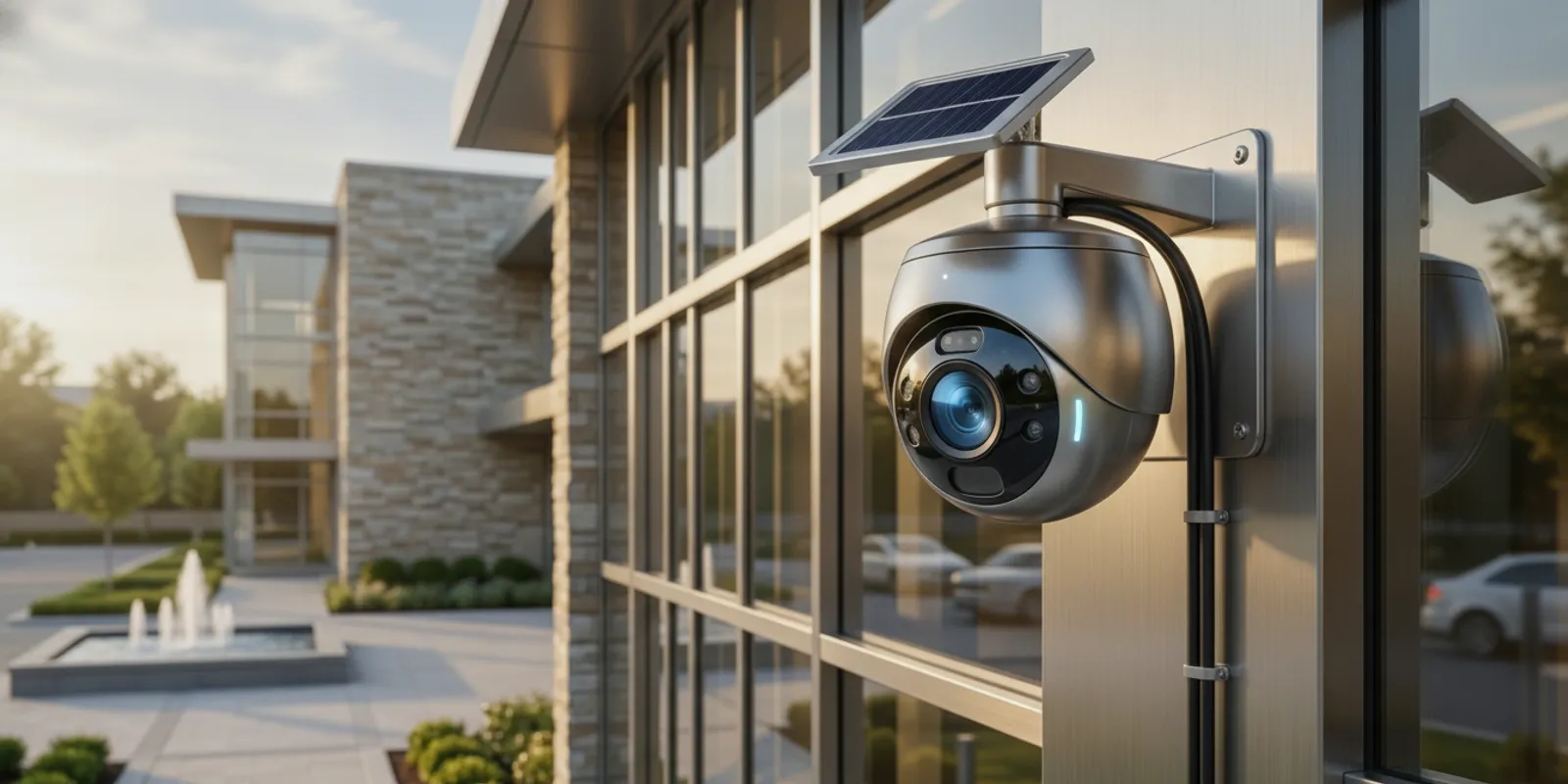
A solar powered security camera can be a practical choice when a property needs video coverage in a place where running power is difficult. But a panel does not make every camera fully independent: the camera still needs enough energy, a dependable way to send or store footage, and a useful view of the area. The right fit depends on the site, not just the product label.
Request a security consultation
When is a solar powered security camera a good fit?
A solar powered security camera is worth considering when a camera location receives adequate daylight and getting utility power to that location would be difficult, disruptive, or costly. Examples might include a detached outbuilding, a remote gate, a temporary work area, or a property edge far from an existing building. Those are starting points, not guarantees: shade, recording needs, local weather, and the available network connection can change the answer.
Solar power addresses one part of the installation: supplying energy to the camera. It does not automatically solve connectivity, video storage, image quality, or maintenance. A buyer should assess all four together before selecting equipment. InVision Systems designs and installs security camera systems for different property needs, including commercial environments where the camera is only one part of a broader design.
For a small, self-contained location with modest recording needs, a solar device may simplify the power side of a project. For a site that requires continuous recording, several cameras, controlled network access, or integration with other security systems, a professionally designed wired or hybrid system may be a better fit. The goal is dependable coverage, not solar equipment for its own sake.
What does a solar camera system need to work?
Most solar camera setups combine a camera, a solar panel, a rechargeable battery, and some method of connecting or retrieving video. The exact design varies by product. Before comparing models, confirm what is included and what each part does.
- Camera: Captures video and may include motion detection, night imaging, or other features. Confirm which functions operate in the selected recording mode.
- Solar panel: Collects sunlight and charges the battery. Its location and orientation matter, as does the length and routing of any cable between panel and camera.
- Battery: Powers the camera when sunlight is unavailable or insufficient. Ask how the device behaves when its charge is low and whether battery access or replacement is practical.
- Connection: Moves alerts or video to an app, recorder, or cloud service. A camera may use Wi-Fi, a cellular connection, or another arrangement; do not assume solar power means no network is needed.
- Storage: Keeps recorded footage locally, in the cloud, or through another system. Check retention, access, and retrieval requirements before purchase.
Solar energy comes from sunlight, so the usable power at a specific camera location depends on the conditions there. The U.S. Department of Energy provides general background on energy and solar technologies; for a security project, the practical question is whether the proposed panel and battery can support the camera’s real operating pattern at that site.
How should you assess sunlight and placement?
Start by identifying the area that needs coverage, then look for a camera position that can see it and a panel position that can collect light. The best camera angle and the best panel location may not be identical. A panel mounted in open sun may require a longer cable or a different mounting plan. Avoid choosing a location solely because it is easy to reach.
Walk the site at different times of day if possible. Note shade from trees, walls, rooflines, signs, or nearby structures. Consider how seasonal changes could affect the same location: a tree canopy, low winter sun, snow, and prolonged cloudy conditions can all alter how much light reaches a panel. A spot that appears sunny during one visit may not be consistently exposed.
Next, test whether the camera can be mounted with a stable, useful view. Consider the subject distance, obstructions, lighting after dark, and whether vehicles, pedestrians, or changing outdoor conditions will trigger frequent recording. A wide view is not automatically a useful view: the image must show enough detail for the purpose. For deeper planning around framing, see this guide to security camera field of view.
Also consider physical access. A panel or camera placed too high or behind a difficult-to-reach structure can make cleaning, inspection, or battery service harder. A low, easy-to-reach installation may be more convenient but could be more exposed to tampering. Balance access for maintenance with the need for a secure, unobstructed position.
How can you test a proposed location before buying?
A short site review can prevent a common mistake: choosing a camera based on a product feature before confirming that its proposed position will work. Mark the area to be observed and the likely camera mount on a simple site sketch. Then mark possible panel locations separately. This makes it easier to see when the best camera view and strongest sunlight are in different places.
- Check the scene: Stand at the proposed camera position and look for obstructions, glare, backlighting, and activity that may trigger recording. Consider what a person reviewing footage would need to recognize.
- Check exposure: Observe the panel location at more than one time of day. Note shade and any seasonal changes likely to affect it. If the panel needs a separate mount, plan the cable path and protection.
- Check the connection: Test the required network or cellular service at the actual camera position. A strong signal inside the nearby office does not confirm that the outdoor mount will connect reliably.
- Check access: Identify how someone will safely reach the panel and camera to inspect them, clean surfaces, or respond to a low-battery alert.
For a business, include the people who will use the footage in this review. Ask what event the camera is meant to clarify, who may view recordings, and how quickly someone needs to retrieve a clip. These answers help separate a basic remote-viewing need from a requirement for longer retention, several authorized users, or a coordinated recorder. If the location is temporary, also consider what will happen to the equipment and stored video when the project ends.
Will a solar powered security camera work through Chicago-area seasons?
Seasonal performance deserves special attention in the Midwest. The camera draws energy whether the weather is sunny or not, while the panel’s ability to recharge the battery varies with available light. Shorter days, extended cloud cover, shade, and snow or debris on a panel may reduce charging. A battery provides a buffer, but it does not create an unlimited supply of power.
Ask the manufacturer or installer how the specific camera behaves during low-light periods. Useful questions include: What recording mode is assumed in the published battery guidance? How often does the camera wake or record? Does live viewing consume additional power? What happens after several days of limited charging? How will the system indicate a low battery or connection problem?
Do not rely on a headline battery duration without checking the conditions behind it. Motion frequency, alert activity, video quality, network signal, temperature, and user behavior can affect real-world operation. If a site experiences frequent activity or needs continuous recording, the expected demand may not match a light-use example. Ask for a design based on the actual location and use case.
Plan for inspection as well. A workable maintenance routine may include checking the panel for debris, confirming the battery and connection status, and verifying that video is still being recorded and can be retrieved. If a camera protects a business-critical area, consider what coverage remains if its battery is depleted or its connection is interrupted.
How do connectivity and recording affect the decision?
Power and connectivity are separate requirements. A solar panel can charge a camera, but it cannot provide Wi-Fi or cellular service. Check the signal at the intended mounting point, not only inside the nearest building. Walls, metal structures, distance, and site layout can affect wireless communication. If the signal is weak, alerts may be delayed or video access may be unreliable even when the camera has power.
Then decide how footage should be recorded and retrieved. A camera that sends event clips to an app may meet a simple monitoring need, while a business may need longer retention, multiple users, centralized review, or a consistent recording schedule. Confirm whether the proposed camera works with the intended recorder or cloud service. An isolated consumer camera may not integrate into an existing system as expected.
For a property with several camera locations, compare the solar option against a coordinated system. In commercial settings, the design may need to address camera coverage, access to recordings, network layout, and operating procedures together. Explore commercial security solutions or industrial security systems if the site has broader operational requirements.
Solar, battery, wired, or hybrid: which approach fits?
There is no single power arrangement that suits every property. Use the table as a first screen, then check the specific equipment and site conditions. Actual installation needs depend on the camera, recording plan, location, and available infrastructure.
| Approach | When it may fit | What to verify | Main trade-off |
|---|---|---|---|
| Solar with battery | Remote or detached locations where power is difficult to run and daylight is adequate | Sun exposure, battery behavior, recording demand, network signal, maintenance access | Performance depends on charging conditions and battery capacity |
| Battery only | Low-activity locations or deployments where periodic recharging is acceptable | Expected battery life for the actual use pattern, recharge process, low-charge alerts | Requires a plan for recharging or battery service |
| Wired power | Locations with accessible power and a need for predictable operation | Power availability, cable routing, installation constraints, recording design | May require more cabling or construction work |
| Hybrid system | Sites where some locations can be wired and others cannot, or where multiple technologies must work together | Compatibility, central recording, network and power design, support responsibilities | Requires careful coordination across components |
For an outdoor camera, compare total suitability rather than the power source alone. A system with reliable wired power may be more appropriate for a high-priority view, while a solar unit could suit a location where cabling is impractical and activity is manageable. If there is already a recorder or camera network, confirm compatibility before adding a standalone product.
What should buyers check before choosing a model?
Use these questions to make product comparisons more concrete:
- What area must the camera cover? Identify the event or activity the video should help observe, the likely subject distance, and any obstructions.
- What is the recording requirement? Decide whether event-based clips are sufficient or whether a more continuous record is needed. Establish how long footage should remain available and who needs access.
- How much sunlight reaches the panel? Assess shade and seasonal variation at the actual proposed position, not at a nearby open area.
- What connection is available? Verify the signal and confirm what the camera requires for live viewing, alerts, and video retrieval.
- How does the battery handle demand? Review the operating assumptions, low-charge behavior, alerts, and replacement or charging process.
- How will the camera be maintained? Plan how someone will inspect the panel, camera, battery status, and recorded footage.
- Does it integrate with the wider system? Check compatibility with existing cameras, recorders, cloud services, user accounts, and security procedures.
- What happens when something fails? Identify how you will know about power, connection, or recording interruptions and who will respond.
For homeowners, ease of access and straightforward alerts may carry more weight. A home project can begin with a review of residential security options. A business may prioritize retention, multiple-user access, and coverage continuity. In either case, plan the system around the property rather than selecting a camera based on a single feature.
When is professional design and installation worthwhile?
Professional input is especially useful when the camera will protect a high-value area, must work with an existing system, or is difficult to access. An installer can help evaluate the camera view, mounting position, panel location, signal, recording approach, and maintenance needs as one design. That review can uncover a mismatch that a product specification alone cannot resolve.
For example, a proposed camera may have a strong view of a gate but sit beneath a roof overhang that shades its panel. Another location may receive ample sunlight but have a weak wireless signal. A third may be easy to power but require longer or more structured recording than a battery-based device is intended to provide. Reviewing these trade-offs together helps buyers compare solar with wired or hybrid choices.
InVision Systems’ process includes consultation and assessment, custom design and planning, professional installation, and training and support. A project can also involve other parts of a security setup, such as cloud-based services or virtual guarding, where appropriate to the site and requirements. Ask how the proposed camera will fit into the full system and how its operation will be checked after installation.
What should you verify after installation?
Do not treat mounting the camera as the final test. Confirm that the view covers the intended scene in daytime and after dark, and check that important areas are not hidden by a door, vehicle, branch, or seasonal obstruction. Trigger a test recording and retrieve it using the same app, recorder, or account the intended users will rely on. A camera that appears online is not useful if the footage cannot be found when needed.
Also review the alerts and status information. Confirm how the system reports a low battery, lost connection, or recording interruption, and make sure the responsible person knows where to look for those notices. If multiple people need access, verify their permissions and basic operating steps. Record the panel and camera locations, any maintenance access instructions, and the agreed inspection routine so the system is not dependent on one person’s memory.
For a site with important coverage needs, agree on what action follows a failure alert. That may mean inspecting the panel, checking the connection, or arranging service, depending on the equipment and issue. The specific response should match the role of that camera and the property’s security procedures.
Discuss a camera plan for your property
Frequently asked questions about solar powered security cameras
Does a solar camera need Wi-Fi?
Not necessarily Wi-Fi specifically, but many models need some connection to send alerts or let a user view video remotely. Other products may use cellular service or store footage locally. Check the exact device requirements and confirm that the chosen connection is available at the installation point.
Can a solar camera record at night?
Some cameras can record or capture motion at night, but nighttime operation still draws power from the battery. Confirm the camera’s night features and account for their energy use alongside daytime recording and network activity.
Does a solar powered security camera work on cloudy days?
A battery may let a camera continue operating when sunlight is limited, but the panel may recharge more slowly or not keep up with demand under some conditions. The result depends on the model, installation, weather, and recording pattern. Ask how the system is expected to perform during extended periods of limited sunlight.
Is solar a good choice for a business?
It can be considered for a business location where running power is difficult and the recording and connectivity requirements suit the equipment. Evaluate the importance of the area, continuity needs, footage retention, service access, and integration with the rest of the security system before deciding.
Should I choose solar or wired cameras?
Choose based on site conditions and system requirements. Solar may make sense at a location with adequate sun and difficult power access. Wired power may be preferable where it is practical and predictable operation is important. A site can also use a mix of approaches after checking compatibility and support needs.
Choose a power plan that matches the property
A solar powered security camera can help cover a location where traditional power is inconvenient, but its success depends on more than the panel. Evaluate sun exposure, battery demand, connectivity, recording, seasonal conditions, and maintenance at the exact location. When those pieces fit the intended use—and the camera integrates cleanly with the wider security plan—solar can be a useful option to compare with wired or hybrid alternatives.