
Wireless Outdoor Security Cameras
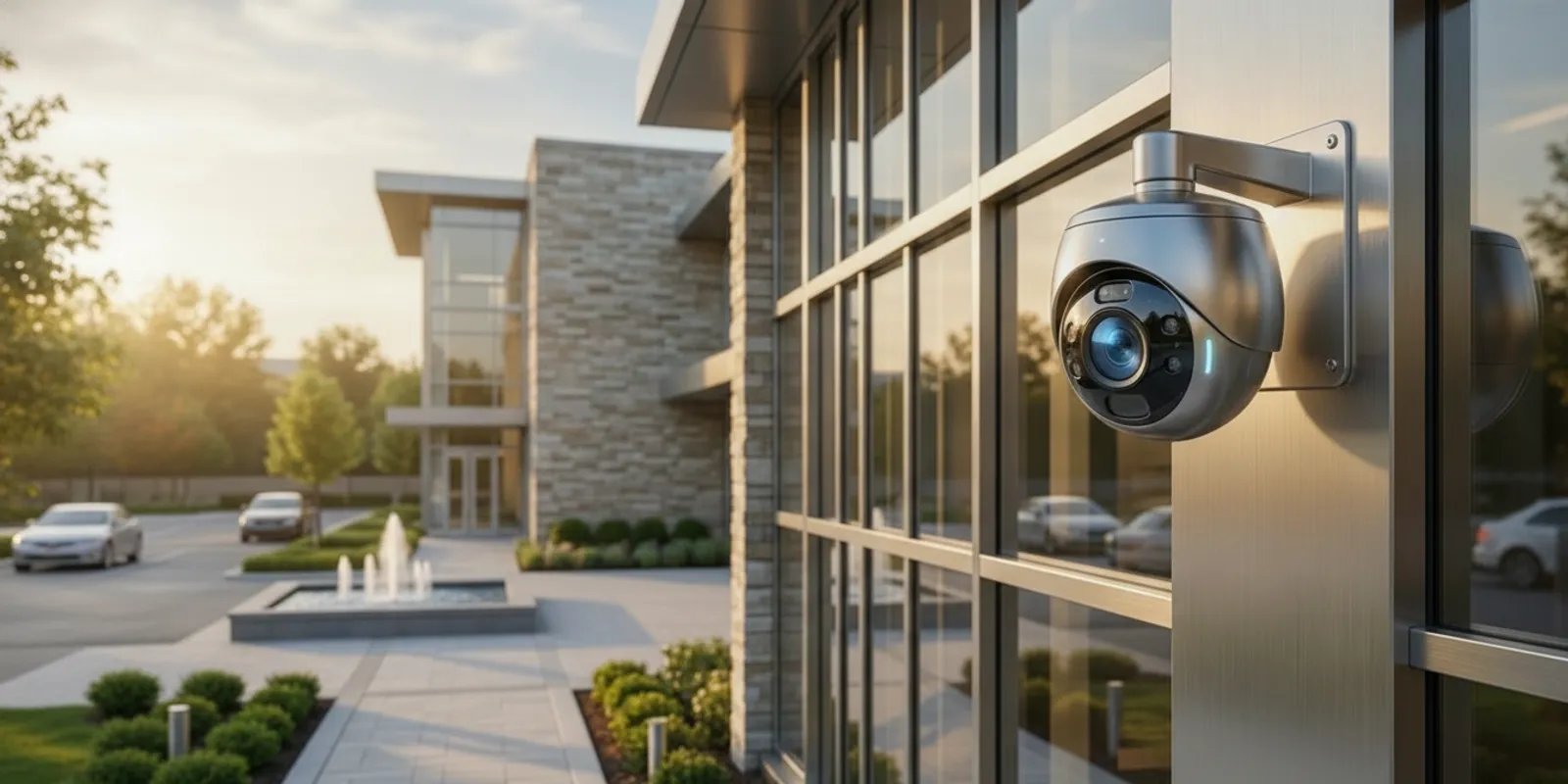
Wireless outdoor security cameras can simplify installation, but “wireless” does not mean every camera works without a dependable connection or power source. Before choosing a system, compare how each camera gets power, sends video, withstands weather, and records footage. These details matter whether you are protecting a home, storefront, parking area, or industrial property.
Request a security consultation
What does “wireless” mean for an outdoor security camera?
The word wireless can describe the camera’s connection to a recorder or network, not necessarily its source of power. Many wireless outdoor security cameras send video over Wi-Fi but still use a plug-in power adapter. Battery-powered models avoid a nearby outlet, while some systems use solar accessories to help replenish a battery. These options solve different installation problems, so check the exact camera configuration rather than relying on the label.
Wireless video transmission also does not automatically mean that footage is stored in the cloud. A camera may save clips to a local recorder, a memory card, a cloud service, or a combination of these. Review how recording works, how long footage remains available, and what happens if the internet connection is interrupted.
Start by listing what you need to connect:
- Power: battery, solar-assisted battery, or a wired power source.
- Video connection: Wi-Fi or another supported wireless network, or a wired connection to a recorder.
- Recording: local storage, cloud storage, or both.
- Remote access: the network and account setup needed to view or manage the system away from the property.
Ask the installer or manufacturer to describe each part in plain language. A camera that communicates wirelessly can still need a careful power plan, and a camera that records locally may still rely on a network for live viewing or alerts.
How should buyers compare wireless camera options?
Compare a complete use case, not a list of isolated specifications. One camera may suit a porch with reliable Wi-Fi and easy access for charging. The same model may be inconvenient on a high warehouse wall, where charging requires equipment or a service visit. The table below provides a first-pass comparison; verify the current product documentation and installation requirements for the specific model.
| Option | Power approach | Connection and recording questions | Best fit to investigate |
|---|---|---|---|
| Battery-powered Wi-Fi camera | Rechargeable battery; charging interval depends on use and conditions | Will the Wi-Fi signal reach the mounting point? How are clips stored? | Locations where running a power cable is difficult and charging access is practical |
| Plug-in Wi-Fi camera | Power adapter or other specified supply | Is a suitable outlet available? Does the network reach the camera? | Locations with nearby power and a stable wireless connection |
| Solar-assisted wireless camera | Solar accessory supports a battery; performance depends on exposure and setup | Is the panel positioned for adequate exposure? What happens during low-light periods? | Sites where a compatible solar position and maintenance access are available |
| Wireless camera with local recorder | Varies by camera; recorder needs its own power | Does the camera communicate reliably with the recorder? What is the retention plan? | Sites that prefer local recording and can protect and maintain the recorder |
| Professionally designed mixed system | Selected by location and equipment requirements | How will coverage, network, power, recording, and support work together? | Properties with varied distances, lighting, building materials, or operational needs |
Published camera reviews can help with an initial shortlist, but they cannot determine whether a device will receive a usable signal at your particular mounting point. Consumer Reports’ home security camera ratings are one resource for comparing reviewed models. Treat a review as a starting point, then confirm compatibility, coverage, storage, and installation requirements for your property.
Will the wireless signal reach the camera reliably?
Signal range is one of the most important practical questions. A manufacturer’s stated range is not a guarantee of performance at every property. Walls, floors, metal surfaces, distance, interference, and the position of the router or access point can all affect a wireless connection. Outdoor cameras may be separated from the network by brick, concrete, insulated walls, garage doors, or long stretches of open space.
Test the network at the intended camera position, not just indoors near the router. If you can, check the signal from the planned mounting location with the door or window closed and with normal equipment operating. Then confirm that the video remains usable when the camera is streaming or uploading clips. A camera that connects during setup but drops intermittently may miss the moments you need to review.
Think about how the property is arranged. A detached garage, rear lot, loading area, or long driveway may be beyond reliable Wi-Fi coverage. Mesh equipment or an additional access point can help in some layouts, but placement and building materials still matter. Avoid assuming that a stronger router alone will resolve every dead zone.
Wireless connectivity is also a system-level issue. If several cameras share one network, consider how they will operate alongside computers, point-of-sale systems, guest Wi-Fi, and other devices. Businesses may want a security design that takes network layout and account access into consideration. For more on system planning, see this business security camera buyer’s guide and InVision Systems’ overview of cloud-based security services.
What power source makes sense outdoors?
Choose power based on the camera’s location, expected activity, and the effort required to maintain it. A battery-powered camera can make cable routing easier, but it introduces a recurring task: checking charge and recharging or replacing the battery. The interval is not fixed across all installations. Frequent motion events, extended recording, temperature, settings, and the specific model can affect power use. Read the product documentation and plan for the camera’s actual workload.
Battery access deserves attention before installation. If the unit will be mounted above a high entrance or along a large building, ask how a person will safely reach it for maintenance. A camera that is easy to install but difficult to service can become a burden. Consider whether battery access would interrupt coverage and whether spare equipment or a maintenance routine is needed.
Solar-assisted power can reduce how often a compatible battery needs charging, but it should not be treated as a guarantee of continuous power. The panel needs a suitable position and exposure, and its performance can vary with shade, orientation, season, and weather. Check the manufacturer’s instructions for panel placement and operating limits. If the mounting point is shaded or the panel would be vulnerable to damage, compare another power method.
A plug-in camera avoids routine battery charging but requires a suitable, protected power source and a route for the cable. Ask how the installation will keep the connection secure and appropriate for the outdoor environment. Do not improvise an outdoor electrical installation; use qualified professionals where electrical work is required.
For larger properties, a mixed approach may be more practical than using the same battery camera everywhere. A battery camera might fit a remote gate, while a regularly powered camera or another system type may be better for a high-activity entrance. InVision Systems designs security camera systems for differing property needs, rather than assuming that one device style is right for every location.
How do weather and placement affect camera performance?
Outdoor equipment must be selected for the conditions at its intended location. Check the manufacturer’s weather-resistance specifications and operating-temperature range. Consider exposure to wind-driven rain, snow, dust, direct sun, and water from sprinklers or roof runoff. A sheltered soffit and an exposed pole are not the same environment, even when both are outdoors.
Mounting position affects more than weather protection. The camera must see the area that matters, avoid unwanted obstructions, and be serviceable later. A very wide view may show a large scene but make a distant person or object appear small. A tighter view can capture useful detail in one area while leaving other approaches uncovered. Walk the property and identify what you need to observe before settling on the mounting point.
Pay particular attention to:
- Approach paths: where people or vehicles enter and leave, not just the doorway itself.
- Lighting changes: bright sun, shadows, headlights, reflective surfaces, and low-light periods.
- Obstructions: trees, signs, parked vehicles, seasonal foliage, and building features.
- Mounting stability: whether vibration, movement, or a weak surface could affect the view.
- Maintenance access: how the camera, battery, solar panel, or lens can be checked safely.
- Privacy: whether the view can be limited to the property and areas you are authorized to monitor.
Test the view at different times of day. A picture that looks clear at noon may be washed out by a low sun or challenged by headlights after dark. For a home, consider the front entry, side paths, garage, and yard as separate coverage needs. For a commercial property, think about entrances, customer areas, stock or equipment access, and vehicle movement. InVision Systems serves residential and commercial customers through distinct home security solutions and commercial security services.
Where will recordings be stored, and how will you access them?
Decide how footage should be recorded before purchasing cameras. Cloud storage can support remote access, while local storage can keep recordings on equipment at the property. Some systems combine both. The right choice depends on the system’s capabilities, the property’s network, retention needs, and the way authorized users need to retrieve video.
Ask specific questions about storage:
- Does the camera record continuously, when motion is detected, or according to another schedule?
- How does the system handle a loss of internet, Wi-Fi, or power?
- How much recording time is available, and what determines when older footage is overwritten?
- Are there ongoing fees, account limits, or storage requirements to understand?
- Who can view, download, share, or delete recordings?
- How will the system be updated and maintained?
For a business, recording policy should reflect the purpose of the cameras and the organization’s practices. Limit access to people who need it, use strong account protections, and establish a reasonable retention and deletion process. Do not assume that a camera alert is a substitute for someone reviewing an event or acting on it. If remote or live response is part of the goal, clarify who provides it and what the service includes. InVision Systems also offers virtual guarding services for buyers evaluating monitored security options.
When is professional installation a better fit?
A single camera near a reliable network and accessible power source may be straightforward to set up. A professional assessment becomes more valuable when the site has several buildings, long distances, difficult mounting points, inconsistent Wi-Fi, varied lighting, or important areas that cannot be left uncovered. Commercial and industrial sites may also need cameras to work alongside access control, alarms, or other security systems.
Professional planning can help resolve questions before equipment is purchased: which views are essential, where a network connection is strong enough, how power will be supplied, and how recordings will be managed. Installation also gives the buyer an opportunity to test the finished image and check that the camera is aimed at the intended area. InVision Systems describes its process as consultation and assessment, custom design and planning, installation, then training and support. You can review its industrial security services or arrange a security system consultation to discuss a site’s needs.
Local conditions matter as well. Properties across the Greater Midwest can have different layouts and exposures, and a solution needs to suit the actual site rather than a generic diagram. Check whether an installer serves your area using the areas served by InVision Systems. Bring a simple site plan, photos of key approaches, and a list of coverage goals to an initial discussion.
What should you ask before choosing a system?
Use these questions when comparing a DIY camera, a professionally installed system, or multiple proposals:
- What exactly is wireless? Confirm whether the camera’s video connection, power, or both are wireless.
- How will the camera be powered? Find out the charging or service routine and whether the mounting position is accessible.
- Has the signal been checked at the mounting point? Confirm performance in the real location, with the building and normal network conditions in place.
- What will the camera capture? Identify the view, lighting conditions, and detail needed rather than choosing only by resolution or advertised coverage.
- How will recordings be stored? Clarify local or cloud storage, retention, access, and what happens during a connection interruption.
- What maintenance is expected? Ask who checks the camera, battery, storage, software, and image quality, and how often.
- Can the system expand? Consider whether additional cameras, access control, or other security components may be needed later.
- What support is included? Know whom to contact when a camera stops connecting, shifts position, or needs service.
Answers should be specific to your property. If a proposal does not explain how each camera will connect, get power, and capture its intended area, request clarification before choosing equipment.
Explore security camera system options
Frequently asked questions about wireless outdoor security cameras
Do wireless outdoor security cameras need Wi-Fi?
Many consumer wireless cameras use Wi-Fi, but not every camera system uses the same connection method. Check the device or system documentation for its network requirements. If a camera depends on Wi-Fi, test the signal at its planned outdoor position before relying on it.
Do wireless outdoor cameras need to be plugged in?
Some do, and some use batteries. A solar accessory may support a compatible battery, but it still needs a suitable installation position and should be assessed against the camera’s operating requirements. “Wireless” alone does not tell you how a model is powered.
Can a wireless camera record if the internet goes down?
That depends on the camera and its recording setup. Some configurations may retain video locally, while cloud-dependent features can require an internet connection. Confirm what continues working during an outage, including recording, alerts, and remote viewing.
Are wireless cameras suitable for a business?
They can be considered for business locations when their coverage, network, power, recording, and maintenance needs are addressed. A site with multiple cameras, difficult signal paths, or important operating areas may benefit from a system assessment before equipment is selected.
Choose for the site, not just the label
The most useful wireless outdoor security camera is one that can stay powered, maintain a dependable connection, capture the right scene, and preserve footage in a way that supports your needs. Map the areas to cover, verify signal and power at each location, and decide how recordings will be accessed and maintained. When the site has complex coverage or reliability requirements, discuss a tailored design with a security professional before committing to equipment.