
Business Security Camera Installation Chicago Planning Checklist
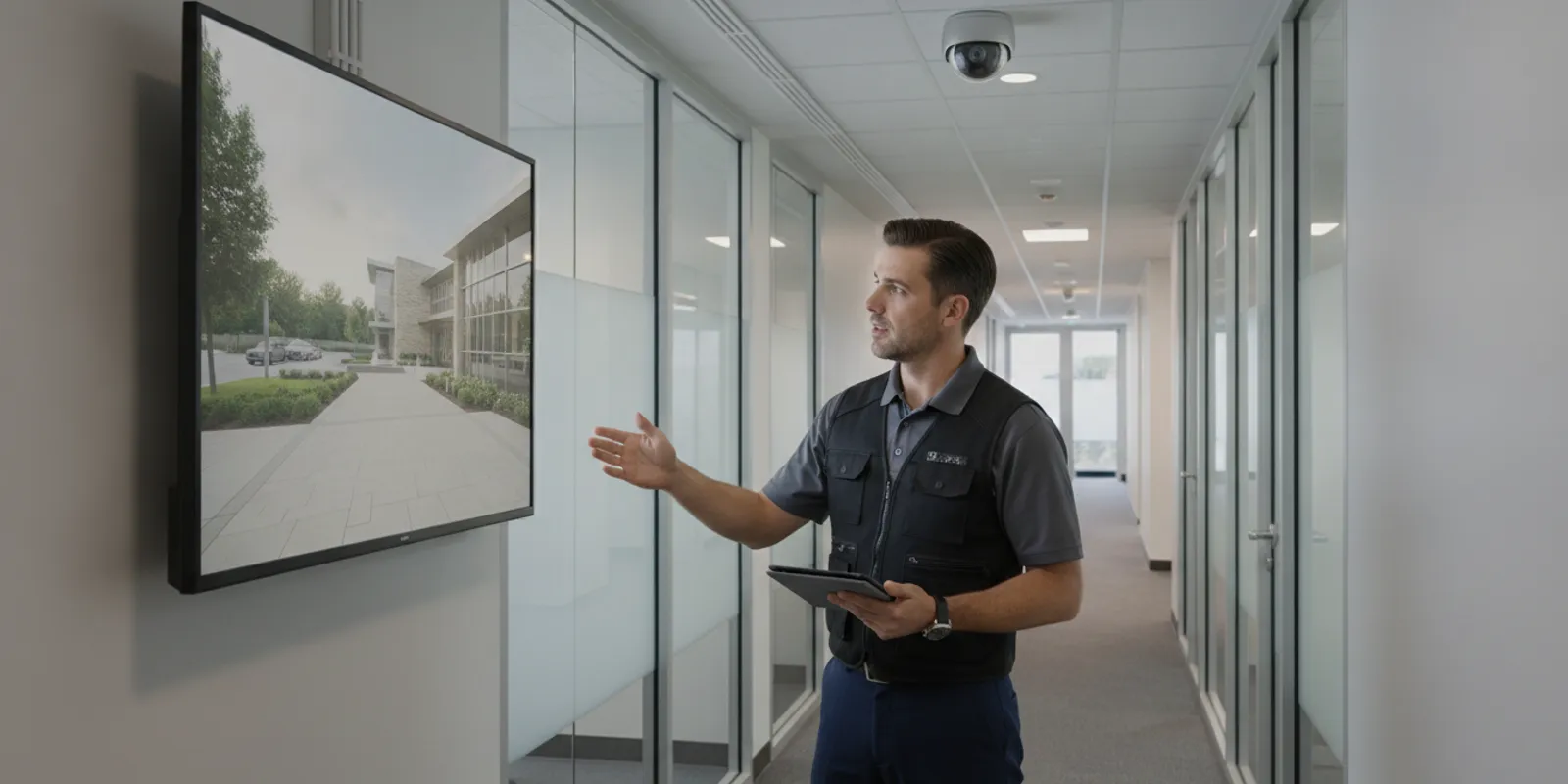
Business security camera installation works best when the system is planned around real site risks and daily operations. This Chicago-area checklist helps facility managers and business owners define what cameras should see, compare wiring and recording choices, prepare for installation, and verify the finished system before sign-off.
Request your free security assessment now
What should the system help your team see?
Start with decisions, not camera models. List the incidents, disputes, safety questions, and operational events that video should help address. A retailer may need clear views of public entrances, checkout areas, stockrooms, and cash-handling points. A manufacturer may need to review access to production zones, receiving areas, inventory, or equipment. An office or multi-tenant property may prioritize shared entrances, visitor movement, elevators, and parking approaches.
For every priority area, record the purpose of the view, operating hours, lighting conditions, and the people who may need to review footage. Note whether the goal is to identify a person, understand a sequence of events, confirm that a door or gate was used, or observe general activity. These goals affect camera placement, image detail, lighting, recording settings, and retention needs.
- List entrances, exits, transaction points, restricted zones, loading areas, and exterior approaches that matter.
- Mark blind spots, obstructions, changing light, reflective surfaces, and areas where equipment or doors move.
- Identify who will view live or recorded video and what decision each user needs to make.
- Separate essential coverage from useful-but-optional views so the project has clear priorities.
- Write down which events should be searchable by time, location, person, vehicle, or other available system detail.
A walkthrough is more useful than a rough camera count. Ceiling height, mounting surface, lighting, scene depth, and the distance to a subject all affect the view. InVision Systems emphasizes customized design that accounts for conditions such as lighting and ceiling height. For a general introduction to camera planning, review the CCTV security guide.
Which locations belong on the coverage plan?
Build a marked site plan before installation. Include entrances and exits, reception, point-of-sale or cash areas, stockrooms, loading zones, corridors, exterior doors, stairwells, equipment rooms, and any high-value storage area. Avoid treating every space as equally important. A camera aimed at a broad room may provide context, while a view at a controlled doorway may show who entered and when.
Check proposed views at different times of day. Sunlight through glass, nighttime lighting, headlights, shadows, and reflective surfaces can change what a camera captures. Consider the view from the camera’s actual height and angle, not only the floor plan. Make sure proposed views are not blocked by signs, shelving, seasonal displays, stored materials, or future equipment.
Plan views to work together. An overview camera can establish context, while a more focused view can capture activity at a specific point. At a receiving door, for example, one view may show the dock and surrounding activity while another is aimed at the door, package area, or vehicle position. Where identification matters, avoid placing the camera so far away that people appear too small. More resolution cannot correct every poor angle or obstruction.
How can a coverage plan handle changing operations?
Ask what will change after installation. Shelving may move, a lobby may be remodeled, a new gate may be added, or a production line may block an existing view. Mark temporary and permanent obstructions separately. If the facility has seasonal displays, delivery peaks, shift changes, or visitor events, include those conditions in the review.
For a Chicago-area site, also consider winter conditions and exterior lighting changes. Outdoor equipment may face rain, snow, ice, glare, and low temperatures. The design conversation should cover mounting, protection, maintenance access, and the ability to inspect the view after weather or landscaping changes.
How should you compare camera and wiring options?
Compare options by the job each camera must do, not by resolution alone. A higher-resolution image does not solve a poor angle, low light, or a blocked scene. Ask the integrator to explain the planned view, lighting assumptions, connection method, recording approach, and how each camera supports the objective you documented.
| Planning choice | Options to compare | Questions to resolve |
|---|---|---|
| Camera placement | Wide overview, focused view, or coordinated pair | Does the scene need context, identification detail, or both? |
| Connection | Wired, wireless, or a mixed design | Is power and network access reliable at each location? |
| Recording | On-site recorder, cloud-based service, or hybrid | How will footage be retained, searched, accessed, and protected? |
| Lighting | Existing light, supplemental light, or a camera suited to the scene | Will glare, darkness, backlighting, or headlights reduce useful detail? |
| System design | Standalone cameras or integrated security | Does the site need coordination with access control, alarms, or speakers? |
| Project delivery | Installation only or installation with training and support | Who tests views, trains users, and handles future service? |
Wired cameras may require planned cable routes, suitable network capacity, and access to a communications room or other network equipment. Wireless cameras still need dependable power and a stable signal; they are not automatically easier in every building. A mixed design can fit a site where some locations are easy to cable and others are difficult to reach, but each connection should be evaluated rather than assumed.
For new construction, a tenant improvement, or a major remodel, discuss structured cabling early. Cable pathways, wall penetrations, equipment locations, and network expansion are harder to change after finishes are complete. InVision’s guide to structured cabling for new businesses can help organize that discussion.
What recording and footage access should you plan?
Choose recording and access arrangements before equipment is finalized. Ask how many days of footage the design is intended to retain under normal activity, how recording changes if network or power is interrupted, and how authorized users can search and export video. Retention depends on camera count, recording settings, storage capacity, scene activity, and operational needs. A stated assumption is more useful than a vague promise that the system has “plenty” of storage.
Decide who should have access to live video, recorded video, exports, and system settings. Use roles that match responsibilities, and confirm how access is changed when an employee moves departments or leaves the organization. Ask whether users can be limited to certain cameras or functions. Keep a written process for requesting, exporting, labeling, and sharing footage so an important clip is not lost or circulated without context.
If remote viewing is needed, clarify which users need it, from which devices, and under what account protections. Confirm how passwords, updates, notifications, and support are handled. If cloud access is under consideration, ask what the service includes, how updates are managed, what storage assumptions apply, and what happens if the site temporarily loses connectivity. InVision’s cloud services overview provides a related starting point.
Cybersecurity belongs in the commissioning discussion as well as the equipment discussion. Change default credentials, limit administrative access, update supported devices, and document who is responsible for account and software maintenance. The Cybersecurity and Infrastructure Security Agency provides public guidance on basic cybersecurity practices for organizations; use it as a starting point and ask the system provider to explain the controls that apply to the proposed design.
How do privacy and workplace policies affect the plan?
Camera coverage should support a legitimate business purpose while respecting the people who work in or visit the site. Identify areas where monitoring would be inappropriate, and avoid capturing private spaces. Review signage, notice, access, retention, and footage-sharing practices with the organization’s leadership and qualified legal or privacy advisers as appropriate for the site.
Privacy planning is also practical system planning. A camera aimed too broadly may capture more of a neighboring property, public area, or employee workspace than intended. Adjust the angle, use available masking or privacy features where appropriate, and document why each view exists. Limit footage access to people who need it, and define how requests from management, law enforcement, insurers, or other parties will be handled.
What should you prepare before installation day?
Coordinate installation with site operations so the work can proceed safely and efficiently. Identify a project contact, access restrictions, work hours, escorts, delivery rules, and any required safety orientation. Tell the installer about ceiling access, lifts, sensitive equipment, restricted zones, hazardous conditions, and planned construction that might affect cable routes or mounting.
- Confirm camera locations and intended views with the people who use each area.
- Identify network closets, power sources, cable pathways, ceiling conditions, and areas with limited access.
- Set expectations for temporary work-area restrictions, noise, ladders, lifts, and disruption to normal operations.
- Confirm whether permits, landlord approval, firestopping, or other building procedures apply.
- Agree on how changes to the approved plan will be reviewed, priced if needed, and documented.
- Decide who will attend final testing, training, and acceptance.
Before the crew arrives, gather the current floor plan and mark proposed camera locations, recorder or network equipment locations, and known cable routes. Note areas that cannot be accessed during business hours. If the site has multiple buildings or departments, identify the order in which each area should be completed. A clear sequence helps the business keep critical operations running while the work progresses.
Businesses considering broader coverage can review InVision’s commercial security systems information. Industrial facilities can also review the company’s industrial security solutions when planning around production, warehouse, and distribution operations.
How can you verify the installation before sign-off?
Do not stop at checking whether every camera appears online. Walk the site with the installer and compare each live view with the approved coverage plan. Check the scene at relevant times and lighting conditions when practical. Confirm that important areas are visible, views are focused as intended, and obstructions, glare, and unwanted angles have been addressed.
Test recording and playback, not just live viewing. Have an authorized user locate a sample event, review it, and export a clip if that is part of the intended workflow. Confirm time and date settings, user permissions, remote access if included, and any notifications or integrations in scope. Test a representative camera from each connection type and building area instead of assuming that one successful test proves every location works.
What should the acceptance checklist include?
- Every approved camera location is installed, labeled, online, and aimed at the agreed scene.
- Live views are usable under the lighting conditions that matter to the business.
- Recording, playback, search, export, and time settings work as expected.
- User roles match the approved access list, and unnecessary permissions are removed.
- Remote viewing, alerts, speakers, or integrations included in the scope have been tested.
- Cable routes, equipment, covers, and mounting points are neat, secure, and documented.
- Open items have an owner and a target for resolution before final acceptance.
Request a clear handoff that includes a camera list, location labels, user instructions, support contacts, and agreed maintenance steps. Staff should know how to report a problem, who is permitted to retrieve video, and what to do when an event requires preservation or escalation. If the system is connected to other security functions, document the normal workflow and the limits of each user role.
When is professional design and installation worthwhile?
Professional help is especially useful when the site has multiple buildings, difficult lighting, long cable paths, high ceilings, shared tenants, restricted areas, or a need to coordinate cameras with other security systems. It can also help when the business needs a documented coverage plan rather than a collection of devices installed one at a time.
A site-specific design should connect equipment choices to the scenes, users, and operations you described. The installer should be able to explain why a camera belongs at a particular height and angle, how the network and power plan supports it, what storage assumptions apply, and how the finished system will be tested. InVision Systems provides customized design, professional installation, training, and support for commercial and industrial clients in the Greater Midwest.
What should you ask an installer before choosing?
- How will you document camera locations and the purpose of each view?
- How do lighting, mounting height, weather, and obstructions affect the design?
- What network, structured wiring, power, and equipment-room work is needed?
- What recording capacity and retention assumptions are included?
- How will users search, export, protect, and share footage?
- What training, maintenance, troubleshooting, and ongoing support are available?
- What is included in final testing and the handoff documentation?
- How will changes to the approved plan be communicated and approved?
Ask for a site-specific explanation rather than a generic equipment list. The strongest comparison is not simply camera count or image resolution; it is whether the proposed system makes the priority scenes usable, keeps access manageable, fits the building, and gives staff a clear process after installation.
Schedule your free security assessment today
Frequently asked questions about business security camera installation
How many cameras does a business need?
There is no useful universal count. The number depends on the site layout, priority views, lighting, camera angles, and whether a scene needs overview or identification detail. Map the coverage goals first, then determine camera locations during a walkthrough.
Should a business choose wired or wireless cameras?
Compare the reliability of power and network access at each proposed location, along with cable routes, building conditions, signal strength, and maintenance needs. Wired and wireless approaches can both fit particular sites, and some systems combine them.
How long should business video be kept?
Retention should reflect operational requirements and the system’s storage capacity. Ask the designer to state the assumed retention period and explain how camera count, recording settings, activity, and storage affect it. The business should also document its footage-handling policy.
What happens during a camera system handoff?
The handoff should verify camera views, recording, playback, user access, and any included remote features. It should also provide practical instructions, labels, system information, and a support process so staff can use the system consistently.
Can a camera system support more than security investigations?
It may also help authorized teams review access events, deliveries, workflow questions, or safety concerns, depending on the design and policies in place. Those uses should be defined before installation so coverage, access, retention, and privacy decisions support the actual purpose.
A careful plan turns business security camera installation into a usable security system: define the views, coordinate the work, test the recordings, document the handoff, and train the people responsible for using it.