
CCTV Installation for Warehouses: Essential Planning Checklist
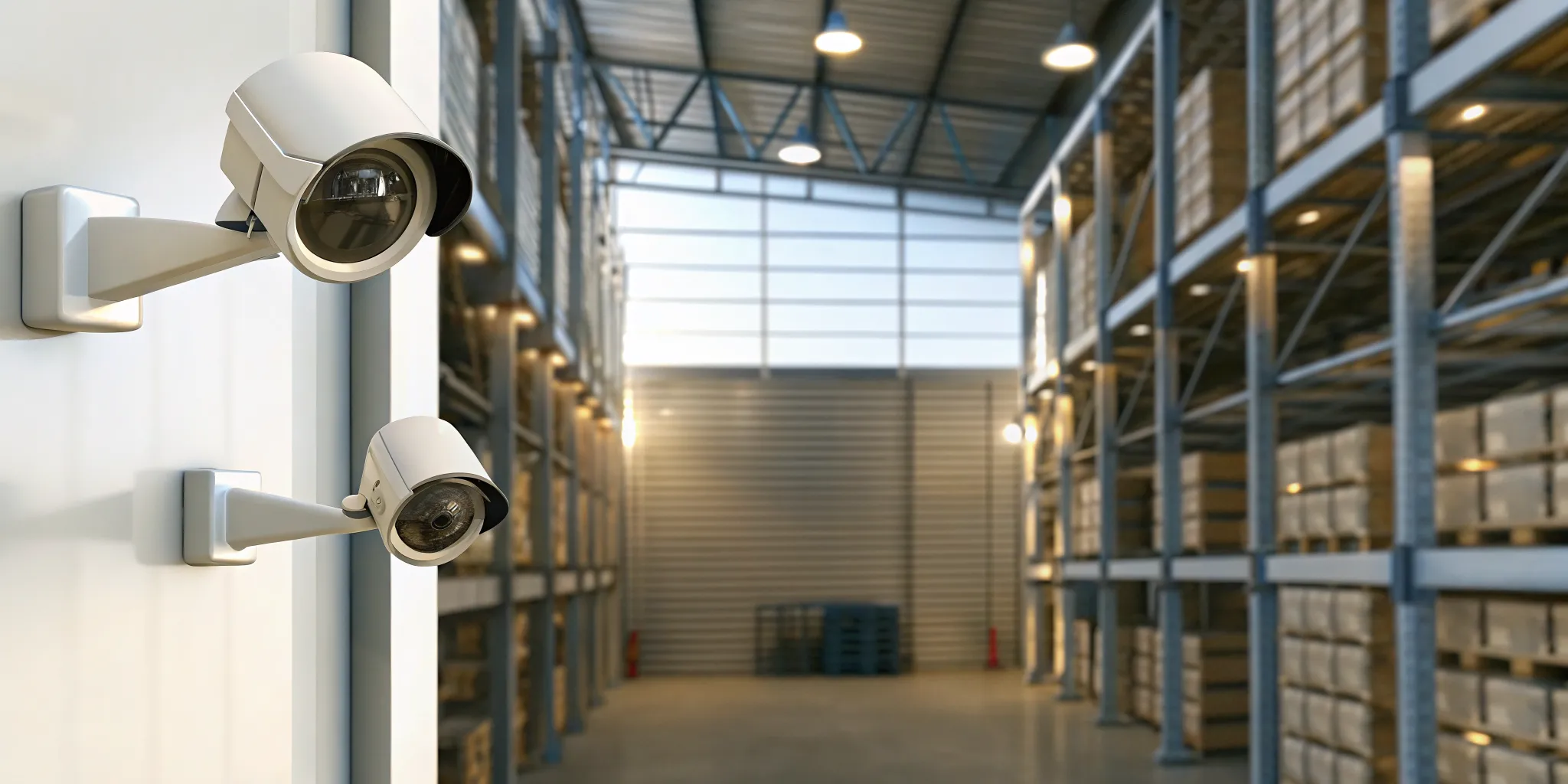
A warehouse with poorly placed cameras leaves millions of dollars in goods and machines wide open to theft.
Professional cctv installation for a warehouse takes more than just hanging cameras on the walls. It needs a smart plan that covers risky spots like loading docks, back doors, and main gates. You must also fix blind spots in narrow aisles where goods are stored.
A well-made system uses IP cameras to give much better images than old tools. This high level of detail is vital for watching work lines where machine breaks can cost ten thousand dollars or more in a year. According to InVision Systems, these tools also help with worker safety and daily output. They let managers watch floor tasks from any phone or screen. By using a clear checklist, site bosses can make sure their camera network meets local rules and keeps their goods safe.
Keeping a large storage site safe starts by finding the most weak spots on the land. We will now look at Key Coverage Areas for Warehouse CCTV to make sure your system sees everything. The path begins with a look at the main zones every site must watch to stay safe.
Key Coverage Areas for Warehouse CCTV
A smart safety plan starts with knowing where to put your cameras. In a large building, small errors in where you put them can leave big gaps in your safety. A professional industrial security camera systems setup looks at high-risk zones to stop theft and track every move. Proper cctv installation makes sure that your team can see everything from the front gate to the back wall.
High-Value Inventory and Loading Docks
Loading docks are some of the busiest spots in any warehouse. They are also places where many errors and thefts happen. Cameras here should track every pallet as it moves on or off a truck. You need clear views of the bay doors and the areas nearby. This helps you confirm that every shipment is right and that no goods vanish during a shift.
High-value zones also need extra care. If you store small, costly items, they need constant eyes on them. Blind spots between tall aisles are common places for trouble. Putting cameras at the end of each row can help floor managers see into these gaps. This active move keeps your stock safe and reduces the risk of loss from inside.
Production Lines and Floor Management
Security is not just for stopping crime. It is also a key tool for keeping your work on track. In many Chicago plants, floor managers use cameras to watch over specific lines. This lets them spot problems early and keep the work flow smooth. Fast action can save a lot of money and keep your staff safe from accidents.
Machine health is another area where cameras help. When a line breaks down, it can cost tens of thousands of dollars each year. High-speed cameras can watch for small timing issues that a human eye might miss. By finding these errors fast, you can fix them before they cause a full stop. This level of detail is why custom system design is so helpful for local firms.
Perimeter Gates and Employee Access
The outside of your building is your first line of defense. You should have clear views of all fencing and entry gates. This tracks who comes and goes at all hours. Parking lots and staff entry points are also key. Seeing who enters the building helps you control access and protects your staff as they walk to their cars.
A full view of the yard can prevent small issues from becoming big problems. For example, knowing exactly when a driver arrived can settle many disputes. When you plan your cctv installation, think about how each camera works with the others. A joined-up view is the best way to keep your entire warehouse safe and smooth.
Why IP Megapixel Cameras Are the Right Choice for Industrial Facilities
Large industrial layouts need clear sight to keep sites safe and run well. High-resolution IP security cameras give the clear view needed to watch big warehouse floors and loading docks. These digital systems show images with much more detail than old analog sets. Modern IP megapixel cameras give a clear view with six times the detail of analog cameras. This helps your team see faces and license plates from far away.
Advanced Detail and Recognition
The jump in image quality makes a big change in industrial security. While old systems might show a blurry shape, megapixel cameras catch fine details. This clarity is key for face recognition and license plate recognition. Industrial sites also use 360-degree and 180-degree viewing angles on single IP cameras. One camera can watch the same area that used to need four or five analog units. This cut in camera count lowers the cost of IP security cameras and setup.
IP systems also include smart tools to help your staff. These cameras help with face detection, people counting, and intrusion detection. You can set up line crossing alerts to tell staff if someone walks into a locked area. A Department of Homeland Security (DHS) report shows that high-definition video has up to five times the detail of old analog feeds. This makes it much easier to find items in video logs.
Flexible Range and Specialized Monitoring
Industrial sites often have many buildings or large yards that are hard to wire. Modern wireless tech solves this with a line-of-sight range up to 30 miles for business use. This lets you link far gates or sheds to your main system without digging for cable. IP cameras also let you watch 24/7 from any web-based device. You can check your site from any place at any time.
Specialized cameras also help with machine health and work speed. Thermal cameras can watch machine parts to find hot spots before a part breaks. High-speed cameras can watch fast production lines to find the cause of jams or errors. Using these tools can stop production line breaks that often cost tens of thousands of dollars each year. You can also use small microphones to hear changes in machine sound. This can warn you of a need for a quick fix.
| Feature | Analog Cameras | HD-TVI Systems | IP Megapixel |
|---|---|---|---|
| Resolution | Standard View | Full 1080p HD | Multi-Megapixel (4K+) |
| Wiring Type | Coax Cable | Coax (Analog) | Ethernet or Wireless |
| Smart Analytics | None or Low | Basic Motion | AI-Driven Detection |
| Scalability | Hard to Grow | Uses Old Coax | Easy to Add Nodes |
| Remote Access | By DVR Only | By Hybrid DVR | Direct Web Access |
Planning Your CCTV Installation: A Step-by-Step Checklist
Building a warehouse safety system takes careful thought. You must cover every blind spot while following local fire and safety codes. An expert cctv installation ensures your cameras work when you need them most. A step-by-step plan helps you avoid mistakes that cost time and money later.
Map Your Warehouse Layout and Identify Risks
The first step is a full site survey of your warehouse. Walk through every aisle, dock, and storage zone to find high-risk areas. Look for loading docks where goods arrive and leave. Check blind spots between tall racking rows where a person could hide. Note all entry points including employee doors, overhead bay doors, and pedestrian gates. Mark the locations of high-value inventory zones. Placing your business security systems with cameras in these spots helps you track stock and watch staff safety. Mapping the layout first prevents gaps in your view that thieves could exploit.
Plan Cable Routes That Follow Safety Codes
Your system wiring must follow the National Electrical Code (NEC). These rules prevent electrical fires and protect your cables from damage. Keep cables at least 1.26 inches away from the edge of framing members like joists and studs. This prevents damage from screws or nails during future repairs.
Keep all wires at least six feet away from fuse boxes and power lines to avoid signal noise. Maintain a minimum of five inches of clearance from fluorescent lighting fixtures. If you run cables through ceiling plenums or HVAC air spaces, you must use plenum-rated cable that does not emit toxic fumes in a fire. Secure all cables with straps, cable ties, or hangers at regular intervals per NEC 800.24.
Choose the Right Hardware for Warehouse Conditions
Warehouse environments are tougher than offices. You need cameras that handle wide temperature swings, dust, and forklift vibration. Select IP megapixel cameras rated for industrial use with IK10 vandal-resistant housings. Choose varifocal lenses that let you adjust the field of view during setup.
For outdoor perimeter coverage, use cameras with IP67 weatherproof ratings. Pick mounting heights that keep cameras safe from forklift masts while still capturing clear facial images. A height of 12 to 15 feet works well for most indoor warehouse settings. For very wide aisles, use cameras with 360-degree panoramic lenses to reduce the total number of units needed.
Set Up the Network and Recording Hub
Your NVR or DVR acts as the brain of the system. Place it in a secure, locked room that stays cool and dry. Connect it to a dedicated network switch with Power over Ethernet (PoE) to run power and data through one cable. Use Cat6 Ethernet cable for IP cameras to support high-bandwidth video streams.
Configure the system for remote viewing so managers can check feeds from their phones or laptops. Set up a backup power supply (UPS) to keep the system running during outages. Plan storage capacity based on your camera count and retention needs. A 16-camera system recording 24/7 at 4K resolution needs roughly 30 to 60 terabytes for 30 days of footage.
Test Every Component Before Going Live
Do not sign off on the install until every camera passes inspection. Check each feed on the monitor to confirm there are no dead zones. Adjust the focus and field of view for each camera. Test night vision mode in complete darkness to verify IR illumination covers the full area. Confirm that motion detection zones are set correctly to avoid false alarms from forklifts or birds. Walk through each protected zone while watching the live feed to catch any gaps. Record a sample clip and verify that playback works smoothly on both the local NVR and the remote app.
Plan for Ongoing Maintenance
A security system needs regular care to stay reliable. Clean camera lenses every three months to remove dust and grime that blur the image. Check cable connections for corrosion or looseness. Update the NVR firmware when new versions are released to patch security holes. Review storage usage monthly to ensure you are not running out of space before old footage is overwritten. Test your backup power system quarterly. Keep a log of all maintenance so you can spot recurring issues. A well-maintained system lasts longer and costs less to run over time.
- Survey your warehouse layout and identify all risk zones.
- Plan cable routes that meet NEC safety codes.
- Select hardware rated for industrial warehouse conditions.
- Set up the NVR or DVR in a secure room with PoE network.
- Test every camera feed, night vision mode, and motion detection zone.
- Schedule ongoing maintenance including lens cleaning and firmware updates.
Beyond Cameras: Building a Complete Warehouse Security System
A full warehouse security plan goes well beyond simple video. True safety comes from a system where every tool works together. For many industrial sites, a professional cctv installation is just the first step. You need a setup that links cameras with locks and live help to keep your stock safe. This way, you can stop theft and errors before they hurt your bottom line.
Link access control with your cameras
Modern security works well by joining different tools. You can link your video feed with building access control systems to track who enters and exits your site. This lets you use key cards or fobs to manage every door and gate. These systems can be based in the cloud or kept on your site to fit your needs. By joining these tools, you can see exactly who was at a door if a problem happens. It turns a simple lock into a smart part of your full security team.
Using these tools also helps you manage large groups of workers. You can set rules for who can enter certain parts of the warehouse. This keeps high-value items safe while letting daily work move fast. If a card is lost, you can turn it off in seconds from your computer. This gives you peace of mind that your site is always locked down and under watch.
Proactive guarding and monitoring
Watching your site in real time helps stop crime as it happens. Virtual guarding uses two-way audio to let guards talk to people on site. This can scare off intruders as soon as they trip a sensor or cross a line. With live security camera monitoring, your site stays under watch 24/7. You can check your cameras from any phone or web device through cloud-based services. This keeps you in control even when you are far away.
Live guards can do more than just watch. They can find fires, leaks, or other risks that cameras alone might miss. They can also help guests or drivers who arrive after hours. This adds a human touch to your high-tech tools. It makes sure that every alert gets a fast and smart response. You no longer have to wait until the next day to see what went wrong.
Real-world results for industrial sites
Proven success shows how these systems help local businesses grow. One local shop saw cash accuracy jump from 70% to 95% after their setup. Major Chicago sites, like the Drake Hotel, use custom 17-camera systems to stay safe. InVision Systems maintains a 95% client retention rate because we focus on real results. We even work with police to help catch thieves through clear video evidence. All our work is done under Alarm Agency Lic #127.001456 to make sure you get full safety and trust.
Industrial sites have unique needs that off-the-shelf kits cannot meet. Large loading docks and long aisles need cameras that can see in the dark. High-speed production lines need clear shots to find errors in real time. We test all parts in our R&D lab before we set them up at your site. This makes sure your system works well from day one. Your site is not a template, and your security should not be one either.
Frequently Asked Questions
How much does professional CCTV installation cost for a warehouse?
Cost depends on factors like the number of cameras, wiring needs, and system type. Large industrial spaces often require advanced IP megapixel cameras which provide six times the resolution of older analog models. According to InVision Systems, these modern systems allow for better detail in large spaces. Total price varies, but professional installation ensures your warehouse meets local safety and electrical codes while protecting your inventory.
How many cameras are typically needed for an industrial facility?
The number of cameras depends on your facility size and layout. A typical 50,000 square foot warehouse may need between 16 and 32 cameras to cover all blind spots. You must monitor high-risk areas like loading docks, racking aisles, and perimeter gates. Proper planning ensures full coverage without gaps. Industrial security experts recommend mapping out your facility to find where cameras will be most effective for your specific needs.
What is the best type of camera for warehouse security?
IP megapixel cameras are usually the best choice for industrial sites. They offer clear footage and features like face detection, people counting, and license plate recognition. These cameras provide 360-degree viewing angles to reduce the total number of units you need. According to InVision Systems, IP cameras deliver significantly higher resolution than analog options. This extra detail is vital for identifying suspects or monitoring fast production lines in large warehouse environments.
Where should security cameras be placed in a distribution center?
Cameras should be placed at every entry and exit point, including loading docks and employee doors. It is also important to monitor shipping and receiving areas where high-value items are handled. Racking aisles and parking lots are other key spots that need constant eyes. Strategic placement helps prevent theft and improves safety. Professional installers also check for lighting issues to ensure your cameras capture clear video during both day and night.
Ready to schedule your warehouse security assessment?
Waiting to set up your security cameras can be a costly mistake. Each day your site lacks eyes on the floor, you risk theft and lost stock. Thieves look for easy targets, and a warehouse without a plan is a top choice. If you do not act now, you may face the high cost of stolen goods or damage that a clear view could have stopped. The risk of a break-in grows every day you wait.
Starting today gives you a head start on safety. A custom plan helps you see every corner of your loading docks and aisles right away. You can catch small errors before they stop your work. Our team is ready to build a system that fits your needs. Do not wait for a loss to take the first step toward a safer site. A fast start means a safer site for your team.
Ready to schedule a free security assessment? Call (773) 733-0970 to talk to a security expert about your warehouse.