
Wireless Camera System: A Self Storage Buyer Guide
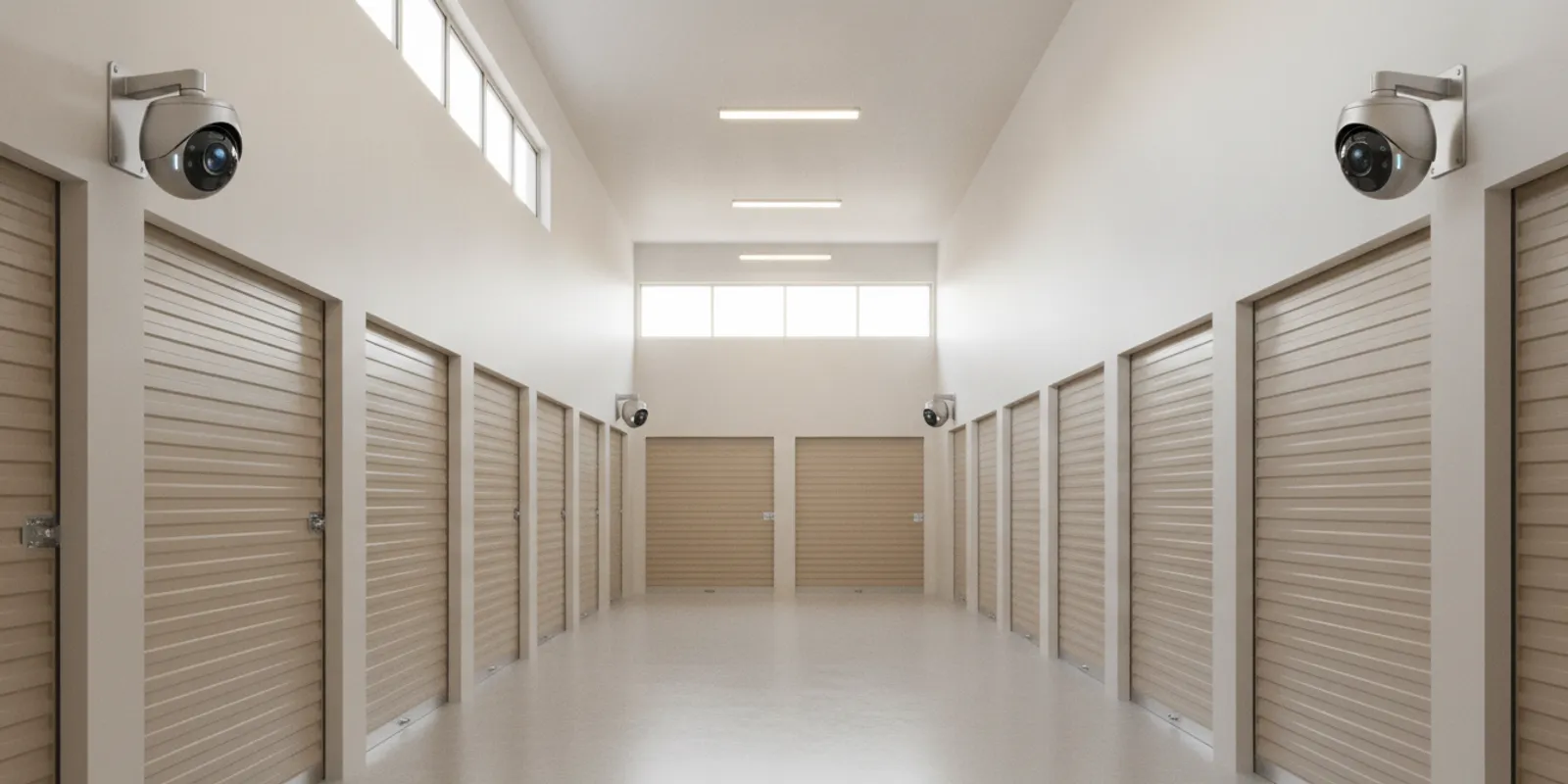
A wireless camera system can simplify some security projects, but it is not automatically the right fit for every self storage property. Before choosing equipment or an installer, compare the layout, connectivity, power, recording, access needs, and support plan. For self storage security camera systems, the goal is dependable coverage of the places where people and vehicles move—not simply the largest camera count. This guide explains what a Chicago-area buyer should assess before requesting a proposal.
Request a security assessment or call +1 773 733 0970 to discuss your property.
What does “wireless” mean in a camera system?
Wireless describes how a camera sends video or communicates with a recorder or network. It does not necessarily mean the camera has no cables at all. Many wireless cameras still need a power source, and a wireless connection still depends on a reliable signal between devices. Other systems transmit video over cable while using network technology to view recordings remotely. Ask an installer to identify exactly which connections are wireless and which require cabling.
For a self storage property, the difference matters because buildings can be spread out, divided into long corridors, or separated by walls and doors. A signal that works in an office may not reach a camera at the far end of a metal-clad building or across an outdoor drive aisle. The system design should be based on a site review, not just the advertised range of a camera.
A wireless camera system may reduce the amount of video cabling in some locations. A wired system may be preferable where stable connections, consistent recording, or long distances are priorities. A hybrid design can use different connection methods in different areas. The right answer depends on the site, equipment, recording approach, and installation constraints.
Which parts of a self storage property need coverage?
Start by mapping activity, not by picking camera models. Walk the property and note the areas that matter for safety, operations, and reviewing an incident. Common areas to assess include:
- Vehicle entrances and exits: Decide whether the view needs to show a vehicle, its direction of travel, activity around a gate, or a wider overview. A single camera may not capture every detail clearly.
- Office and customer areas: Consider the reception area, payment or service counter, and doors used by staff and customers.
- Drive aisles and building approaches: Look for turns, blind corners, long lanes, and areas where people move between buildings.
- Perimeter and gates: Note fencing, access points, lighting, vegetation, and other conditions that can affect a view.
- Shared spaces and operational areas: Include locations where staff work or where property activity needs to be reviewed.
A camera view is useful only if it captures the detail needed for the intended purpose. A broad overview can show general movement but may not make a person or vehicle identifiable at a distance. Conversely, a tightly framed view can show detail while missing the wider context. Write down what each important view should help you see, then have the installer match lens, position, and resolution to that job.
For each priority location, describe a practical review scenario. For example, would staff need to see which direction a vehicle travelled, establish when someone entered a corridor, or understand the sequence of movement near a gate? A camera cannot guarantee a usable answer if its angle, lighting, or resolution does not support that task. Ask the installer to show the proposed field of view and explain what may remain outside it. If a view depends on two cameras working together, ask how the footage can be reviewed as a sequence.
Also check what privacy and access expectations apply to your operation. Decide which areas have a legitimate security purpose for video coverage and who should be permitted to view recordings. Ask the installer about user permissions and the available configuration options, then have your own management determine appropriate policies for staff and customer access. Camera placement should be purposeful, documented, and consistent with the property’s operating requirements.
If your property has several sites in the region, make a list of the locations and any differences in layout or operating needs. InVision Systems provides information about its service areas and a project gallery that can help you understand the company’s regional presence and work examples. Examples do not replace a review of your own buildings, but they can help you prepare questions about design and installation. The company’s security services overview is another place to see the categories of systems it offers.
Think through day and night conditions as well. Note bright exterior light, shaded corridors, reflective surfaces, changing daylight, and locations with limited illumination. Mounting height and ceiling structure can change the result. A site assessment should account for those real conditions instead of assuming every camera will see equally well.
How should you compare wireless, wired, and hybrid designs?
Compare the complete design, not just the connection label. The table below is a starting point for a conversation; it is not a guarantee that one approach will work at every property.
Design approach: Wireless video connection
Potential fit: Locations where running video cable is difficult and a dependable signal can be established
Questions to ask: How will signal strength be checked at each camera location? What could block or interrupt it?
Trade-offs to review: Signal reliability, network configuration, and camera power still need a plan
Design approach: Wired connection
Potential fit: Locations where a stable cable path is practical and consistent connectivity is important
Questions to ask: Where will cable run, how will it be protected, and what building work is involved?
Trade-offs to review: Installation may require more cable routing and coordination with the property
Design approach: Hybrid system
Potential fit: Properties with a mix of accessible and difficult-to-reach camera locations
Questions to ask: Which locations use each connection type, and how will the parts be managed together?
Trade-offs to review: Design and support should account for different connection methods across the site
Ask the installer to explain the trade-offs location by location. A proposal should not simply call the system wireless and leave the rest implicit. It should make clear how each camera connects, where it gets power, how video reaches storage, and what happens if a connection drops. If the property already has network infrastructure or existing cameras, ask whether any of it can be assessed for reuse or integration; do not assume compatibility without checking the equipment and condition.
What should you check about power, network, and recording?
Power and video transmission are separate planning questions. Identify how each camera will receive power, whether an outlet or other suitable source is available, and what installation work may be needed. Battery-powered equipment can have maintenance implications; confirm the expected service routine and how the system will alert the operator to a low-power condition. Do not treat “wireless” as synonymous with maintenance-free.
Next, ask how footage will be recorded. The system may use an on-site recorder, cloud-based services, or a combination, depending on its design. Clarify the intended retention period, who can review footage, how authorized users access it, and what is required to retrieve a clip. The amount of storage needed depends on such factors as camera count, recording settings, image quality, and retention goals. Ask the installer to explain the assumptions behind the proposed storage rather than relying on a generic number.
Determine whether remote viewing is important and what connection it requires. Remote access can be useful for authorized staff, but it should be configured deliberately. Discuss individual user access, account management, and what happens when staff roles change. InVision Systems offers camera and cloud-based services; a buyer can review the security camera service information and ask which arrangement fits the site.
Connectivity between cameras and a recorder is not the same as access to the public internet. Ask the installer to describe the proposed network path in plain language, including any dependence on the property’s internet service. A lost internet connection may affect remote viewing or cloud functions differently from local recording, depending on the system. Get the answer for the equipment being proposed, not a general assumption.
How do building layout and installation affect the plan?
Self storage sites can include multiple buildings, long corridors, metal doors, outdoor lanes, and different ceiling heights. These features affect camera placement, cable routes, wireless signal paths, and the ability to service equipment later. Ask the installer to walk the site and note obstructions, lighting, mounting surfaces, and vulnerable or high-traffic points. That detail helps avoid a plan built around a floor plan alone.
Discuss installation timing and access. Identify hours when customer or staff movement is busiest, which areas must remain available, and whether work needs to be coordinated building by building. Ask how the installer will protect existing operations during installation and what will be tested before the system is handed over. Clarify who will need to be present and what access or site information the property must provide.
Where new network cabling is appropriate, ask about structured wiring as part of the wider project. InVision Systems describes custom security design and installation for commercial and industrial clients. For an example of how cable planning can support a business, see its article on structured cabling for new businesses. This is a reference point, not a substitute for evaluating a particular storage property.
Consider future changes as well. A facility may add buildings, change its entrance process, or want additional views later. Ask whether the proposed recorder, network, and design can accommodate likely expansion and what would need to change. The answer should be specific about capacity and compatibility; avoid relying on a vague promise that a system is “expandable.”
What should a useful camera proposal include?
Compare proposals by scope and assumptions. A clear proposal should help you understand the intended result and what is included. Look for:
- A site-specific camera plan showing proposed locations and the purpose of each view.
- The camera type and relevant capabilities specified for each area, rather than a single generic description for the whole property.
- A description of connection method, power, recording, storage, and remote viewing.
- Any required network, cable routing, mounting, or other site preparation.
- Installation scope, schedule assumptions, testing, and staff training.
- Ongoing support options, maintenance expectations, and how service requests are handled.
- Items that are excluded or depend on conditions discovered during installation.
When comparing two proposals, ask each provider to address the same coverage goals. One quote may include a wide overview while another proposes several targeted views; camera counts alone will not reveal whether they meet the same need. Ask what each camera is expected to show, what limits the view, and how the system will be checked after installation.
Price also needs context. Equipment, installation complexity, network and power work, recording choices, and support arrangements can all affect project scope. Rather than comparing a headline price alone, review the included components and exclusions line by line. If a proposal is not clear about a specific area, ask for the assumption in writing before approving it.
How should you evaluate installation and ongoing support?
Security equipment is only part of the purchase. Ask who assesses the site, designs the system, installs it, and provides help afterward. Confirm whether the installer will explain how authorized staff can review footage, export a clip, and respond to a basic system issue. Ask what training is included and whether a written handover or system map will be provided.
Discuss how the system will be maintained. Ask how to identify a camera that has stopped communicating, who will receive an alert, and how the issue is reported and handled. Confirm any support or maintenance terms in the proposal. These questions help you judge whether the provider’s plan covers the operating life of the system rather than ending at installation.
InVision Systems describes a process that includes consultation and assessment, custom design and planning, professional installation, and training and support. You can learn about its broader commercial security camera systems and how an integrator approaches business projects. The service page is a starting point for a site-specific discussion, not a preset package or price list.
What questions should you bring to a security consultation?
Prepare a short brief before asking for a site visit. It can include a property map, a list of buildings and gates, known camera or network equipment, important operating hours, and the areas you most need to review after an incident. Note any recent changes to access patterns or construction plans. You do not need to select equipment in advance; the goal is to explain the problem clearly.
- Which locations need an overview, and where is more detail important?
- How will the proposed wireless links be tested under actual site conditions?
- Which cameras need new power or network infrastructure?
- How will recordings be stored, retained, found, and accessed by authorized staff?
- What functions depend on internet availability, and what continues locally if service is interrupted?
- What work will occur during installation, and how will disruption be managed?
- What training, ongoing support, and maintenance arrangements are included?
- What assumptions, exclusions, or future expansion limits should be understood?
For general planning context, the Cybersecurity and Infrastructure Security Agency provides security information for organizations. Use authoritative guidance alongside a site-specific assessment, and have the installer explain how the proposed equipment and access arrangements fit your own operating practices.
Before the visit, decide who will review the proposal and who will administer system access after installation. Bring relevant questions from staff who handle the property day to day. That preparation can make it easier to distinguish a design that fits your site from a list of equipment that does not explain how the pieces work together.
Schedule a security system consultation or call +1 773 733 0970 to discuss your self storage property.
Frequently asked questions
Does a wireless camera system need power cables?
Often, yes. Wireless usually describes video or network communication, not the camera’s power source. Ask how every proposed camera will be powered and what maintenance that choice requires.
Can wireless cameras cover a whole self storage property?
They may suit some or many locations, but coverage depends on distance, obstructions, signal conditions, power, and recording design. A site assessment should test or account for actual building conditions before the system is specified.
Is wireless video always cheaper to install?
Not necessarily. Reduced video cabling in some locations may be offset by power work, network equipment, signal planning, or ongoing maintenance. Compare complete proposals with the same coverage goals and installation assumptions.
What should I do if my facility already has cameras?
Make a list of existing cameras, recorders, and network equipment if you know it, and ask the installer to assess their condition and compatibility. Reuse should be based on a technical review, not assumed from a camera’s appearance or age.
How do I get started with a site-specific plan?
Gather a property map, identify priority areas, and note questions about power, network, recording, and support. Then contact an installer to arrange an assessment and request a proposal that explains the design and its assumptions.
A well-planned wireless camera system starts with clear coverage goals and an honest assessment of the property’s layout, connections, recording needs, and support requirements. InVision Systems serves commercial clients across the Greater Midwest; call +1 773 733 0970 or use the contact page to discuss a self storage security camera system for your site.