
Wireless Security Camera System
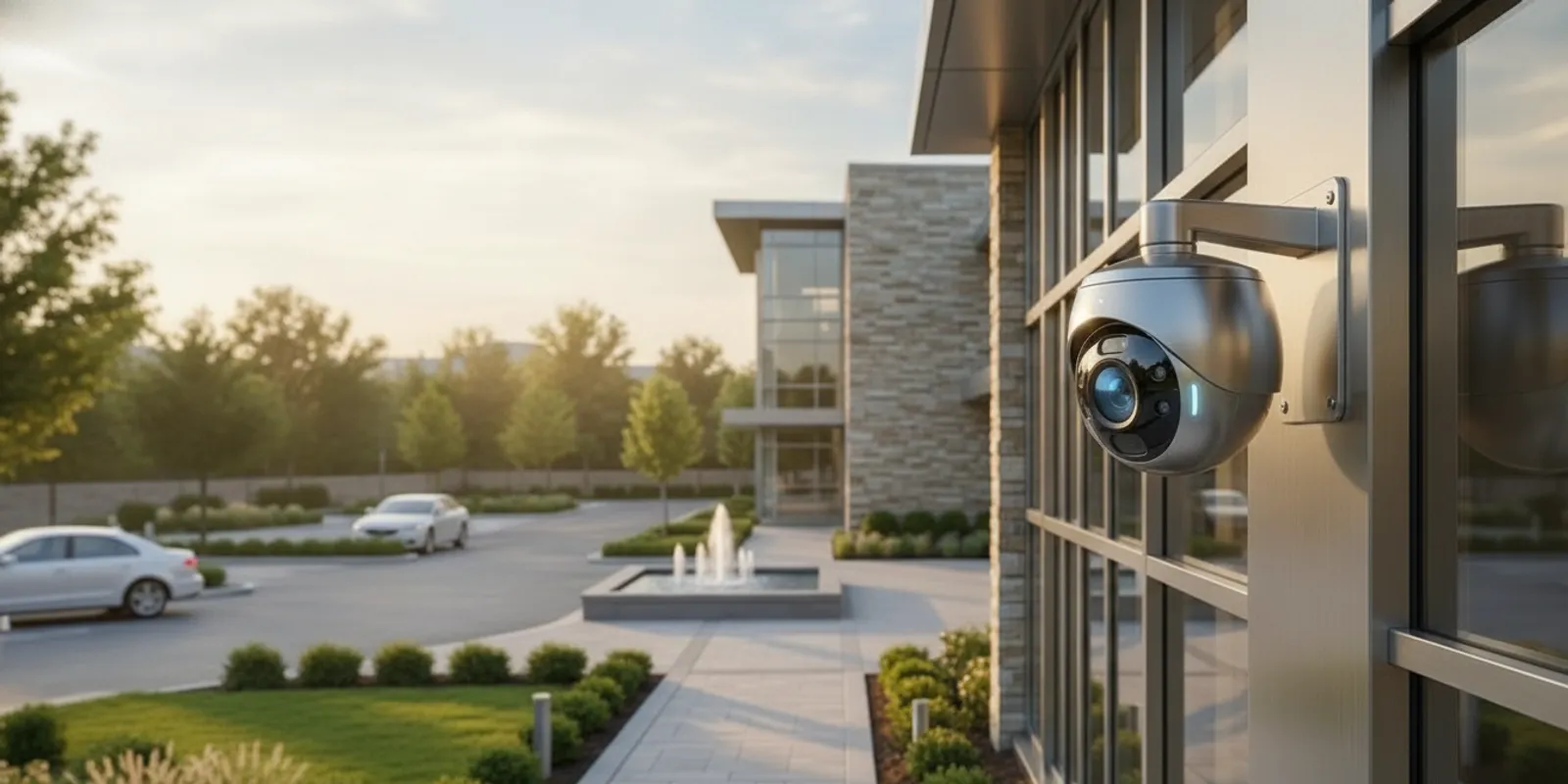
A wireless security camera system can simplify installation, but “wireless” does not mean every camera is cable-free or that every site will have a reliable connection. Before choosing equipment, evaluate how video reaches the recorder, how each camera gets power, where footage is stored, and whether the signal will hold up in real operating conditions. This guide walks through those choices for homes, businesses, and industrial properties.
Request a security system consultation
What does “wireless” mean in a security camera system?
In most systems, wireless describes how a camera sends video to a network or recorder. A camera may communicate over Wi-Fi or another wireless connection instead of using a dedicated video cable for that link. The camera still needs power. Depending on the design, that power may come from a nearby outlet, a low-voltage power connection, or a rechargeable or replaceable battery.
That distinction matters. A battery camera may avoid both a data cable and a permanent power cable, but it can require regular charging and may be limited in how continuously it records. A plugged-in wireless camera can transmit video without a long data run, but still needs a safe, dependable power source at its mounting point. Some installations combine wireless links with wired network equipment, recorders, or power infrastructure.
Ask a vendor to describe the entire path: camera to access point, network, recorder or cloud service, and the person who views the video. “Wireless” alone does not tell you where footage is saved, how long it remains available, or what continues working if the network connection drops.
How can you tell whether the wireless signal will be reliable?
A strong signal at the office router does not guarantee a strong connection at every camera location. Walls, metal shelving, concrete, distance, neighboring networks, and changes in the building can all affect wireless performance. Warehouses, factories, multi-unit properties, and larger homes may have several obstacles between a camera and the network equipment.
Think about each proposed camera location, not just the property as a whole. A device near an exterior door may have a clear path to an access point, while one behind a concrete wall or at the far end of a building may not. Outdoor equipment may also be mounted farther from the building’s network equipment than a quick walk-through suggests.
- Identify the exact camera locations and the walls, floors, and structures between each camera and its connection point.
- Test the signal at the intended mounting height and location, rather than relying only on a phone reading near the router.
- Check performance during the times the system will be in use, including busy periods when many devices share the network.
- Confirm what the camera or recorder does when the link weakens or goes offline, and how the system alerts an operator.
- Plan for network equipment placement and future changes, such as new shelving, partitions, or tenant areas.
Signal testing should reflect the finished site. Moving a camera a few feet can change its view or connection quality, so a strong design balances coverage and connectivity. A system with a weak link may show delayed video, missed events, interrupted playback, or gaps in recordings. Ask how the installer will validate the connection after mounting and how performance concerns will be diagnosed.
What power source fits each camera location?
Power planning is separate from signal planning. A camera can have excellent wireless reception and still be a poor choice if it is difficult to power or maintain. List every camera location and note whether a suitable outlet or power connection is nearby, how accessible it is, and whether maintenance staff can reach it safely.
Battery-powered cameras can be useful where running power is difficult, but battery life depends on usage, settings, environment, and how often the camera is activated. Frequent live viewing, event recording, cold conditions, or a high-traffic scene may increase power demand. Treat the manufacturer’s battery estimate as a planning reference, not a promise for every site. Decide who will check charge levels and keep the camera operating.
Plug-in or professionally powered cameras can reduce routine battery handling, though the power route must be installed appropriately. For a larger property, a hybrid design may use wireless transmission at selected locations and wired infrastructure where it is more dependable. The right mix depends on building layout, access to power, expected recording, and the cost and disruption of installation.
| Option | How it connects and receives power | Potential fit | Questions to check |
|---|---|---|---|
| Battery wireless | Wireless video link; rechargeable or replaceable battery | Locations where cable access is limited and maintenance access is practical | How often will it need charging? Does it support the recording schedule needed? |
| Plug-in wireless | Wireless video link; local outlet or power connection | Locations with reliable power but challenging data-cable routes | Is the power source suitable and protected? What happens during a power outage? |
| Hybrid system | Mix of wireless and wired network, recording, or power connections | Properties with varied distances, construction, and camera requirements | Which cameras need a wired connection, and how will the full system be supported? |
| Fully wired camera connection | Dedicated cable carries data and may provide power, depending on system design | Locations where dependable connectivity and continuous operation are priorities | What installation route is feasible, and how will future changes be accommodated? |
This comparison is a starting point, not a universal ranking. A buyer should compare the actual camera model, network plan, power needs, recording mode, and site conditions. For system-level context, see InVision’s overview of how CCTV security systems are planned.
Where will the video be recorded and how will you retrieve it?
Wireless cameras do not all store footage the same way. Some record to a local hub or recorder; others use cloud storage; some systems offer both. The best arrangement depends on how quickly you need to review events, how much footage you need to retain, the network connection, and who should have access.
Local recording can keep footage at the property and may allow access on the local network, but the equipment needs a secure, suitable location and a plan for failure, damage, or full storage. Cloud recording can make remote access convenient, but it depends on an internet connection and may involve recurring fees or account administration. A hybrid approach can offer more than one retrieval path, but it needs clear configuration and support.
Before choosing, ask:
- Is recording continuous, event-based, or configurable by camera?
- How is the desired retention period calculated for resolution, frame rate, number of cameras, and recording schedule?
- What is the process for finding and exporting an incident clip?
- Who can view footage, change settings, add users, and delete recordings?
- What happens to recording during an internet outage or a recorder failure?
- Are any subscriptions, storage limits, or renewal terms associated with the selected service?
Retention should reflect operational needs and applicable organizational policies. Avoid selecting storage solely by advertised capacity; ask for an estimate based on the number of cameras and the way each one will record. InVision provides cloud-based security services as one option to discuss when comparing storage and system access.
Will the cameras cover the scenes that matter?
Wireless performance cannot make up for a poorly chosen view. Identify the events the system needs to help you review. A front entrance may call for a clear view of people approaching. A loading area may require visibility across vehicle movement and activity at a door. A home may need views of entry points without unnecessarily recording private spaces.
Write down the intended scene for each camera, then consider distance, mounting height, lighting, glare, obstructions, and the detail needed. A wide angle can show more area but make distant details smaller. A narrower view can capture more detail in a focused area while leaving adjacent space outside the frame. Camera placement also affects whether faces, doors, or activity are obscured by shelving, parked vehicles, or seasonal changes.
Mark proposed fields of view on a simple site plan or walk the property with the installer. Check what is visible during daylight and after dark, including areas affected by headlights, reflective surfaces, and changing light. Compare the planned view with the actual purpose of each camera. InVision’s guide to camera field of view and lens angles can help you understand why lens choice and placement belong in the same discussion.
For a commercial or industrial site, the needs may vary from one zone to another: entrances, customer areas, production spaces, inventory, and exterior approaches can call for different views and recording priorities. A home may put more emphasis on entries and shared outdoor spaces. A customized plan can account for those differences rather than forcing every camera into the same setting. See the options for commercial security systems or residential security when deciding which type of consultation is relevant.
What cybersecurity and privacy safeguards should you ask about?
A camera system is part of a networked environment. Protecting it means controlling access to the video, keeping accounts and devices configured responsibly, and understanding who can change system settings. Ask whether each user can have an individual account, how access is removed when a person no longer needs it, and how an administrator can review active users.
Use strong, unique credentials for camera and cloud accounts. Enable multifactor authentication when the system offers it. Change default credentials during setup, keep firmware and applications maintained through the approved update process, and avoid sharing administrator access for convenience. Restrict remote access to the people and devices that need it. Ask how updates are handled and who is responsible for applying them.
Consider privacy at the planning stage. Aim cameras at the areas the system is intended to protect, and avoid capturing spaces that are not needed for that purpose. Set access and retention rules for staff, household members, and contractors. For a business, decide who may request or export footage and how those requests are documented. Requirements can vary by location and use, so consult appropriate legal or policy guidance for your circumstances rather than assuming one rule fits every property.
How should you compare wireless camera options?
Product lists can help you build a shortlist, but the best-known device is not automatically the right fit for a specific building. Independent reviews can be one input: for example, Security.org’s wireless camera comparison discusses models and differing strengths. Use any review to identify candidates, then check the exact features, compatibility, power arrangement, storage terms, and support for your own installation.
Compare options against the same requirements rather than comparing marketing labels. A simple decision sheet can make tradeoffs visible:
- Connectivity: What network does it use, what range is required, and can the connection be tested at the mounting location?
- Power: Is it battery-powered or connected to a dependable source, and what upkeep follows?
- Recording: Is footage stored locally, in the cloud, or both? What does the chosen retention plan cover?
- Image and scene: Does the camera capture useful detail in the actual lighting and at the required distance?
- System fit: Does it work with the intended recorder, network, viewing app, and other system components?
- Administration: Can you assign and remove users, update devices, and retrieve incident footage clearly?
- Support: Who will install, configure, train users, and help troubleshoot the system later?
Also compare the complete cost of ownership, not just the camera price. Depending on the design, costs can include power work, network equipment, installation, recording hardware, cloud plans, battery replacement, and ongoing maintenance. A quoted system should make clear what is included and what would be an additional expense. There is no useful one-size-fits-all price without understanding equipment and site requirements.
When is professional design and installation worthwhile?
A small, simple space with a nearby network connection may be manageable for a buyer who is comfortable configuring connected devices. A larger or more complex site can raise questions that are difficult to answer from a box label: signal paths, camera placement, network capacity, recording needs, outdoor exposure, user access, and integration with other security components.
Professional planning is particularly useful when a site has multiple buildings, dense construction, metal structures, high ceilings, long distances, many cameras, or critical areas that cannot tolerate recording gaps. It can also help when the system needs to serve different users or connect with alarms, access control, or remote monitoring. InVision Systems describes a process that includes consultation and assessment, custom design and planning, installation, and training and support. Its security camera systems page provides a relevant starting point for discussing a project.
Remote monitoring is another separate decision from whether the cameras use wireless connections. If you want an operator to review activity and respond under a defined plan, ask how camera access, alerts, and response procedures are handled. InVision offers virtual guarding services for buyers who want to explore that approach. Confirm what service is included and how it fits your site rather than assuming a camera automatically includes active monitoring.
What should you verify before approving a system?
Before ordering equipment or signing off on an installation plan, make sure you can explain how the system will work on an ordinary day and during a problem. Ask for a camera-by-camera plan with intended view, connection method, power source, recording destination, and responsible user. If a system relies on wireless links, ask how they will be tested at the final locations and what steps follow if a camera fails to connect reliably.
- Confirm each camera’s purpose, view, mounting location, and operating conditions.
- Confirm power availability and who will handle battery checks or replacement, if applicable.
- Review the network layout, expected connection quality, and behavior during an outage.
- Choose recording and retention settings based on actual operational needs.
- Review account security, authorized users, update responsibilities, and privacy considerations.
- Ask for user training and instructions for finding, saving, and sharing footage.
- Clarify how installation support and future troubleshooting are arranged.
After installation, test the system rather than relying on a live thumbnail. Verify recordings from each camera, review the view at the times of day that matter, test remote access with authorized accounts, and confirm alerts or system-health notifications. Make sure responsible users know how to report a problem and who owns follow-up. A commissioning checklist helps turn a collection of connected devices into a system people can actually use.
Schedule a security system assessment
Frequently asked questions
Does a wireless security camera system need Wi-Fi?
Many wireless cameras use Wi-Fi or another wireless network connection to transmit video, but the exact connection depends on the selected system. Some devices use a local hub or other communication method. Check the camera and recorder specifications, then verify that the connection works at each planned location.
Can wireless security cameras record if the internet goes down?
It depends on the camera, recorder, and system design. Some setups can continue recording locally during an internet interruption; others rely on cloud services or connectivity for key functions. Ask the installer to explain exactly what will continue recording, what remote viewing will stop, and how any lost connection is reported.
Are battery-powered cameras right for a business?
They can suit selected locations where cable access is limited and scheduled maintenance is practical. Consider how often the camera records, how frequently the battery may need attention, whether continuous recording is needed, and whether staff can safely reach the unit. A site assessment can compare battery equipment with powered or hybrid alternatives.
Is wireless always easier to install than wired?
Not always. Wireless may reduce the need for a dedicated video cable at certain locations, but it still requires power, reliable connectivity, correct setup, and appropriate recording. A wired connection may be the more practical choice in a location with weak signal or a need for dependable continuous transmission. The building and system goals determine which approach is simpler overall.
Choose a system around the property
The right wireless security camera system is the one that can capture useful views, stay connected, receive dependable power, and preserve footage in a way that fits your needs. Compare the complete design—not just the word “wireless”—and verify the plan at the intended camera locations. If you need help evaluating a home, business, or industrial property, contact InVision Systems to discuss a customized assessment.