
Cloud-Based Access Control Systems for Multi-Tenant Properties
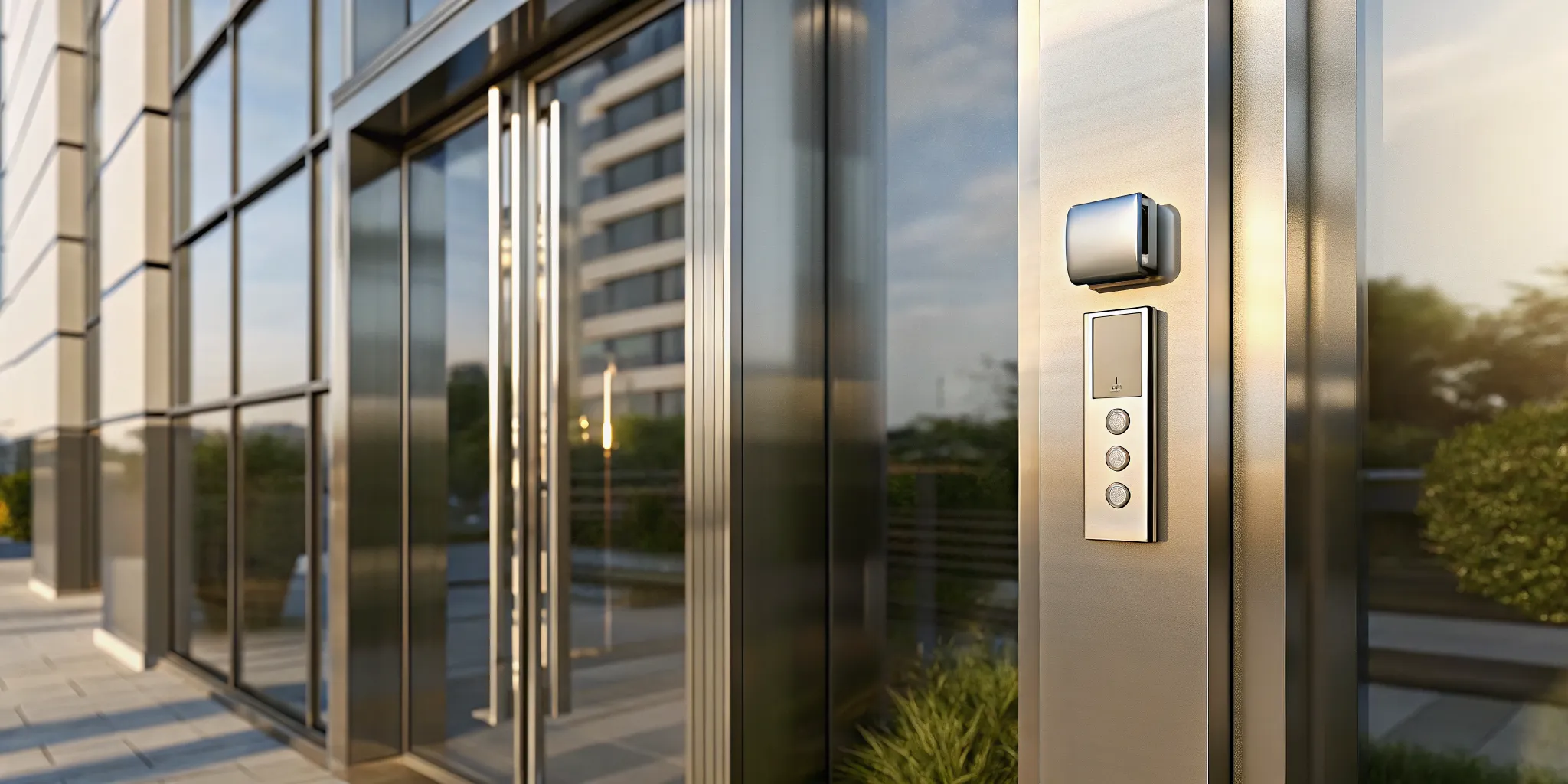
Lost keys and wrong entries create constant security risks and office headaches for multi-tenant building owners. These old systems are hard to grow and even harder to track. Modern buildings need a faster way to manage every door.
Cloud-based access control systems use the internet to manage building entry points and tenant permissions from a central dashboard. These systems replace bulky on-site servers with digital storage. This allows owners to grant or take away access in real time from anywhere. For multi-tenant buildings, this tool makes it easy to manage hundreds of residents or office workers. Real-time logs also track every entry, helping security teams spot odd activity early. According to NIST, central management is a key part of modern security in spread out settings. Moving to the cloud keeps buildings safe while lowering local upkeep costs. This makes building security a smart tool that grows with your property.
Property managers often feel stuck between choosing old hardware and new tools, but knowing the difference is the first step toward building safety. To help you decide, we will look at the basic meaning in our next section, What Are Cloud-Based Access Control Systems? The path begins with the core parts that make these systems work.
What Are Cloud-Based Access Control Systems?
Cloud-based access control systems are a modern way to manage who enters your building without using a local server. These systems move the management of door locks, card readers, and user keys to a remote digital dashboard. Property managers and business owners can use these platforms to control their entire security network from any device with a web connection. This change helps people move away from old, on-site hardware that can be hard to maintain and update.
Remote security management
A key part of these systems is the ability to manage entry points from a distance. Modern cloud-based access control systems allow you to add or remove users in seconds. This is helpful for multi-tenant buildings where residents or staff change often. InVision Systems offers these advanced cloud-based access control solutions for commercial and industrial clients. These tools help you keep your property safe without needing to be on the site at all times.
Centralized control and storage
By using the cloud, a business can link several sites into one control center. The National Institute of Standards and Technology (NIST) notes that centralized management models are vital for access control in multi-location environments. This means you can view logs and change permissions for a Chicago warehouse and a suburban office from the same screen. InVision Systems provides both cloud-hosted and on-premise options to fit the specific needs of each property owner.
Scalable and automated security
These systems grow with your business. When you add a new door or a new building, you can easily add it to your existing cloud account. The software also handles tasks like security patches and system updates on its own. This automation keeps your hardware safe from new threats without any extra work from your team. Starting with a clear plan ensures your system has the right layout to cover every entry point effectively.
How Cloud-Based Access Control Works for Multi-Tenant Properties
Modern modern cloud-based access control systems use a network of hardware and software to secure doors. This setup moves the brain of the system from an on-site server to a secure remote data center. By using the cloud, property managers can handle security tasks from any place with a web link. This model is vital for multi-tenant properties where managers often oversee many units or buildings at once.
Core hardware and cloud setup
The system starts with door readers at each tenant entrance. These readers link to local cloud-based controllers that talk to a main admin tool. Instead of storing user data on a local hard drive, the system stores it in a secure cloud space. This design follows Zero Trust architecture rules, which need strict identity checks for every person trying to enter a door.
When a tenant uses a phone or key card to enter, the reader sends a fast request to the cloud. The cloud server checks the user rights and sends back an unlock signal in less than a second. This process happens in real-time, allowing for fast entry while keeping a full history of the event. Because the system is cloud-native, it can grow easily to add more doors or buildings without needing new on-site servers.
Mobile keys and remote management
One of the best parts of these systems is how they handle door rights. Managers can give or take away digital keys from their tool without needing to meet a tenant in person. This feature helps with centralized remote management of security data across many sites. When a tenant moves out, the manager can end their access with one click, which saves time and improves safety for the whole property.
These systems also help staff stay ahead of security risks. The cloud setup allows for automatic updates to the security software, ensuring the system always has the latest tools to fight threats. This proactive path removes the need for site visits to fix old software. Staff can also view real-time logs to see who is entering the building at any hour, which is key for incident response.
Main monitoring and real-time logs
Managers use a web portal or mobile app to watch over the entire property. This tool shows real-time monitoring and logging of every door event. If a door is left open or a person tries to enter a closed area, the system sends an alert to the manager phone. This view is helpful for large sites where staff cannot be at every door at the same time.
For buildings with many tenants, these logs provide a clear record for both security and billing. The system tracks exactly when common areas like gyms or laundry rooms are used. By using cloud-based tools, managers can spend less time on paperwork and more time on high-level property needs. These systems link physical locks and digital control to create a safer space for everyone.
Cloud Access Control vs. Traditional On-Premise Systems
Property owners today must choose between modern cloud-based access control systems and older on-premise setups. Traditional systems keep all data on a local server. This means you must be on-site to change user codes or check logs. While these systems feel familiar, they often lack the speed and flexibility needed for high-traffic multi-tenant buildings. Reliable access is vital for busy properties that handle many daily entries.
Upfront and Long-Term Costs
On-premise systems often have high upfront costs. You have to buy a local server and pay for complex wiring. In contrast, cloud-based access control systems often need less hardware. Most processing happens off-site, which can lower your initial spend. Over time, cloud systems also save money because they do not need manual server updates or local IT help. Using these modern cloud-based access control systems helps reduce long-term operational risks.
Scalability and Ease of Management
Adding new doors or tenants is much easier with the cloud. You can expand your system across many sites without adding new servers at each location. Cloud management simplifies the task of handling access rights for large properties. Managers can grant or revoke access in seconds from any web browser. This cloud-based access control integration also works well with phone entry tools to help visitor flow.
Reliability and Remote Access
Security teams can now manage building access from anywhere. Remote management reduces the need for on-site staff for basic tasks. Traditional systems often fail at a single point, like the local server. Cloud systems use many servers to ensure the system stays up if one part goes down. According to NIST standards, centralized management is a key part of secure access in multi-site areas. This setup ensures that your property stays safe and open at all times.
| Feature | Cloud-Based Access Control | Traditional On-Premise |
|---|---|---|
| Upfront Cost | Lower initial hardware spend | High cost for local servers |
| Scalability | Add doors and users quickly | Limited by local server size |
| Maintenance | Automatic software updates | Manual on-site server work |
| Remote Access | Manage from any device | On-site workstation needed |
| Security | Encrypted off-site storage | Local server physical risk |
| Reliability | Redundant server networks | Single point of failure risk |
Remote Credential Management: Granting and Revoking Access Instantly
Managing building access no longer needs physical keys or on-site visits. With cloud-based access control systems, property managers can handle user rights from a web dashboard. This change allows for the fast creation and removal of access codes. Whether you manage one site or many, a centralized management model gives a clear view of your whole security plan. You can give access to a new tenant the moment they sign a lease without leaving your desk.
Handling tenant move-in and move-out
Tenant turnover often creates a lot of work for building staff. Old systems force you to collect keys or change fobs in person. Cloud systems change this by letting you set start and end dates for any code. When a tenant moves out, you can stop their access with one click. This keeps your building safe and makes sure only current residents can enter. A cloud-based access control integration helps you link these tools to your tenant list for even faster updates.
Managing temporary visitor access
Service workers and contractors often need short-term entry to specific areas. You can create temporary digital keys that end after a set time or a single use. This removes the risk of lost master keys or fobs. You can also track exactly when a person enters and leaves through digital logs. This level of control is a key part of the general access control guidance for cloud systems. It ensures that your property stays secure while work is done.
Using phone entry and seasonal rules
Visitor management is much simpler when you use cloud tools. Residents can use phone entry systems to let guests in through the main gate. This is helpful for multi-tenant sites with high traffic or shared spaces. You can also set seasonal times for pools, gyms, or roof decks. If a building rule changes, you can update access for all users at once across your whole network. This proactive way of working saves time and cuts the chance of human error in your security plan.
Real-Time Access Logs and Security Monitoring
One of the biggest gains from modern cloud-based access control systems is the ability to see what happens as it occurs. Every time a person uses a phone, card, or key fob to open a door, the system creates a log entry. These logs include the name of the person, the specific door they used, and an exact time stamp. Property managers can view this data from any device with a web browser. This level of detail helps teams maintain a clear record of who is in the building at any given time.
Instant Visibility and Response
Cloud systems change how security teams handle incidents. Instead of waiting hours to pull data from a local server, managers get data in seconds. If an alarm goes off or a door stays open too long, the system sends an alert right away. This allows for real-time incident response, which is vital for busy commercial sites. Using cloud-connected access management lets you lock or unlock doors from your phone to stop a threat or help a tenant.
Compliance and Audit Trails
For many businesses, keeping a record of access is a legal need. Digital logs serve as a full audit trail that shows you follow safety rules. This is helpful for industries that must track who enters secure areas like server rooms or labs. Federal guides from the National Institute of Standards and Technology show that clear access control is a key part of a strong security plan. Having these records ready makes it much easier to pass audits or check past events.
Improving Operational Workflows
Beyond safety, live data helps with daily building tasks. Managers can use logs to see how people move through a space. This can show when a front desk needs more staff or if some doors get too much use. These operational efficiencies help property owners save time and money. By using live monitoring, you can spot odd patterns, such as a door being used late at night, before they turn into bigger problems.
Integrating Phone Entry and Intercom Systems with Cloud Access Control
Managing visitors at multi-tenant properties is easier with modern tools. Cloud-based phone entry systems integrated with access control streamline visitor management for property managers. These tools let guests find a name in a list and call a tenant. The tenant can then see or hear the guest and grant entry through a phone app. This removes the need for tenants to be at the door or to use a wall-mounted intercom.
How Visitor Calls Reach Tenants
In a cloud setup, the intercom uses the internet to reach a tenant’s phone. When a guest arrives, they use the directory to start a call. The system sends a note to the tenant, who can then view a live video feed of the door. This type of cloud-based access control integration ensures that only invited guests gain entry. It also helps managers track who enters the building and when.
Managing Access on One Platform
Cloud-based access control systems often integrate with existing security hardware like cameras to create a clear security plan. This lets managers handle doors, gates, and cameras from one web dashboard. Using one tool for all tasks reduces the time spent on office work. NIST states that centralized management is a key part of modern access control systems in multi-location settings. This unified path makes it simple to update user rights across the property at once.
Designing for Seamless Integration
Customized security system design is essential for effective integration of access control and camera systems. Every building has a unique layout that affects where wires and hardware must go. InVision Systems works with owners to find the best spots for intercoms and readers. We make sure that the hardware works together without gaps. This proactive design helps prevent common issues like weak signals or poor video quality at the front door.
How to Choose the Right Cloud Access Control Provider
Choosing a team for your building safety is a big pick. You need a system that works well every day and keeps your users safe. A good cloud system should be easy for you to run from anywhere. It should also be hard for the wrong people to get past. Many property managers now choose cloud-based security and access systems to help them run their buildings better. These systems give you the ease you need for new offices and apartment hubs.
Know What Your Property Needs
The first step is to look at how your building works. Every property has some ways that people move and new risks. One way is a busy lobby that needs a fast way to enter. A back room for storage might not need that. You should also think about who will run the system. If you have many sites, you need one place to control them all at once. It is good to check cloud safety rules from groups like NIST. This helps you know how your data stays safe in the cloud.
Use a Clear Plan to Choose
Finding the right team is not hard if you use a set plan. Use these steps to guide your search for a safety team.
- Look at the exact needs and pain points of your property. Write down which doors cause the most trouble or where you lose keys most often.
- Think about how the system can grow. Pick a system that can add more users or sites without needing new main tools each time.
- Check how the system fits with your current tools. Your cloud setup should link to your intercoms, cameras, and alarms to create a full safety net.
- Check the license and proof of the team. Make sure they are licensed professionals who know the local building and fire codes for your area.
- Set up an on-site meeting for a custom check. This helps an expert see the layout of your building and find hidden risks.
- Compare the help and upkeep plans. Look for a team that gives quick help if a door tool fails or a user gets locked out.
Trust in Expert Skill
A top team will do more than just sell you tools. They will look at the big picture of your building. This includes things like light, door types, and how your people use the space. InVision Systems uses a proactive security design to help stop events before they happen. We believe that a custom plan is better than a basic one. This is why we give a free on-site consultation to every new client in the Chicago area.
Our team holds Alarm Agency Lic #127.001456. This license shows we follow the strict rules for safety firms. We have helped many owners move to the cloud with ease. By picking an expert team, you make sure your system stays strong and up to date. You also get a partner who will help you as your safety needs change over time.
Frequently Asked Questions
Can I manage access control for multiple sites with a cloud system?
Yes, you can manage many locations from one central control panel. This setup is great for Chicago property managers with buildings in different areas. You can update access or view entry logs for all sites without being there in person. According to InVision Systems, this remote control helps make building security easier. It also reduces the need for on-site staff to handle simple door tasks.
Is cloud-based access control secure for commercial properties?
These systems are very secure and often use modern safety models. Many setups follow Zero Trust rules to check every user and device trying to enter. This proactive step reduces risks from stolen cards or old keys. As noted by the NIST, central control is a key part of keeping sites safe from new digital threats.
Does cloud-based access control integrate with other security systems?
Yes, cloud systems work well with other tools like security cameras and intercoms. This connection lets you see video clips of entry events or talk to guests through a phone system. Custom design ensures all your hardware works as one unit. InVision Systems experts look at your site layout and lighting to make sure cameras and door readers work together for better safety.
Do I need physical keys with cloud-based access control?
You do not need metal keys with these systems. Instead, users can use phone apps, key fobs, or pin codes to enter. If a person loses their phone or fob, you can cancel their access right away from your web panel. This method is much faster and cheaper than changing physical door locks. It also helps stop unauthorized entry if a tenant moves out.
Ready to Secure Your Multi-Tenant Property Today?
Running a building with old locks or on-site servers is a huge risk that costs you time and money every single week. Every day you wait to switch to the cloud, you lose more hours on hard tasks and raise the chance of a safety leak. It is finally time to make a change. Acting now ensures you get a system that grows with your needs and gives you full control from your phone.
Our team at InVision Systems holds Alarm Agency Lic #127.001456 and can help you find a custom fit for your unique layout and your budget. Ready to talk to a local pro? Call (773) 733-0970 to schedule a free on-site consultation for your property today.