
Commercial Security Cameras System: A Buyer’s Guide
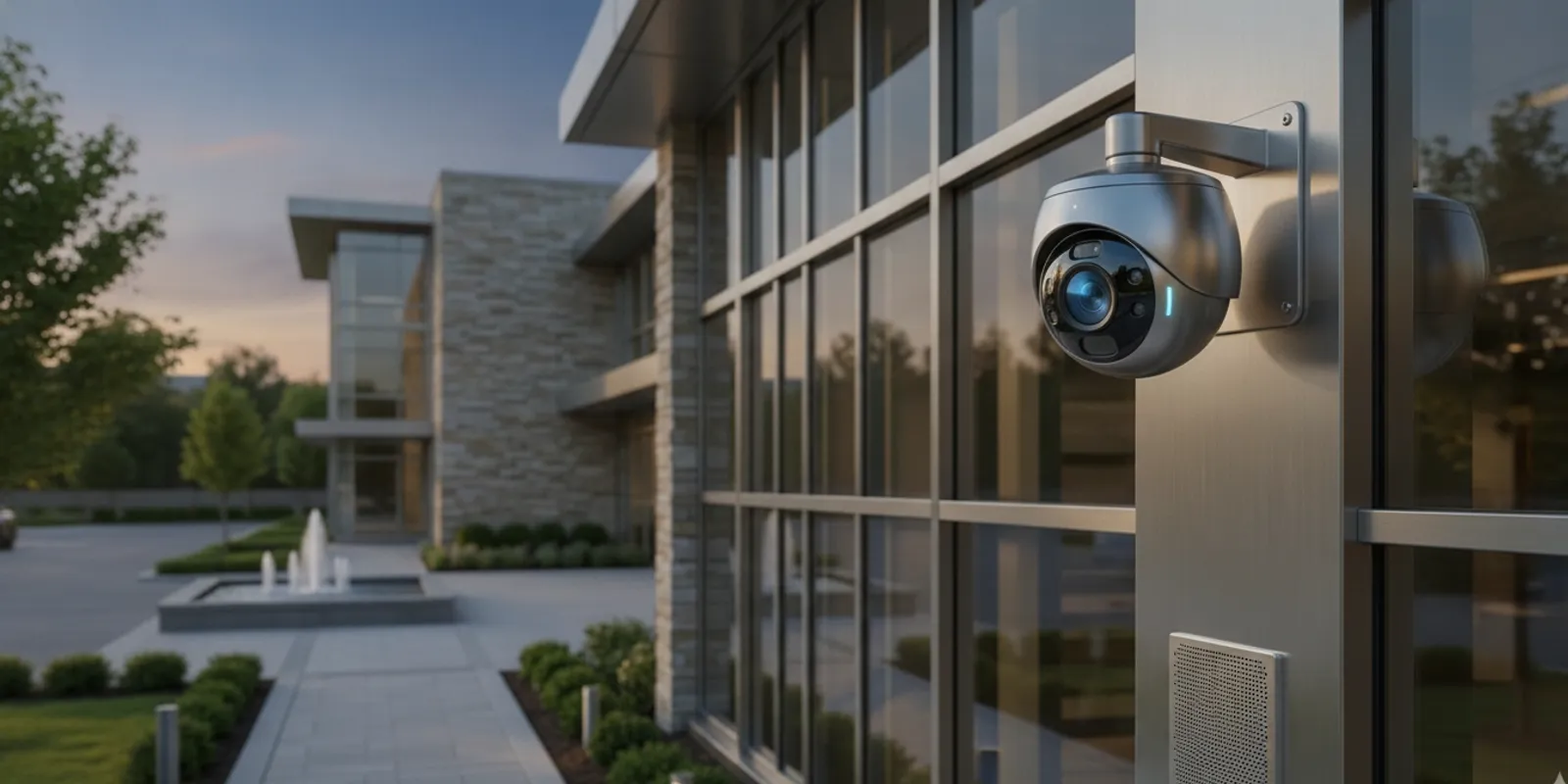
A commercial security cameras system can do more than record activity. When it is designed with remote monitoring and carefully positioned speakers, it may also let an authorized operator deliver a timely voice intervention. The important planning question is not simply which camera or speaker to buy. It is how the camera view, speaker zone, operator decision, site procedure, and escalation path will work together.
Request your free security assessment now
What does remote audio response add to camera monitoring?
A camera gives an operator visual information. A speaker provides a way for an authorized operator to address a situation from a remote location. Depending on the monitoring arrangement, a short message might alert someone that an area is monitored, direct a person away from a restricted zone, or ask staff to check a condition. It is a communication layer, not a guarantee that an event will stop.
Remote audio does not replace emergency services, onsite procedures, or physical security when those are needed. It should sit within a broader plan that defines qualifying events, who may speak, which messages are appropriate, and what to do if the situation continues. InVision Systems provides virtual guarding services that may use suitable existing cameras, remote human voice intervention, speaker systems, and AI human detection. Suitability depends on the view, network, layout, and operating procedures.
For a buyer, the benefit is a more deliberate response than passive recording alone. An operator can review context before speaking instead of reacting to every motion alert. The organization can also decide in advance whether a routine event receives a recorded message, a live instruction, an onsite call, or no audio response. Those decisions make the system easier to operate and evaluate.
Which locations should an assessment consider?
Begin with places where a spoken warning could be understood and useful. Candidates may include a vehicle gate, loading area, stockyard, service entrance, parking edge, or limited-access space after hours. A busy public entrance may be a poor fit if an announcement could confuse ordinary visitors or interrupt normal business.
For each candidate, record the camera view, likely activity, ambient noise, distance to the speaker, and the safe area where a person should hear the message. Camera coverage and speaker coverage are different design questions. One camera may see a large area while a speaker’s intelligible range is much smaller.
- Restricted perimeter: Can the image distinguish relevant activity at the boundary? Does the intended speaker reach the approach without broadcasting farther than needed?
- Loading or service area: Could engines or machinery mask speech? Would a directional speaker help keep the message within the work zone?
- Interior zone: Is there a defined security purpose for audio, and will staff recognize the voice as an authorized instruction?
- Public-facing area: Could an announcement alarm customers, reveal sensitive information, or sound like an instruction from an onsite employee?
- Shared or multi-tenant space: Which tenant or property manager controls the response, and where could a message be heard by unrelated occupants?
Use a marked floor plan or site map to show camera direction, speaker location, intended response zone, and areas where audio should not be used. Add notes about obstructions, doors, walls, work shifts, weather exposure, and noise sources. This simple drawing often reveals a gap: a camera sees an event, but the person is outside the speaker’s useful range.
Time of day matters as well. A quiet service yard at night may support a different message and volume than the same yard during a delivery shift. Review typical and unusual conditions rather than designing only for an empty property. If a location changes substantially between day and night, the workflow should state which operating mode applies.
How should the team design the response workflow?
Hardware cannot decide when someone should be addressed. Write a workflow before enabling voice intervention. It should tell an operator what to review, what evidence is enough to act, which message to use, and what follows if the activity persists. A compact sequence is easier to apply consistently than a long set of vague rules.
- Receive an event: A detection or monitoring rule brings a camera view to attention. Specify which alerts warrant review instead of treating every movement as a reason to speak.
- Verify context: Check the live image and available context. Consider whether the person may be an employee, contractor, customer, or authorized visitor, and whether the camera angle provides enough evidence.
- Check the response zone: Confirm that the person is within the intended speaker area and that the message will not reach an unrelated space. If the operator cannot establish this, use the alternative procedure.
- Select a response: Use a brief approved message or a clear live instruction. Be specific about the requested action and avoid language that implies an onsite person is present when that is not true.
- Observe the result: Keep the relevant camera view available long enough to determine whether the person complies, leaves, or creates a new concern.
- Escalate if necessary: Follow the site’s contact tree or emergency procedure if activity continues or raises a safety concern. Define who makes that decision and who is contacted.
- Record and review: Note the event, action, and follow-up under the site’s record-retention policy. Review unusual or disputed interventions with the designated manager.
Decide whether messages will be live, prerecorded, or a combination. Live speech can adapt to context; recordings can keep routine wording consistent. For example, a recorded reminder may suit a clearly marked restricted gate, while a live operator may need to tailor a request when the scene is uncertain. In either case, messages should be calm, short, and understandable. Avoid threats, sensitive details, and unnecessary personal descriptions.
Prepare message examples without treating them as universal scripts. A routine boundary message might identify the area and request that the person leave. A delivery-area message might ask an individual to report to the designated entrance. A staff-check message might tell an operator to contact a named site role rather than addressing the person at all. The property owner should approve the final wording and its permitted use.
Document permissions too. Limit who can activate speakers, modify messages, and review event records. Establish a way for staff to report a fault, unclear announcement, or inappropriate response, and identify who can pause audio while the concern is reviewed. Include a backup process for a failed speaker, unavailable operator, or poor video view.
What should buyers compare in an audio response design?
| Design element | What to assess | Question for the site team |
|---|---|---|
| Speaker coverage | Direction, distance, noise, weather, and mounting position | Can people in the intended zone hear the message clearly? |
| Trigger and verification | Detection rules, human review, and camera context | What must an operator confirm before speaking? |
| Message method | Live speech, approved recordings, or both | Which events require flexible wording? |
| Connectivity | Network path, power, bandwidth, and outage behavior | What happens if a device or connection is unavailable? |
| Operations | Roles, escalation, permissions, and recordkeeping | Who owns each step, including follow-up? |
| Privacy practice | Notice, restricted areas, audio settings, and access to records | What review is needed before activation? |
There is no universal speaker count or placement. Ceiling height, walls, outdoor conditions, and competing sound all change what works. A drawing or product specification cannot establish intelligibility on its own; the system needs a site-specific assessment and practical listening tests.
Buyers should also compare the operating burden. A design with many independent zones may offer precise control but require more training and maintenance. A simpler design may be easier to manage but could broadcast too broadly. Ask the integrator to explain those tradeoffs in terms of the site’s actual response areas, not only equipment features.
Can existing cameras support virtual guarding?
Sometimes. Existing equipment may work if its views show the relevant activity, video is accessible reliably, and the configuration supports the planned monitoring process. Age or brand alone does not establish suitability.
Review recorded and live images at the times when intervention might be needed. Check lighting, glare, shadows, obstructions, motion blur, and whether people appear large enough in the frame to interpret the scene. A view that works at midday may fail after dark or when vehicle headlights create glare. Consider network capacity and how access to video will be managed. If a camera lacks useful context, repositioning it or adding coverage may be more effective than placing a speaker beside it.
Evaluate the whole system rather than a camera specification in isolation. InVision’s security camera systems can be considered alongside monitoring, recording, and site operations. Businesses with broader requirements can also review commercial security solutions. A consultation should establish what existing components can support and where the design needs to change.
For a useful comparison point, a third-party overview of security cameras for businesses illustrates that business buyers commonly compare professional monitoring, features, and customization. Those broad categories are only a starting point. A site assessment still has to determine whether a particular camera view, network path, and speaker zone meet the property’s needs.
How do privacy and workplace practices affect the plan?
Limit audio intervention to a defined security purpose. Decide where speakers are appropriate, what messages they may deliver, and how staff and visitors will be informed. Avoid broadcasting sensitive details or addressing someone when the operator cannot confidently understand the scene.
Policies vary by location and use. Before enabling features that capture or record sound, ask the organization to review applicable legal and workplace requirements. Delivering a warning through a speaker is not automatically the same function as recording conversations; state the intended use and configure the system accordingly. The site owner should obtain appropriate legal guidance for the property and jurisdiction rather than treating a technology plan as legal advice.
For a multi-tenant or public-facing property, involve facilities, operations, and privacy decision-makers before installation. Agree on signage or staff communications where needed, define areas where audio is not to be used, and give employees a contact for questions. This planning can prevent a security feature from surprising staff or conflicting with ordinary site activity.
Access control for the monitoring platform is part of this review. Use individual accounts where supported, assign permissions by role, and remove access when responsibilities change. Decide how long event records are retained and who may export or share them. These steps help keep a voice-response system focused on its security purpose.
What should commissioning and testing include?
Test the complete chain, not merely whether a speaker produces sound. Confirm that the operator can access the correct camera, the intended speaker responds, and the message is intelligible where people are expected to hear it. Test under realistic conditions, including typical machinery or traffic noise when feasible.
- Compare camera views and speaker zones with the marked site plan.
- Listen from several points in the intended area and check clarity, not only volume.
- Test at different times and lighting conditions when the site operates differently.
- Test authorized user access and confirm permissions match assigned roles.
- Walk through an ordinary alert from verification to message, escalation, and record entry.
- Check what the operator sees and what the system does during network or power interruptions; document limitations.
- Train responsible staff to report faults and follow the approved response procedure.
- Confirm that an announcement does not unintentionally cover a neighboring tenant, public walkway, or staff area.
For a practical example, imagine a service gate that should remain closed after hours. The test should confirm that the camera shows the gate and approach clearly, the operator can distinguish an authorized delivery from unexplained entry, and the speaker is audible without reaching unrelated tenant areas. The team should then rehearse the approved instruction and confirm the contact path if the gate remains open. If any link in that chain fails, revise the view, message, or procedure before relying on it.
A second example is an industrial yard with changing background noise. The team could test an empty yard, a normal shift change, and a period when vehicles are operating. If the message is understandable only in the quiet condition, the answer may involve a different speaker position, another zone, a revised message, or a different response method. Increasing volume without considering neighboring areas is not automatically the right fix.
Keep a commissioning record with the accepted messages, test date, responsible contacts, and unresolved coverage limits. Set a review interval suited to site operations, and repeat tests after material changes to equipment, network, layout, access patterns, or procedures. Ongoing technical assistance can help keep a customized system aligned with those changes.
How should connectivity and structured wiring be planned?
Remote audio depends on more than the camera and speaker. The design should account for power, network paths, device locations, bandwidth, and maintenance access. Identify where network equipment will live, how cables will be protected, and which components need weather-appropriate installation. Document what happens when a connection is interrupted so staff do not assume that a silent device is operating normally.
When a project involves a new facility or major renovation, include structured cabling planning in the coordination discussion. Plan cable routes, network equipment locations, and access for maintenance early, rather than leaving connectivity decisions until camera and speaker placement is fixed. Early coordination can reduce visible cabling, avoid difficult routes, and make future changes easier.
For an existing property, inspect the current path rather than assuming it can carry a new service. Note long runs, shared equipment, inaccessible ceilings, outdoor transitions, and areas where construction may be required. A good proposal should separate known conditions from items that require further testing.
What should you ask a security integrator?
Use a consultation to discuss the desired outcome, not just equipment. Ask how the site assessment will distinguish camera coverage from speaker coverage, how existing devices will be evaluated, and what conditions might call for new equipment or network work. InVision Systems’ approach includes consultation and assessment, custom design and planning, professional installation, and training and support.
- Which precise locations suit audio intervention, and where would it be inappropriate?
- How will alerts be verified before an operator speaks?
- Who can speak through the system and approve message changes?
- What is the fallback if video, audio, power, or connectivity fails?
- How will operators and site staff be trained, and who handles support after installation?
- What privacy or workplace review should the organization complete?
- How will the system be tested after installation, and what records will the owner receive?
- Which parts of the existing system can be retained, and which limitations should be addressed first?
A useful proposal connects the camera view, speaker zone, operator action, and site procedure. It should also state limitations plainly, including areas where audio may not be heard or activity cannot be verified. For another perspective on camera planning, see this guide to business security systems with cameras, and review how virtual guards work at commercial properties.
Industrial and commercial buyers may also compare the plan with their broader site controls. A camera and speaker design can coordinate with access procedures, alarms, visitor management, and staff communications, but it should be clear which team owns each response. InVision’s industrial security camera solutions can be considered for facilities where layout, equipment, and operating shifts create additional design questions.
Schedule your free security assessment today
Frequently asked questions
Can virtual guarding use cameras already installed?
It may, if the camera views, access method, and network support the intended monitoring workflow. An assessment can identify suitable cameras, speaker locations, and remaining coverage gaps.
Does every camera need a speaker?
No. Speaker placement should follow the response plan and identify areas where a spoken intervention could be useful. Other views may be intended only for observation or recording.
Should operators use live speech or recorded messages?
That depends on the event and procedure. Recordings can keep routine wording consistent, while live speech can respond to context. A plan may use either or both with clear authorization.
Can a remote voice response replace onsite security staff?
Not in every situation. Remote intervention can supplement a site’s measures, but it does not provide physical assistance. Set escalation procedures that fit the property’s risks and operations.
How often should the system be tested?
Set a regular schedule with the integrator and repeat tests after material changes to equipment, network, site layout, or procedures. Keep results and corrective work documented.
Plan a commercial security cameras system as a connected process: map the site, define when an operator may speak, protect privacy, plan reliable connectivity, and test every link before relying on remote audio response.