
Warehouse Security Camera System for Distribution Centers
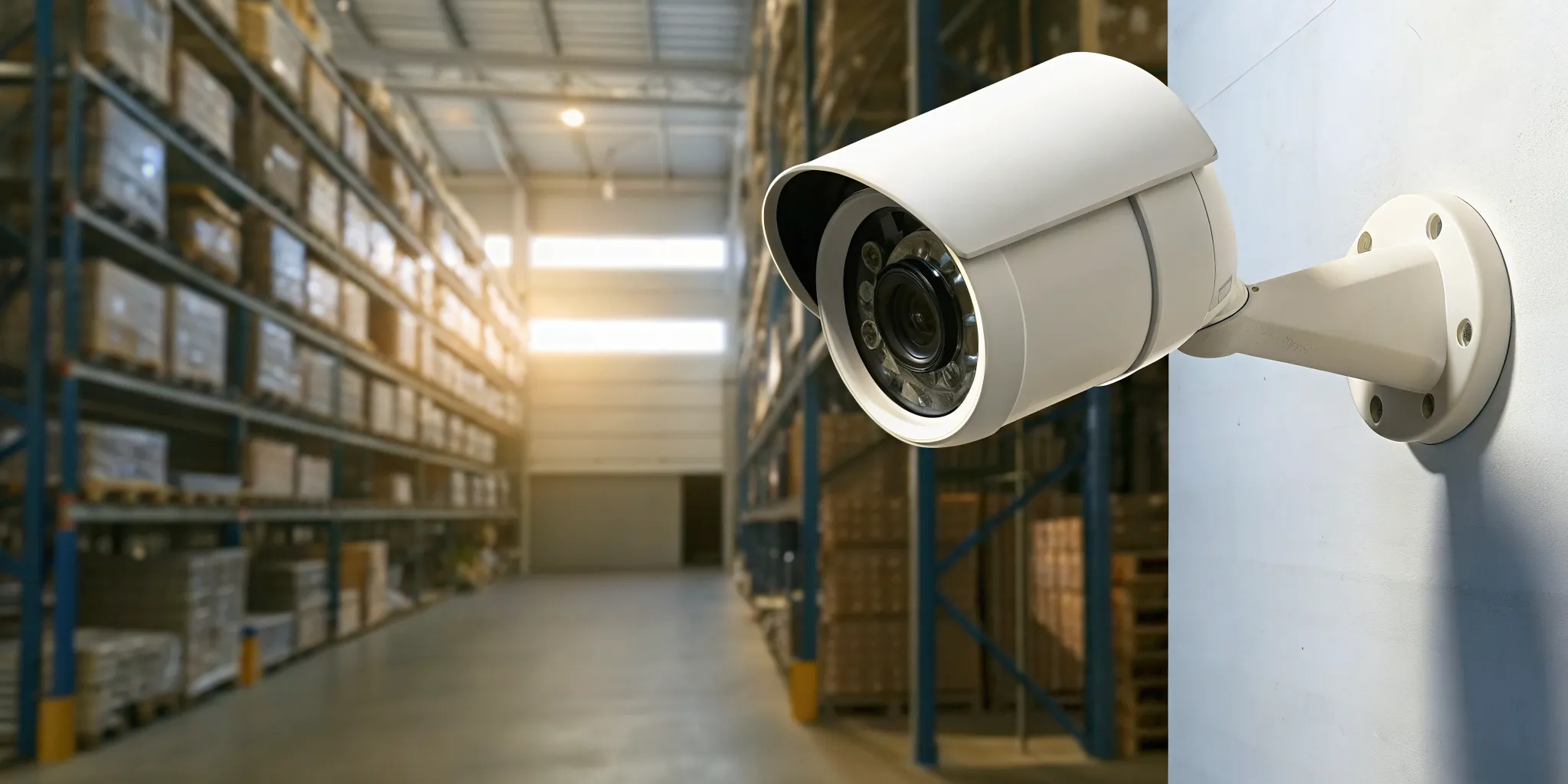
A distribution center can be busy, well lit, and staffed during the day, yet still have blind spots around high-bay storage, loading docks, restricted rooms, and exterior approaches. Security planning has to account for how the facility actually operates, not simply add cameras wherever power is available.
A warehouse security camera system should combine strategically placed surveillance with access control, alarms, and monitoring. This gives security teams the ability to see activity, verify who is entering sensitive areas, and respond to problems before they affect inventory or operations.
For large industrial facilities, the right design begins with a practical review of ceiling heights, lighting, traffic patterns, doors, and valuable inventory. That assessment determines where high-resolution coverage is needed, which camera technology fits each space, and how the system should connect with controlled access and response services.
Designing a Warehouse Security Camera System for Large Facilities
A large warehouse needs more than a few cameras pointed across the main floor. The system should be planned around the building’s layout, workflow, storage configuration, and highest-risk points. The average U.S. warehouse exceeds 15,000 square feet, so a camera plan must deliver useful coverage across high-traffic and high-risk areas. A security camera system for your warehouse should be designed to support clear identification, dependable oversight, and practical day-to-day operations.
Why placement matters in high-bay facilities
High ceilings and varying lighting conditions make warehouse camera placement especially important. A camera mounted too high or aimed across a bright loading-door opening may produce a broad image that offers little useful detail. Racking, suspended equipment, columns, and changing daylight can also create blind spots or reduce visibility at the exact locations where activity needs to be reviewed.
Design begins with a coverage map. The installer should identify entrances, employee and visitor access points, aisles, picking areas, inventory storage, packing stations, loading docks, and other high-traffic zones. Cameras can then be positioned and angled to reduce overlapping blind spots while preserving the view needed for identification. Lighting should be evaluated at different times of day, not just during a single walkthrough.
HD-TVI cameras can be a practical option when a facility has compatible coaxial infrastructure and needs a focused upgrade without replacing every cable. They can provide high-definition coverage for indoor areas while fitting into an existing system design. IP cameras use network cabling and can offer greater flexibility for camera placement, expansion, and integration with other network-based security tools. The right choice depends on the warehouse’s existing wiring, network capacity, desired resolution, and future expansion plans.
Large facilities often benefit from combining camera types instead of forcing one technology into every location. A detailed design can match cameras to aisle views, wide open spaces, entrances, and areas where close visual detail matters. That planning helps the camera investment remain useful for both security investigations and operational oversight.
This approach has worked for manufacturers and industrial operators across the region. InVision Systems has installed camera and security systems for clients such as Woodharbor Doors and Hyson USA. Woodharbor asked for dependable coverage across multiple plants, while Hyson valued a project handled with professionalism from start to finish. The same planning discipline that guided those industrial jobs applies to distribution centers of nearly any size.
Access Control for Restricted Zones and Inventory Storage
A warehouse does not have the same security needs in every part of the building. Reception areas, employee entrances, inventory aisles, high-value storage, and loading docks each present different risks. Access control creates boundaries around those areas so authorized employees, contractors, and visitors can enter where they belong, while sensitive zones remain protected.
For example, a facility can require credentials for entry to a high-value inventory cage, limit dock access to shipping staff, or assign temporary credentials to a contractor that expire after a scheduled project. These controls help reduce opportunities for inventory theft and make it easier to identify unusual access activity. They also support accountability when several shifts, vendors, and delivery teams use the same facility.
Control entry where inventory changes hands
Loading docks deserve special attention because products move between the warehouse, delivery vehicles, and outside personnel. An access-controlled dock door can restrict entry to approved users instead of relying on an open doorway or shared key. Pairing that credential event with a camera view gives managers useful context: who entered, when the door opened, and what was happening around the transaction.
The same approach applies to receiving offices, returns areas, tool rooms, and inventory storage zones. Access permissions should reflect job responsibilities, not simply convenience. A warehouse employee may need access to a picking area but not to a cage containing high-value equipment. Reviewing permissions regularly is important when employees change roles, leave the company, or when temporary workers finish an assignment.
Connect access events with video and alarms
Access control is most effective when it works with the rest of the security system. Comprehensive warehouse security integrates surveillance, access control, and alarm systems into a unified platform, supporting both protection and logistics management. When a forced door, invalid credential, or after-hours entry occurs, the system can connect the event to relevant video and alert responsible personnel.
This integrated approach also supports supply-chain continuity. U.S. Customs and Border Protection identifies robust physical access controls as a supply-chain security best practice because protecting facilities helps prevent costly interruptions to trade. For a warehouse evaluating an access control system for restricted zones, the goal is not to slow daily work. It is to make authorized movement efficient while creating a clear barrier around inventory and operationally sensitive areas.
Integrating Monitoring and Virtual Guarding Into Daily Operations
Warehouse surveillance becomes more useful when it supports daily decisions, not just post-incident investigations. Intelligent monitoring can help teams watch entrances, aisles, staging areas, and loading activity while maintaining a clearer view of what is happening across a large facility. High-resolution surveillance is valuable for both security and operational oversight, particularly where managers need dependable visual information from busy or widely distributed areas.
Virtual Guarding adds a human response layer without requiring a guard to be physically stationed at the property. The service can use the warehouse’s existing camera infrastructure, which may make it a cost-effective way to supplement or replace some traditional guard coverage. AI detection helps identify potential human activity, while trained remote personnel can assess the event and respond according to the site’s procedures. For additional background, see this guide to virtual security guards.
AI human detection and live voice intervention
AI human detection can help distinguish a person entering a monitored area from routine movement that does not require attention. That distinction is especially useful around restricted storage, after-hours entrances, and zones that should be empty during certain operating periods. The system can route relevant activity to a remote monitoring team for review instead of treating every camera event as an emergency.
When intervention is warranted, live voice communication through connected speakers gives the remote operator a way to address the situation immediately. A clear announcement can challenge an unauthorized person, direct a driver or visitor to a designated area, or tell someone that the property is being monitored. This proactive response may deter unwanted activity before it becomes theft, trespassing, or an operational disruption.
Virtual Guarding can also be tailored to warehouse workflows. Monitoring protocols may prioritize alarm events, movement near sensitive areas, or activity outside approved schedules. InVision Systems can evaluate the camera views, speaker placement, detection rules, and escalation steps together through its virtual guarding service. The result is a coordinated approach that supports site security while giving warehouse leaders better visibility into daily operations.
Protecting the Perimeter and Loading Docks
A warehouse can have strong interior coverage and still leave important exposure outside the building. Perimeter areas, vehicle entrances, employee parking, fencing, and approaches to the property should be included in the camera design. Effective warehouse security extends beyond the walls to help identify unauthorized access before someone reaches inventory, equipment, or staff.
Outdoor-rated cameras are built for changing weather, temperature shifts, dust, and variable lighting. Their placement should account for the distance from the building, mounting height, available light, and the direction people and vehicles travel. A carefully designed system can monitor gates, corners, drive lanes, and other approach points without creating unnecessary overlap or blind spots. InVision’s outdoor surveillance cameras guide provides additional information about features to consider for exterior coverage.
Loading docks need focused coverage
Loading docks are particularly important because goods, drivers, vendors, and employees converge there throughout the day. Cameras should provide useful views of dock doors, trailer positions, staging areas, and the paths between the dock and interior storage. The goal is not simply to record activity. It is to create a clear visual record of who approached a dock, which vehicle was present, and when materials moved through the area.
Camera angles should minimize obstruction from trailers, raised doors, forklifts, and stacked pallets. Dedicated views may be needed for dock approaches and close-range activity, while wider views can show movement across the yard. Nighttime performance also matters, since exterior lighting and vehicle headlights can change what the camera captures. Outdoor coverage is most useful when the image remains identifiable in the conditions the facility actually experiences.
Perimeter and dock cameras can also support daily operations by helping teams review delivery activity, investigate damaged shipments, and resolve disputes. When surveillance is connected with access control and alarms, an unusual event can be evaluated in context instead of as an isolated video clip. That coordinated design gives warehouse leaders a more complete view of activity from the property line to the storage floor.
Stopping Inventory Theft With Intelligent Surveillance
Inventory theft is easier to investigate when a camera system captures more than a vague movement in the distance. High-resolution surveillance can help maintain security while improving operational oversight, giving warehouse leaders a clearer view of activity around merchandise, staging areas, and employee work zones. It also creates a visible deterrent. When cameras are positioned where people can see them and footage is available for review, the opportunity for unnoticed removal becomes less attractive.
Coverage must follow the way inventory moves through the facility. Large warehouses average more than 15,000 square feet, so a few cameras aimed at broad open areas will leave important gaps. Systems should be designed around high-traffic aisles, picking and packing stations, pallet staging areas, and storage locations where valuable or frequently handled products are concentrated. The goal is not simply to install more cameras. It is to produce usable coverage at the points where loss is most likely to occur. Careful warehouse camera planning helps align coverage with high-traffic and high-risk zones.
Detail that supports identification
Camera resolution matters when a supervisor needs to review an incident and identify what happened. HD-TVI cameras can provide detailed video over existing coaxial infrastructure, making them a practical option for some warehouse upgrades. Depending on the facility and its cabling, an installer may position HD-TVI cameras to capture faces, labels, package handling, or movement through an aisle without requiring a complete infrastructure replacement. Camera selection should still account for mounting height, lighting, viewing angle, and the distance to the subject.
For a more complete plan, combine clear video with appropriate recording, retention, and review procedures. A well-planned camera deployment should help answer who entered a zone, when an item moved, and which route activity followed. InVision Systems can evaluate the layout and recommend a security camera system for your warehouse that supports both theft prevention and day-to-day oversight.
Choosing the Right Warehouse Security Camera System
The right camera platform depends on the facility’s construction, existing wiring, viewing distances, lighting, and how much integration the operation needs. Large warehouses often average more than 15,000 square feet, so a reliable design should prioritize high-traffic and high-risk zones rather than simply adding cameras wherever cable is convenient. See our business security systems with cameras for a broader look at commercial camera planning.
HD-TVI vs IP cameras at a glance
| Option | Best for | Strengths | Notes |
|---|---|---|---|
| HD-TVI cameras | Facilities with existing coaxial cabling or a phased upgrade plan. | High-definition video over familiar cabling, with practical coverage for aisles, dock approaches, entrances, and other indoor areas. | Confirm cable condition, power requirements, recorder capacity, and viewing distance during the site assessment. |
| IP cameras | New construction, network-ready facilities, or sites needing flexible expansion. | Network-based deployment, easier scalability, and strong support for detailed views across broad warehouse spaces. | Plan network bandwidth, storage, power, and cybersecurity as part of the camera design. |
| Camera plus access control | Restricted inventory rooms, offices, server areas, employee entrances, and receiving zones. | Connects a recorded view with permission-based entry, helping teams review who accessed a sensitive area and when. | Add when cameras alone cannot control entry or when accountability around high-value goods matters. |
HD-TVI and IP are both viable choices for large indoor spaces. The better fit is determined by the building and the operational objective, not by the label on the camera. High ceilings and changing lighting conditions can make placement and image quality difficult, so the design should account for mounting height, aisle sightlines, glare, shadows, and identification needs. These considerations are especially important where a distant overview is not enough and the team may need usable detail at a doorway, workstation, or loading point.
Access control becomes the logical addition when the security objective includes preventing unauthorized entry, not just documenting it. Pairing cameras with controlled doors can create a more complete record around restricted zones and inventory storage. A unified platform that connects surveillance, access control, and alarms can also support security response and logistics management instead of leaving each system as an isolated record. A professional assessment can compare the reuse of existing infrastructure with the long-term flexibility of a networked design. Then place coverage where it supports both protection and daily warehouse operations.
Frequently Asked Questions
Which camera is best for a warehouse?
The right camera depends on ceiling height, lighting, viewing distance, and the area being monitored. IP cameras offer flexible network-based placement and high-resolution views, while HD-TVI cameras can be a practical choice when using existing coaxial infrastructure. A professional design should match each camera to aisles, inventory areas, entrances, and loading docks rather than use one model everywhere.
How much does a commercial security camera system cost?
There is no responsible flat price because cost changes with facility size, camera count, resolution, storage, lighting conditions, access control, alarm integration, and monitoring. A site assessment can identify priority zones and separate essential coverage from optional additions. That approach produces a system aligned with operational risks instead of an underbuilt installation that leaves blind spots.
Are there cameras in warehouses?
Many warehouses use cameras to monitor entrances, aisles, inventory storage, shipping areas, and perimeter approaches. Coverage should be planned around high-traffic and high-risk locations. The average US warehouse is more than 15,000 square feet, so camera placement and coverage design matter when protecting a large facility. Source.
Why does a warehouse need a reliable security camera system?
Reliable surveillance helps deter unauthorized activity, document incidents, and improve visibility into daily operations. It becomes more effective when integrated with access control and alarms, allowing a facility team to connect video with restricted-area access or an alert. Remote monitoring and AI detection can add timely human intervention when an event requires attention.
Ready to strengthen your warehouse security?
A security assessment can help your team identify coverage gaps across cameras, access points, loading areas, and other priority zones. InVision Systems can review your facility and recommend a practical approach for your distribution center. Contact InVision Systems to schedule your free warehouse security assessment.