
Church Security System Guide for Chicago Churches
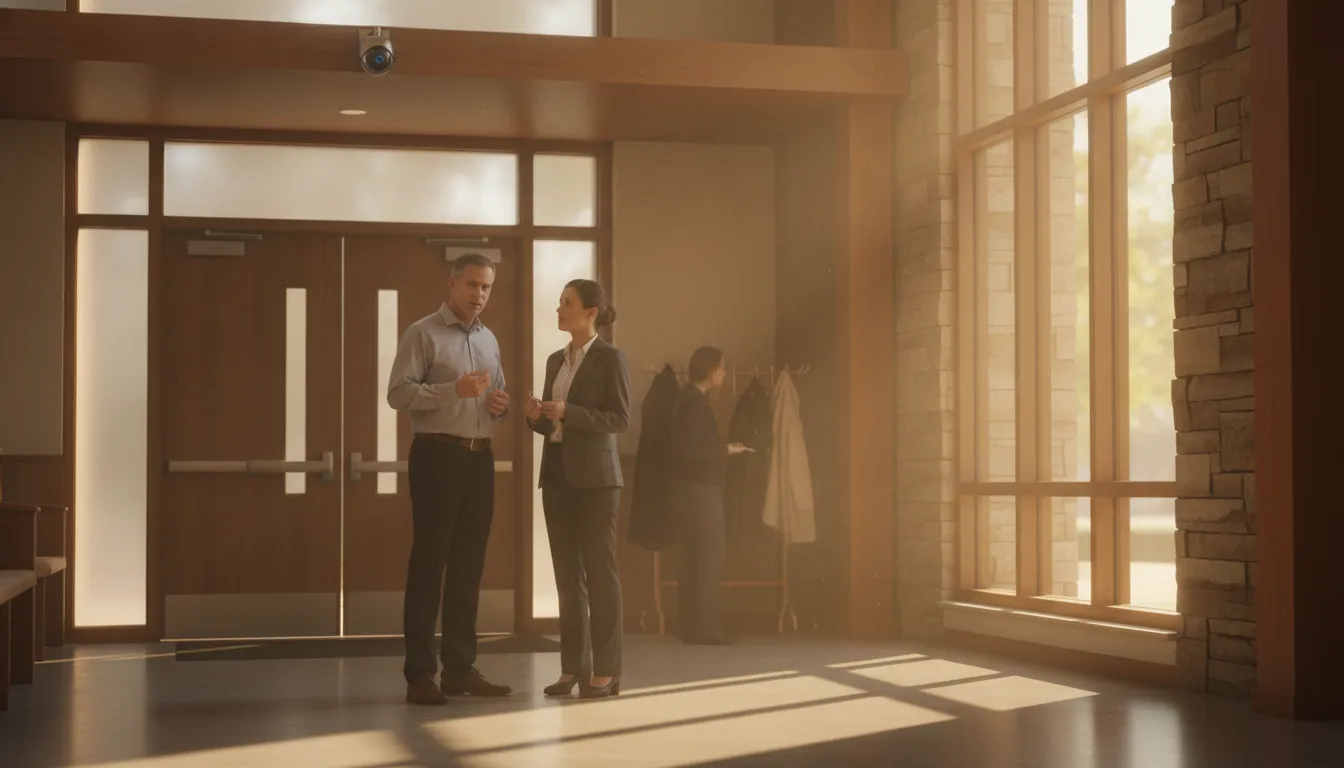
A church is more than a building with one front entrance.
Worship services, childcare, offices, classrooms, parking areas, and community events create different security needs throughout the week.
A thoughtful church security system protects people and property while preserving the open, welcoming character of a place of worship.
Request your free security assessment
A well-planned church security system combines cameras, access control, alarms, intercoms, and proactive monitoring around the property’s layout, schedule, and operating needs. The objective is coordinated protection, not dependence on one device.
Churches in Chicago, the surrounding suburbs, Northwest Indiana, and Southeast Wisconsin can begin with a site assessment. Mapping real movement patterns shows which technologies belong at each entrance, room, parking area, and shared facility. It also helps leaders improve safety without making normal visitors feel watched or unwelcome.
How to Plan a Church Security System Around Your Property
Begin with the property and its routines, rather than a list of devices. A useful church security system reflects how people enter, move through, and use the building during worship, weekday programs, childcare, meetings, and community events.
Map entrances and daily schedules
Document every public, staff, delivery, and emergency entrance. Note which doors are used during services, which remain unlocked for activities, and which connect to offices, classrooms, kitchens, or storage. Multi-entry buildings need more than a single front-door solution.
Review a typical week, including early setup, evening services, youth programs, and quiet periods when only a few staff members are present. Access permissions, camera views, lighting, and alarm zones may need to change with the activity. A design based only on Sunday worship can miss the periods when fewer people are available to notice a problem.
Include childcare and shared facilities
Childcare rooms, nurseries, classrooms, and youth areas deserve careful planning. Identify the entrances parents use, the doors staff must control, and the routes between classrooms, restrooms, fellowship spaces, and sanctuary areas. Camera placement should support awareness at appropriate transition points, not record rooms where privacy is expected.
Shared facilities need the same attention. Churches may host outside groups, rent rooms, or operate food-service and community spaces at different times. A group may need access to one room without access to offices, classrooms, or storage. That distinction can guide door hardware, credentials, intercom coverage, and alarm zones.
Assess parking and create a risk map
Extend the assessment beyond the walls. Mark parking areas, drop-off lanes, sidewalks, exterior doors, playgrounds, and poorly observed approaches. Note lighting conditions, landscaping, sightline obstructions, and locations where visitors gather before or after events. Rank each area by activity, sensitivity, visibility, and the impact of a coverage gap.
Use that map to set priorities instead of trying to cover every location equally. Reliable recording and clear identification are core requirements for church security cameras. Camera placement should work alongside access control, alarms, intercoms, and network infrastructure. Leave capacity for future changes to the property and congregation.
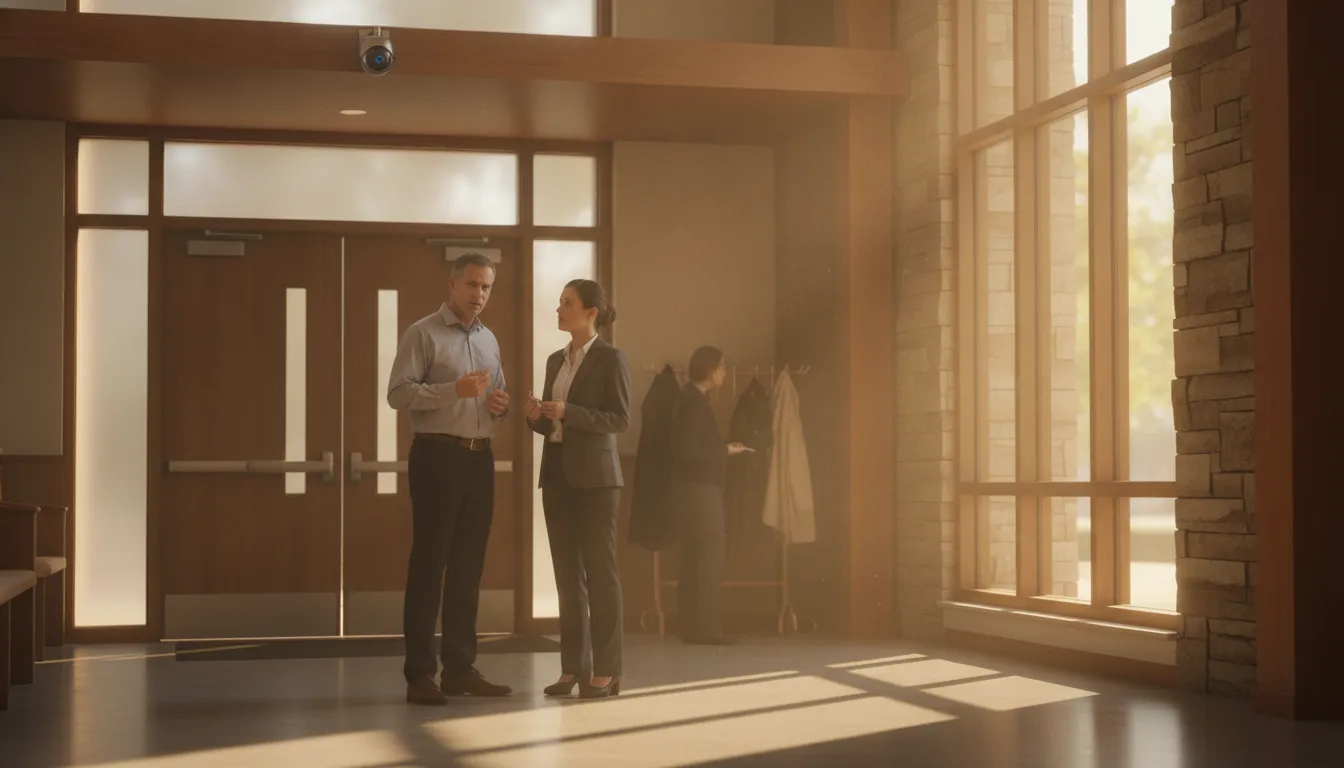
What Should a Church Security System Include?
A complete church security system brings together several connected layers, including security cameras, access control, intrusion and fire alarms, intercoms, structured wiring, and a monitoring plan. The right combination depends on the church’s entrances, childcare check-in, classrooms, offices, parking, shared spaces, schedule, and privacy practices.
For a Chicago-area church, a site assessment should map where people arrive, which doors need different permissions, which areas need visibility, and how staff will respond to alerts. InVision Systems can design and install a custom security camera system as part of a coordinated plan. Learn more about custom security camera system design and installation.
| Component | Primary role | Planning consideration |
|---|---|---|
| Security cameras | Show entrances, exterior approaches, parking, and selected interior transition points. | Match views to lighting, identification needs, recording, and privacy. |
| Access control | Manage designated doors and permissions for staff, volunteers, classrooms, offices, and shared spaces. | Use schedules and credentials that reflect the church’s operating patterns and emergency access needs. |
| Intrusion and fire alarms | Alert designated people to unauthorized entry, alarm events, or fire-related conditions. | Coordinate zones, schedules, contacts, and emergency procedures. |
| Intercoms and audio | Support communication and controlled entry at doors or between key areas. | Place communication points where greeters, administrators, or security personnel can use them. |
| Structured wiring and network | Provide dependable connections for IP cameras and connected devices. | Review cabling, power, equipment locations, and room for future expansion. |
| Monitoring and response | Help staff assess events and follow a defined response process when an alert needs attention. | Decide who reviews alerts, when to use voice intervention, and how an event is escalated. |
Video surveillance for awareness
Cameras should answer practical questions. Who approached an entrance? Was a side door left open? What occurred in a parking area? Reliable recording and clear identification can deter unwanted activity and provide useful evidence after an incident. Cameras remain one layer, not a guarantee that an incident will never occur.
Selection should match the scene. An entrance may need a view that shows faces, while a parking area may need wider coverage across an approach. Glare, nighttime lighting, weather, mounting height, and network capacity all affect usefulness. Professional design accounts for those details before installation.
Access, alarms, and communication
Access control can help staff apply different permissions to offices, classrooms, storage rooms, and other restricted areas without making every entrance feel closed. Churches evaluating access control systems should consider credentials, schedules, lost-card procedures, emergency access, and volunteer responsibilities.
Alarms add notification when monitored events need attention. Intercoms give staff a way to communicate before granting entry or coordinating a response. These systems work best when alerts, user permissions, and response steps are designed together rather than installed as isolated devices.
The network foundation
Many modern security devices depend on a stable IP network. Structured wiring should be evaluated as part of the security design, especially when a church is upgrading cameras or adding connected devices. Review structured cabling and network planning alongside the building’s current infrastructure and planned use.
Professional integration ties each component to the building’s routines. A site-specific design can account for service schedules, events, volunteer roles, privacy expectations, and future changes. InVision Systems provides customized design, installation, and support for organizations across the Chicago area and nearby communities.
Where Should Churches Place Security Cameras?
Camera placement should follow how people move through the building, not simply where wiring is easiest to install. A useful layout gives staff visibility at key transition points while preserving the welcoming character of worship and community spaces.
Cover entrances and arrival points
Start with every public entrance, side door, staff entrance, and door connecting the sanctuary to another part of the building. Cameras should show faces as people approach, rather than capture only the tops of heads. Include vestibules, reception areas, and exterior approach paths where practical.
Avoid placing a camera directly behind a bright doorway or window. Backlighting can make identification difficult. A professional assessment can account for daylight, nighttime illumination, sight lines, and changing service schedules. Cameras should support greeters and facilities staff, not replace clear policies or trained judgment.
Use extra care around childcare areas
Childcare entrances, hallways, check-in points, and room approaches often benefit from carefully controlled coverage. Cameras can help authorized staff understand who is entering and leaving without recording private activity inside classrooms, changing areas, or restrooms. Keep lenses outside rooms whenever possible.
Establish written rules for who may view recordings, how long footage is retained, and when it may be shared. Communicate those rules to staff and volunteers so security practices remain consistent across services, programs, and events. Access control can reinforce the policy by limiting entry to authorized team members.
Extend coverage to parking and shared facilities
Parking lots, drop-off lanes, accessible entrances, and paths between buildings are important parts of the plan. Use overlapping views where vehicles, pedestrians, and deliveries converge, while accounting for glare, weather, landscaping, and seasonal changes. Inside, consider fellowship halls, kitchens, offices, storage areas, gyms, and rooms used by outside groups.
Shared facilities may have different schedules and access expectations. Camera views should support accountability without monitoring spaces where privacy is reasonably expected. A clear map helps leaders decide what must be covered now and what can be included in a later phase.
Pair appropriate camera views with alarm monitoring for church security when the church needs an additional response layer for after-hours activity or alarm events. Cameras create awareness. Coordinated procedures determine what happens next.
How Can Proactive Monitoring Support a Welcoming Environment?
Security should help people feel comfortable entering and using a place of worship. Proactive monitoring adds attentive oversight while allowing gatherings, classes, counseling, and community events to continue. Instead of relying only on a response after an alarm or incident, monitoring can help staff recognize unusual activity and assess what is happening in the moment.
Use existing cameras where practical
Virtual Guarding can often leverage an existing camera system. That may reduce the need to replace every device before improving oversight. A professional review can identify whether current cameras provide useful views of entrances, hallways, parking areas, and other priority spaces. It can also reveal gaps caused by poor angles, limited nighttime visibility, or outdated equipment.
The goal is not to watch every person or treat ordinary activity as suspicious. It is to establish clear, privacy-aware coverage of locations where timely response matters. Camera placement and monitoring rules should reflect the church’s schedule, volunteer roles, and sensitive areas.
Combine detection with human judgment
AI human detection can identify movement that deserves attention, giving remote security personnel a practical starting point. The technology does not replace judgment. A trained human can review the situation, consider context, and determine whether activity appears routine, needs communication, or should be escalated according to the response plan.
This combination can help when a building is open but staff members are occupied elsewhere. Someone lingering near a restricted entrance, approaching after hours, or moving through a quiet area may receive attention without requiring volunteers to patrol every part of the property.
Intervene early and calmly
Remote human voice intervention adds a visible and audible deterrent. When appropriate, a remote operator can address a person through an integrated speaker system and ask them to leave a restricted area or identify their purpose. A calm, timely message may resolve an issue before it develops further while preserving a welcoming experience for legitimate visitors.
No monitoring approach can guarantee that an incident will never occur. Its value is improving awareness, shortening the time between detection and action, and supporting consistent procedures. Churches evaluating virtual guarding for places of worship should consider existing cameras, operating hours, privacy expectations, speaker placement, and escalation steps.
How Much Does a Church Security System Cost?
There is no responsible one-size-fits-all price for a church security system. Costs vary with property size, design complexity, protected areas, existing infrastructure, and whether professional monitoring is included. A small building with one primary entrance has different requirements than a multi-building campus with classrooms, childcare areas, offices, parking, and several worship spaces.
Evaluate coverage and infrastructure
The number of cameras is only one part of the calculation. Coverage depends on how many entrances, hallways, exterior approaches, parking areas, and shared spaces require visibility. Each camera should support a practical outcome, such as recognizing a person at an entrance or reviewing activity near a side door.
Existing infrastructure can affect installation effort. Usable network cabling, appropriate equipment locations, and reliable power may reduce the work required. An older or spread-out building may need new structured wiring for IP cameras and security networks. The budget can also change when cameras must work with access control, alarms, intercoms, or a monitoring platform.
Compare proposals by outcomes
Professional monitoring is another important decision. A church may choose alarm monitoring, video verification, or proactive service that uses existing cameras, AI human detection, and human voice intervention. The right choice depends on staffing, hours of operation, response procedures, and desired support.
- Which entrances, rooms, outdoor areas, and schedules need coverage?
- What existing cameras, cabling, alarms, or access hardware can be reused?
- Which systems should share alerts, video, credentials, or operator controls?
- Does the church need recording only, event response, or professional monitoring?
- What installation, testing, maintenance, and expansion costs belong in the proposal?
These questions help leaders compare proposals on coverage, reliability, integration, and ongoing support rather than equipment counts alone.
How to Implement Security Without Losing the Welcome
A thoughtful church security system should support ministry rather than make visitors feel processed. Implementation works best when leaders define simple practices around the building’s real operating patterns, then explain those practices clearly to staff, volunteers, members, and guests.
- Build an emergency operations plan. Address situations such as a medical emergency, severe weather, fire, suspicious activity, or unauthorized entry. Identify decision-makers, notification methods, evacuation or shelter locations, reunification procedures, and responder access. The FBI resource Developing Emergency Plans for Houses of Worship can serve as a planning reference. Adapt it to the building, congregation, and local emergency contacts.
- Communicate in welcoming language. Tell greeters, ushers, ministry leaders, childcare teams, and facilities staff what to notice, whom to contact, and how to communicate during an incident. A short orientation, clear escalation path, and discreet communication method can help volunteers respond calmly. The DHS Center for Faith-Based and Neighborhood Partnerships provides preparedness resources for faith communities.
- Train staff and volunteers by role. Greeters may need visitor-flow and emergency-notification guidance. Childcare teams may need room-specific access and pickup procedures. Facilities staff may need to operate locks, alarms, intercoms, or camera views. Include when to call emergency services, what information to share, and what not to do.
- Test the system and procedures. Confirm camera views, recording, user permissions, alarm contacts, intercom audio, speaker placement, and network reliability. Test procedures at different times of day and during representative events. Record gaps, assign owners, and set a review schedule.
- Review privacy and access policies. Define who can view footage, how credentials are issued, how lost credentials are handled, and how long records are retained. Revisit the rules when the building, staff, technology, or programming changes.
These steps make security part of responsible facility stewardship rather than a barrier to hospitality. A Chicago-area integrator can help church leaders connect the plan, technology, and training to the property’s actual needs.
Schedule your free church security assessment today
FAQs About Church Security Systems
What is the most important part of a church security system?
The most important part is a site-specific plan that connects people, procedures, and technology. Cameras, access control, alarms, intercoms, and monitoring are more useful when they address actual entrances, schedules, sensitive areas, and response responsibilities.
Should cameras record inside childcare rooms?
Camera coverage should be designed with privacy in mind. Many churches prioritize entrances, check-in points, hallways, and room approaches instead of recording private activity inside classrooms, changing areas, or restrooms. Written viewing, retention, and sharing policies should accompany any installation.
Can a church use its existing cameras for proactive monitoring?
Often, yes. A professional review can determine whether existing cameras provide useful views, adequate image quality, suitable lighting coverage, and the connectivity needed for monitoring. The review can also identify gaps that require repositioning, new equipment, or additional speakers.
How can security remain welcoming during worship services?
Use discreet equipment, simple visitor procedures, clear volunteer training, and privacy-aware policies. Layered security should support greeters and ministry teams rather than turn every visitor into a subject of suspicion. Communication and calm response matter as much as the devices.